1
Chapter 14
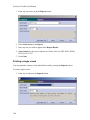
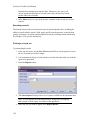
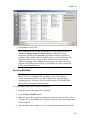
7. Press Save to export EAD.
Note: Upon export, the Toolkit will check to see if the repository record
includes an Agency Code and Country Code, and that the resource
description contains an FA Location. These three fields are exported as
attributes of the <eadid> element, attributes that are recommended, but not
required, in EAD. If one or more of these elements are not present, the
Toolkit will prompt you to Cancel the operation if you wish to enter data
in the missing field(s) before export, or press OK if you wish to output the
EAD without this information.
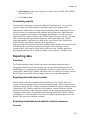
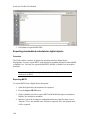
Exporting MARCXML
Note: The granularity of certain fields, such as subject headings, is not the
same in the AT as in MARCXML. In addition, the AT's mapping of
certain elements into MARC may differ slightly from your repository's
existing practices. Therefore, you may wish to edit the AT's MARCXML
after it has been exported from the system.
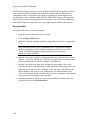
To export MARCXML from a resource description:
1. Open the resource description to be exported.
2. Press the Export MARC button.
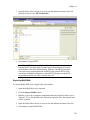
3. Indicate if you wish to suppress components and notes when the status is set to
"Internal." If yes, the internal notes will not be exported. If no, the internal notes
will be exported.
4. Open the folder where the file is to be saved, and indicate the name of the file.
185