1
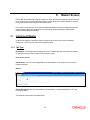
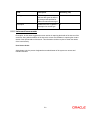
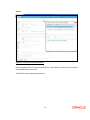
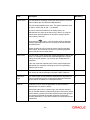
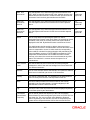
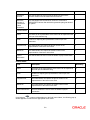
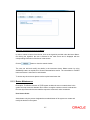
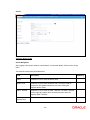
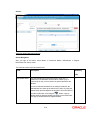
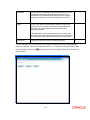
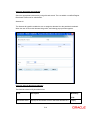
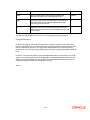
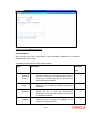
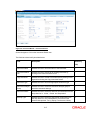
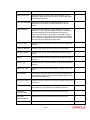
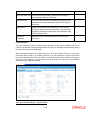
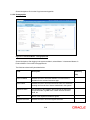
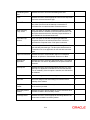
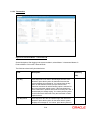
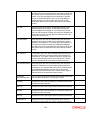
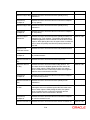
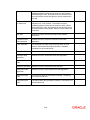
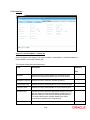
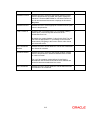
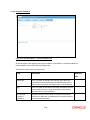
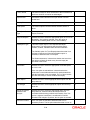
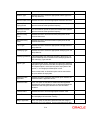
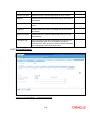
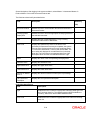
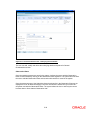
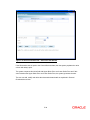
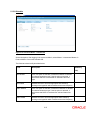
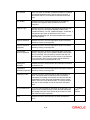
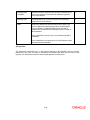
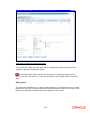
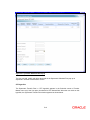
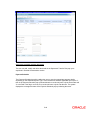
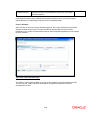
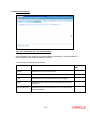
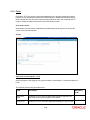
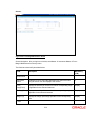
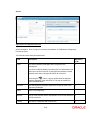
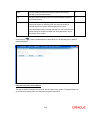
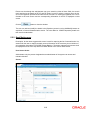
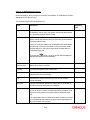
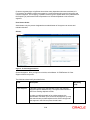
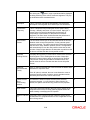
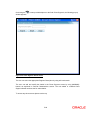
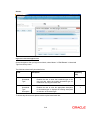
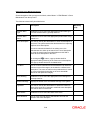
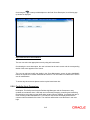
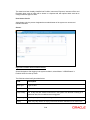
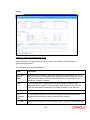
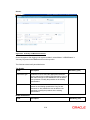
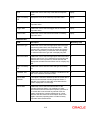
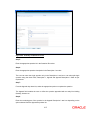
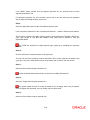
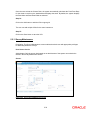
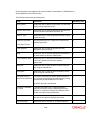
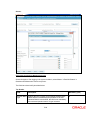
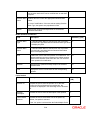
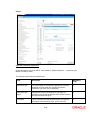
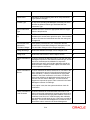
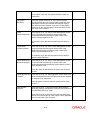
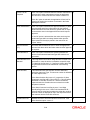
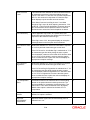
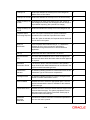
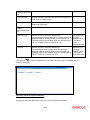
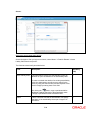
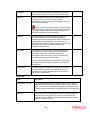
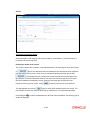
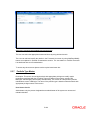
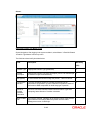
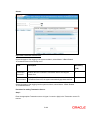
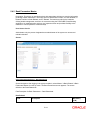
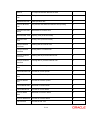
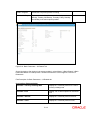
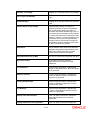
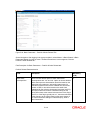
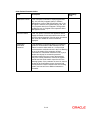
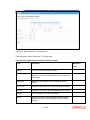
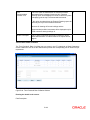
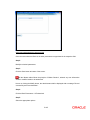
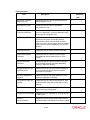
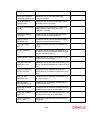
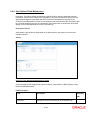
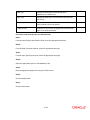
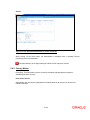
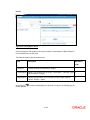
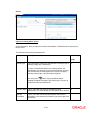
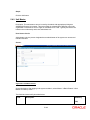
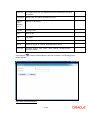
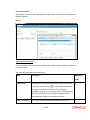
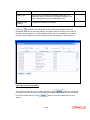
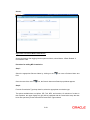
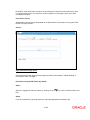
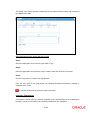
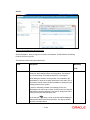
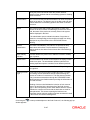
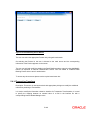
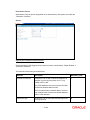
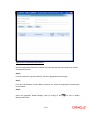
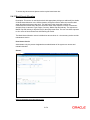
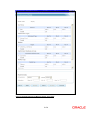
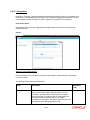
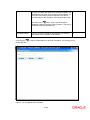
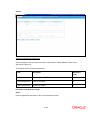
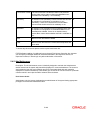
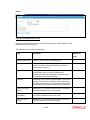
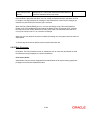
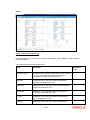
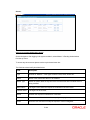
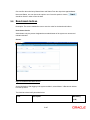
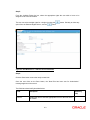
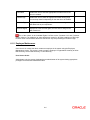
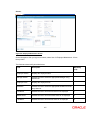
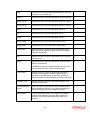
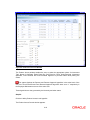
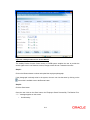
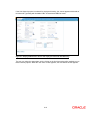
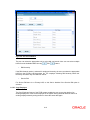
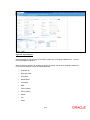
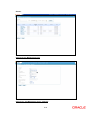
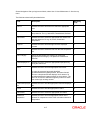
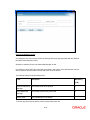
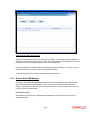
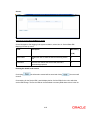
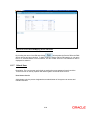
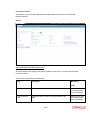
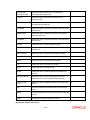
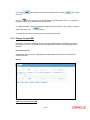
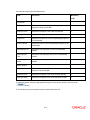
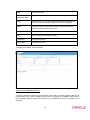
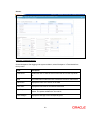
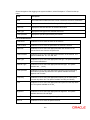
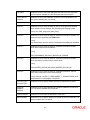
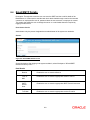
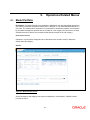
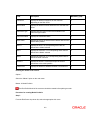
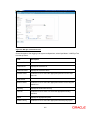
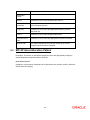
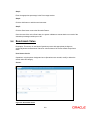
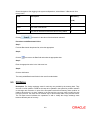
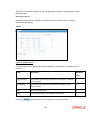
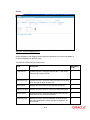
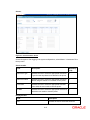
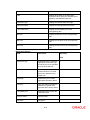
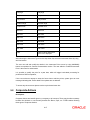
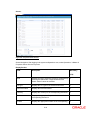
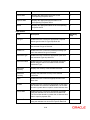
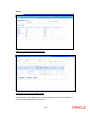
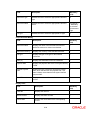
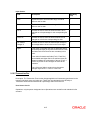
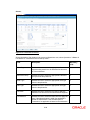
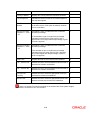
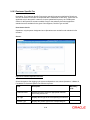
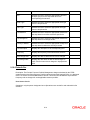
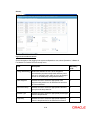
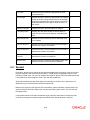
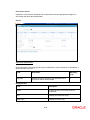
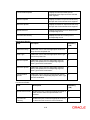
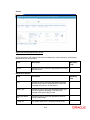
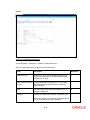
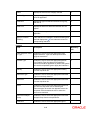
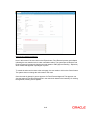
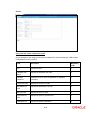
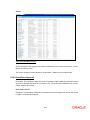
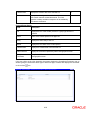
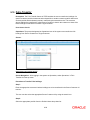
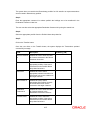
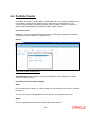
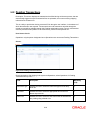
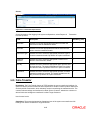
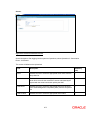
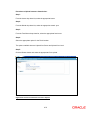
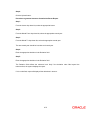
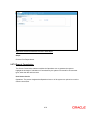
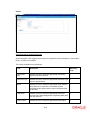
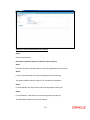
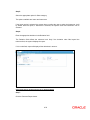
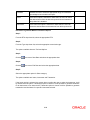
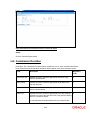
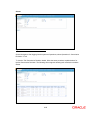
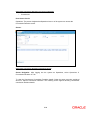
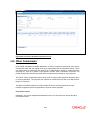
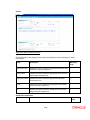
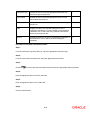
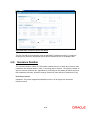
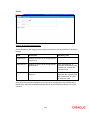
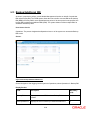
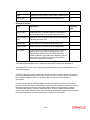
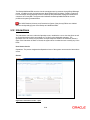
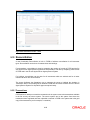
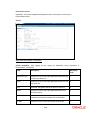
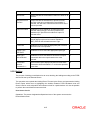
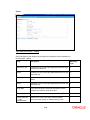
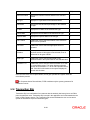
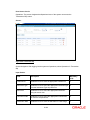
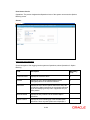
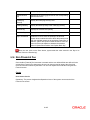
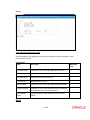
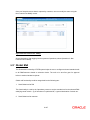
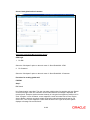
Screen: Figure 5.53: Asset Liability Class Screen Screen Navigation: After you login as an Admin, select Master Portfolio Related Asset Liability Class from the top menu. The fields have been briefly described below: Field Description Mandatory (Y/N) Asset Liability Class This field shall be used by the administrator to enter an identifier of upto 5 characters for an asset/liability class. Y In order to maintain the details of an existing asset/liability class, the administrator can either opt to search for the class, by using the search button provided adjacent to this field or simply by entering class in this field. On clicking the button, a pop up window shall be displayed enabling searching of the asset/liability class. This pop up window has been elucidated below. Name This is a free text field and the administrator can specify the Name of the asset/liability class upto a length of 15 characters. 5-98 Y