1
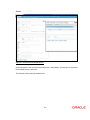
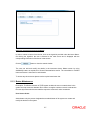
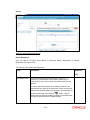
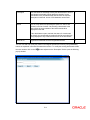
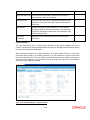
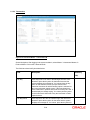
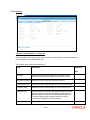
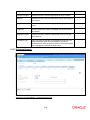
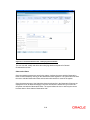
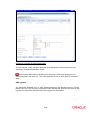
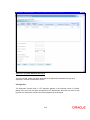
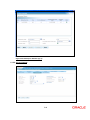
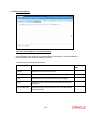
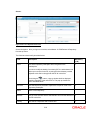
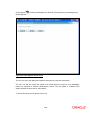
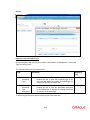
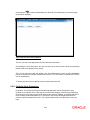
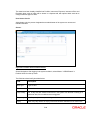
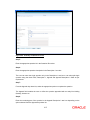
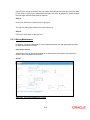
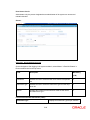
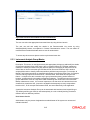
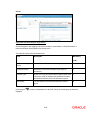
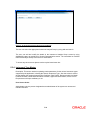
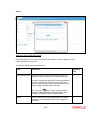
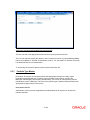
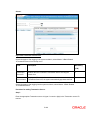
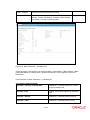
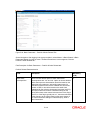
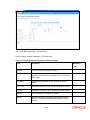
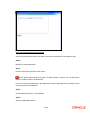
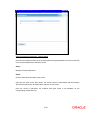
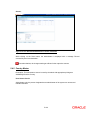
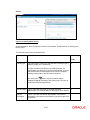
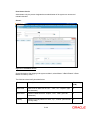
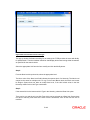
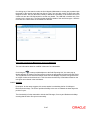
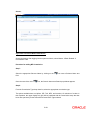
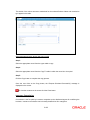
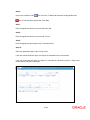
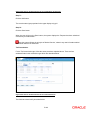
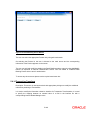
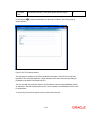
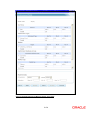
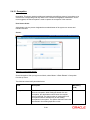
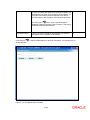
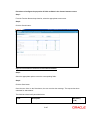
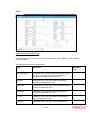
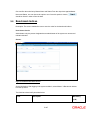
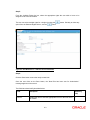
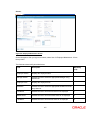
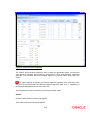
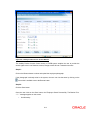
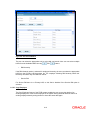
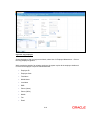
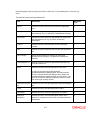
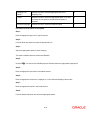
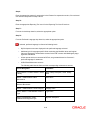
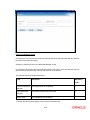
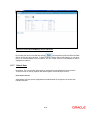
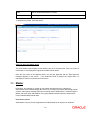
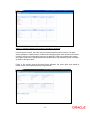
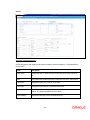
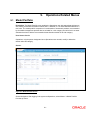
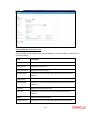
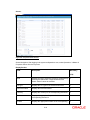
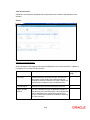
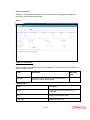
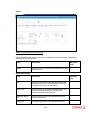
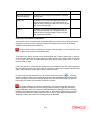
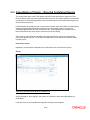
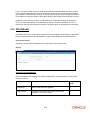
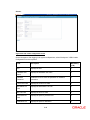
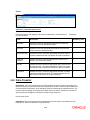
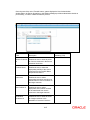
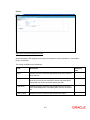
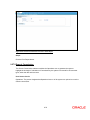
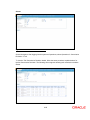
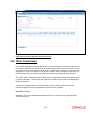
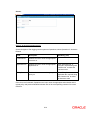
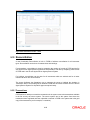
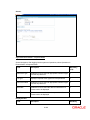
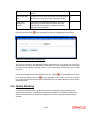
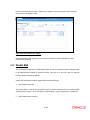
Figure 7.7: Checker Inbox Approval Screen for Field Access Controller
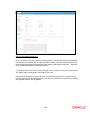
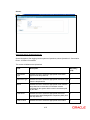
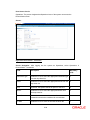
In these checker screens, the entire screen is broadly divided into three sections. The upper
section displays the modified values, middle section displays original values and the lower section
is used to enter the comments while at the time of approval. Further, the modified value section
and original value section displays whether the selected field is kept mandatory and/or modifiable
as shown in the figure above.
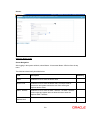
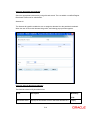
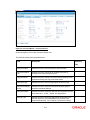
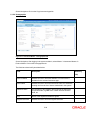
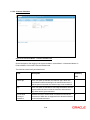
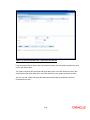
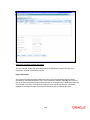
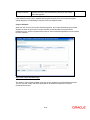
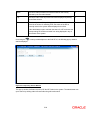
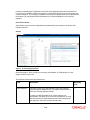
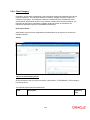
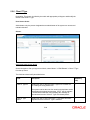
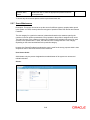
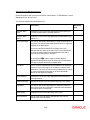
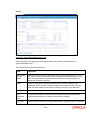
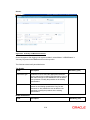
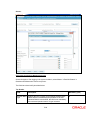
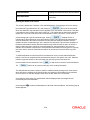
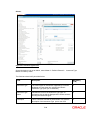
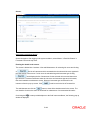
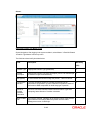
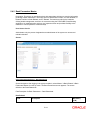
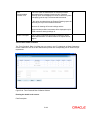
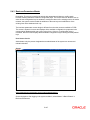
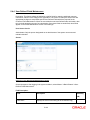
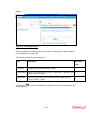
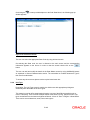
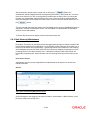
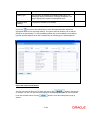
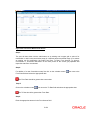
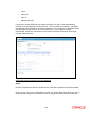
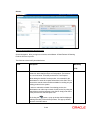
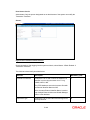
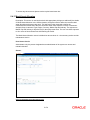
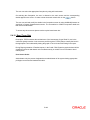
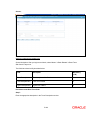
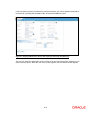
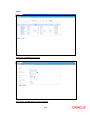
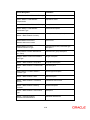
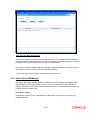
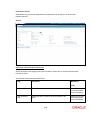
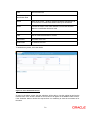
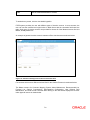
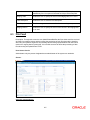
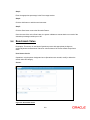
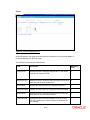
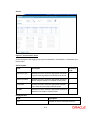
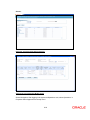
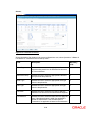
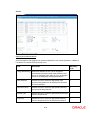
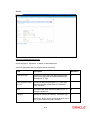
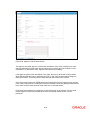
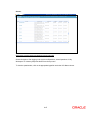
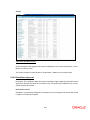
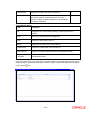
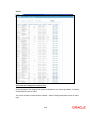
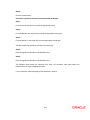
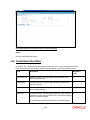
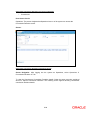
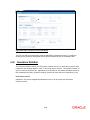
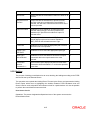
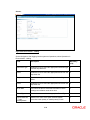
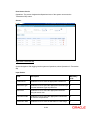
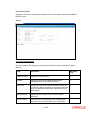
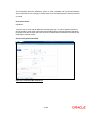
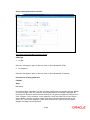
Finally, in few checker screens like Model Asset Allocation, the screen gives more details of
master screen to be modified as shown in figure below:
7-7