1
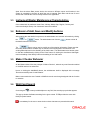
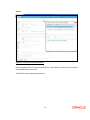
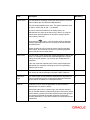
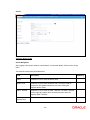
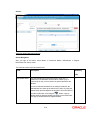
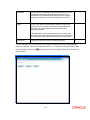
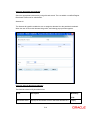
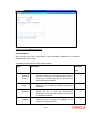
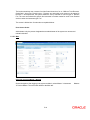
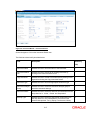
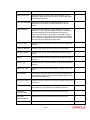
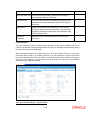
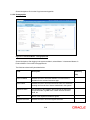
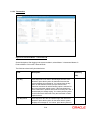
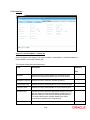
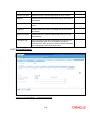
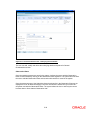
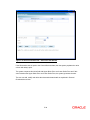
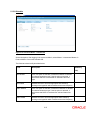
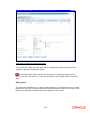
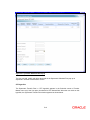
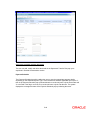
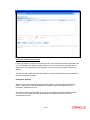
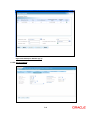
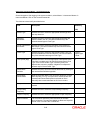
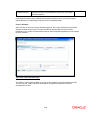
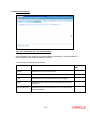
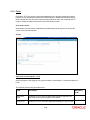
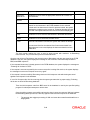
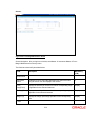
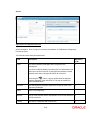
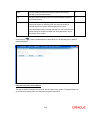
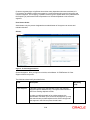
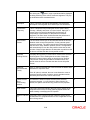
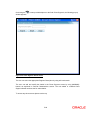
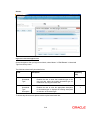
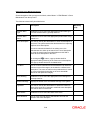
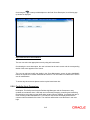
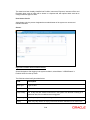
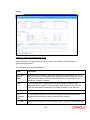
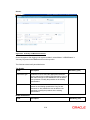
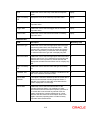
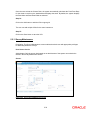
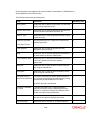
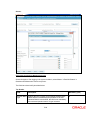
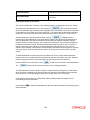
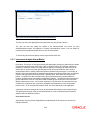
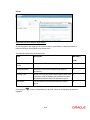
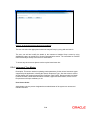
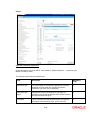
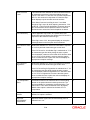
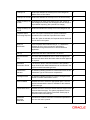
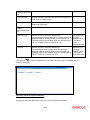
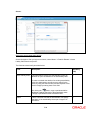
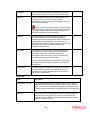
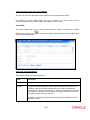
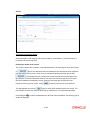
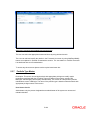
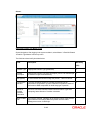
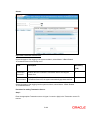
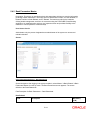
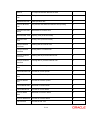
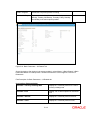
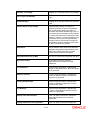
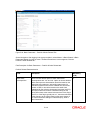
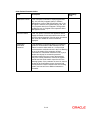
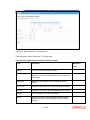
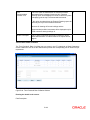
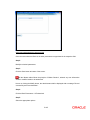
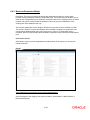
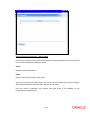
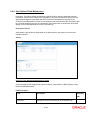
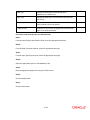
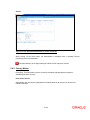
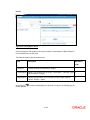
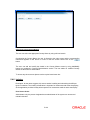
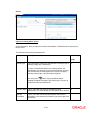
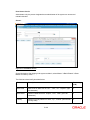
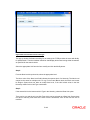
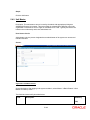
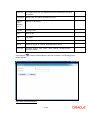
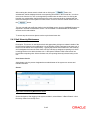
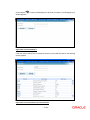
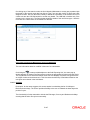
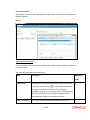
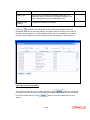
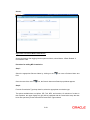
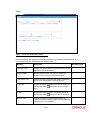
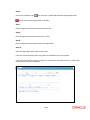
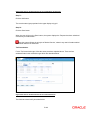
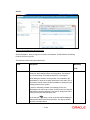
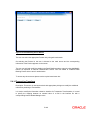
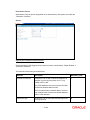
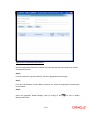
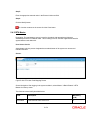
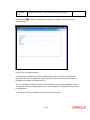
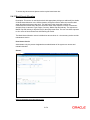
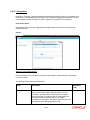
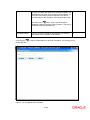
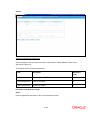
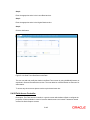
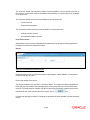
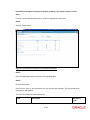
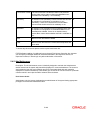
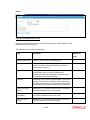
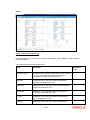
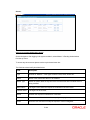
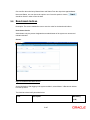
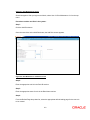
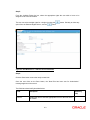
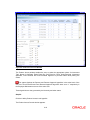
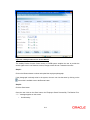
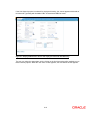
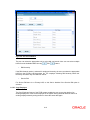
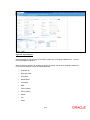
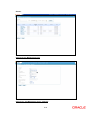
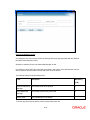
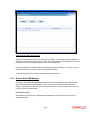
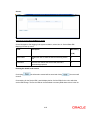
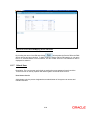
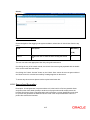
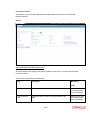
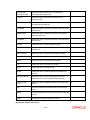
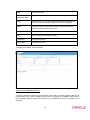
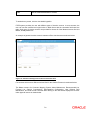
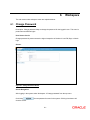
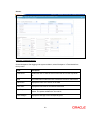
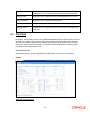
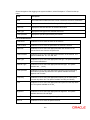
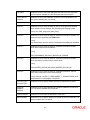
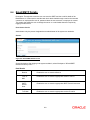
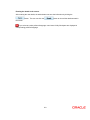
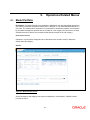
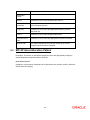
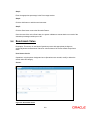
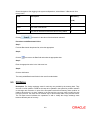
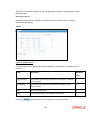
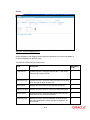
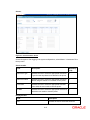
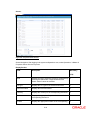
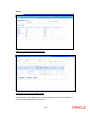
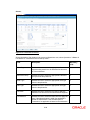
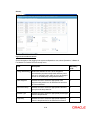
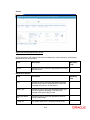
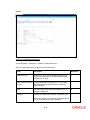
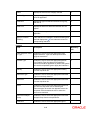
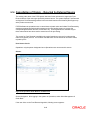
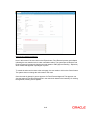
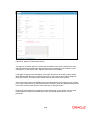
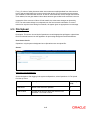
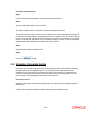
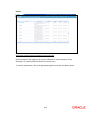
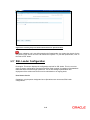
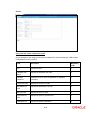
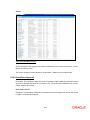
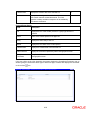
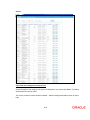
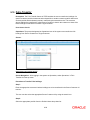
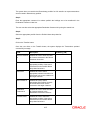
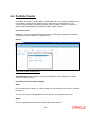
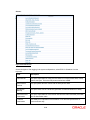
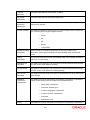
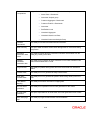
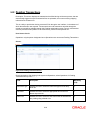
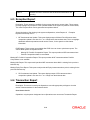
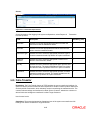
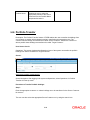
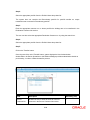
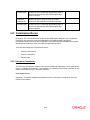
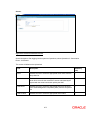
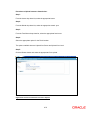
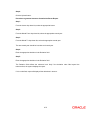
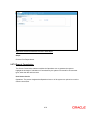
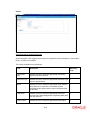
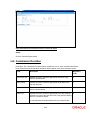
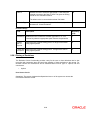
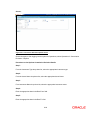
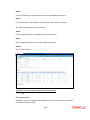
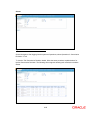
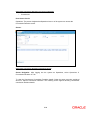
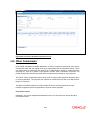
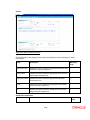
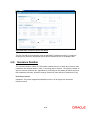
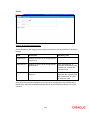
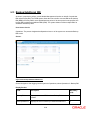
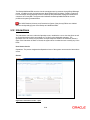
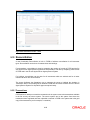
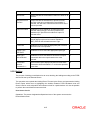
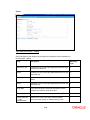
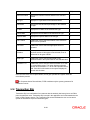
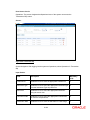
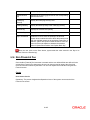
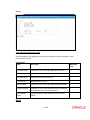
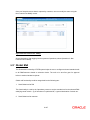
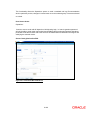
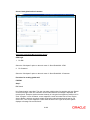
9. 9.1 Operations Related Menus Model Portfolio Description: The Model Portfolio menu enables the Operations user with appropriate privileges to add, modify, and delete the Model Portfolio that is attached to a an Asset Allocation Model for a risk score. The model portfolio comprises of a combination of investment products, recommended by the wealth management provider that are suitable for a risk category and will result in an asset allocation that ties in with the recommended asset allocation model for the risk category. User Access Levels: Operations: only the person designated as an Operations user can add, modify or delete the details under this category. Screen: Figure 9.1: Model Portfolio Screen Screen Navigation: After logging in the system as Operations, select Master Model Portfolio from the top menu. 9-1