1
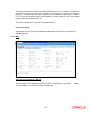
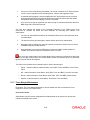
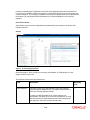
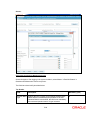
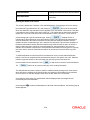
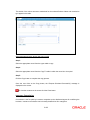
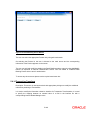
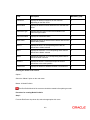
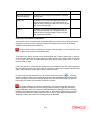
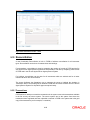
The system does not consider the Discretionary portfolio for portfolio transfer as corpus
transactions are accounted in Discretionary portfolio.
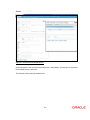
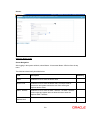
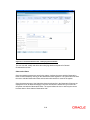
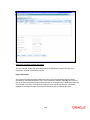
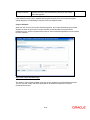
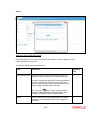
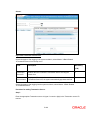
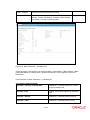
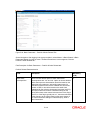
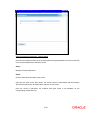
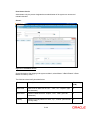
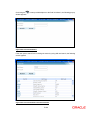
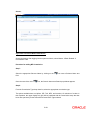
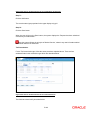
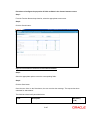
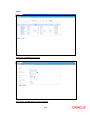
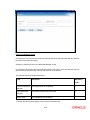
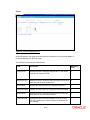
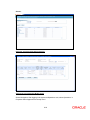
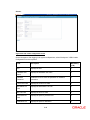
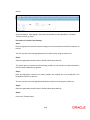
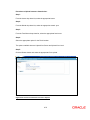
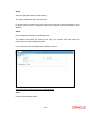
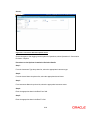
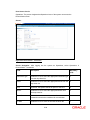
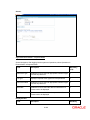
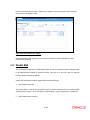
Step 3:
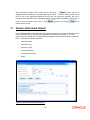
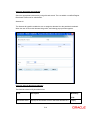
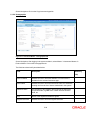
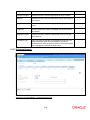
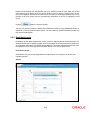
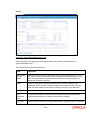
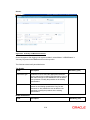
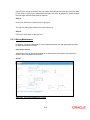
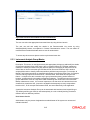
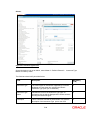
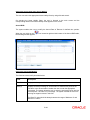
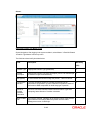
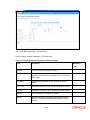
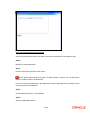
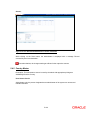
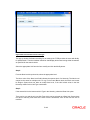
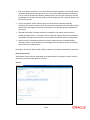
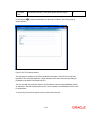
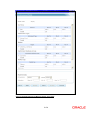
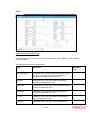
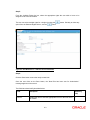
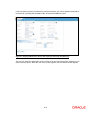
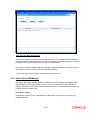
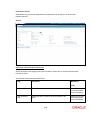
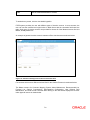
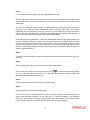
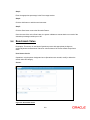
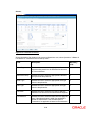
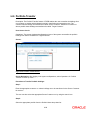
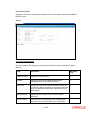
Enter the appropriate customer no. to whose portfolio the holdings are to be transferred in the
Destination Customer No text box.
The user can also select the appropriate Destination Customer no. by using the search icon.
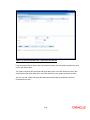
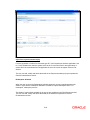
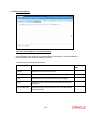
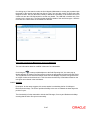
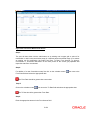
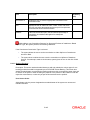
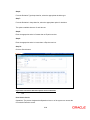
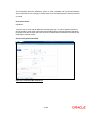
Step 4:
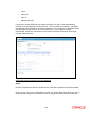
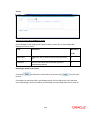
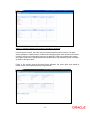
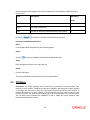
Select the appropriate portfolio from the Portfolio Name drop-down list.
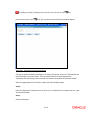
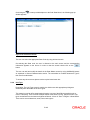
Step 5:
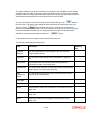
Click on the Transfer button.
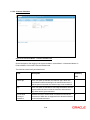
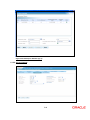
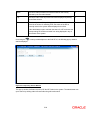
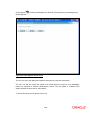
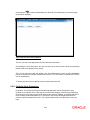
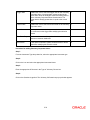
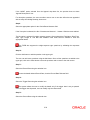
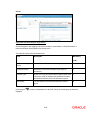
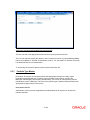
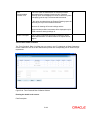
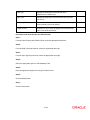
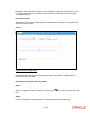
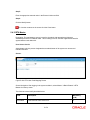
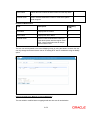
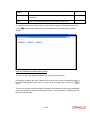
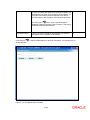
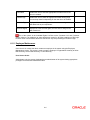
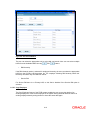
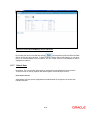
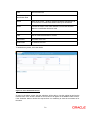
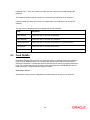
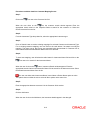
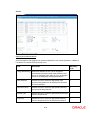
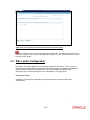
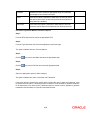
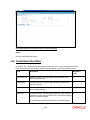
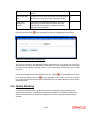
Once the user clicks on the Transfer button, the system displays the ‘Transactions updated
successfully’ message.
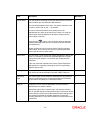
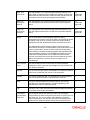
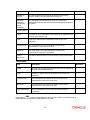
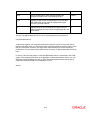
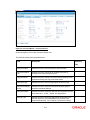
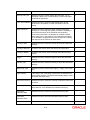
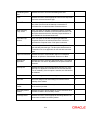
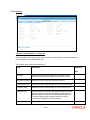
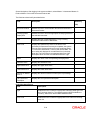
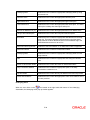
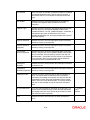
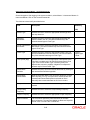
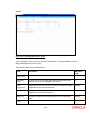
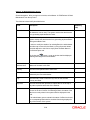
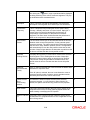
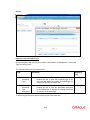
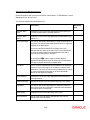
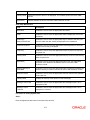
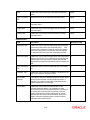
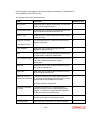
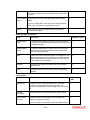
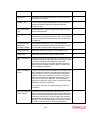
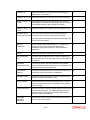
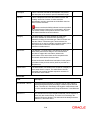
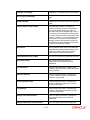
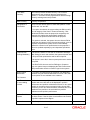
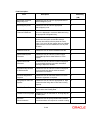
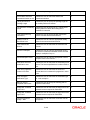
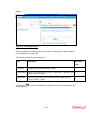
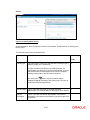
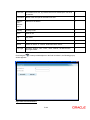
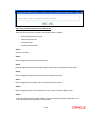
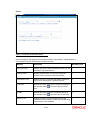
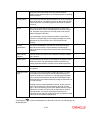
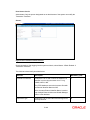
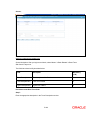
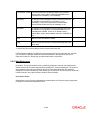
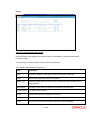
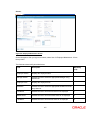
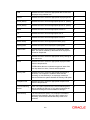
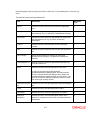
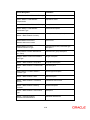
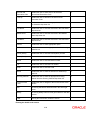
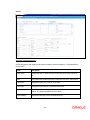
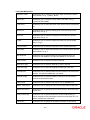
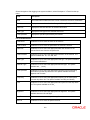
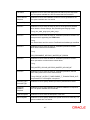
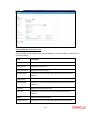
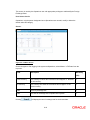
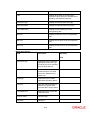
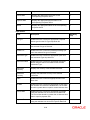
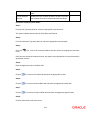
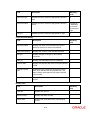
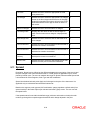
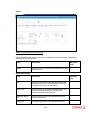
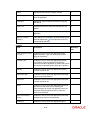
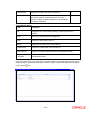
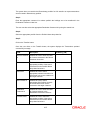
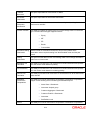
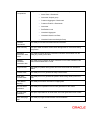
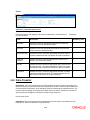
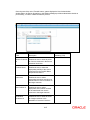
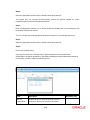
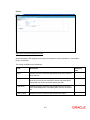
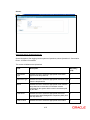
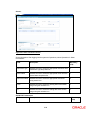
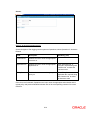
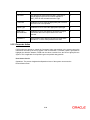
Field
Description
Mandatory (Y/N)
Source
Customer No
Enables the user to enter the client id of source
customer in the Source Customer No text box
Y
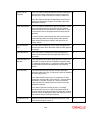
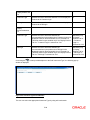
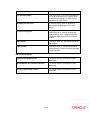
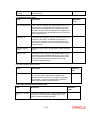
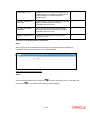
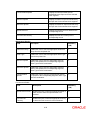
Portfolio Name
Enables the user to select the appropriate portfolio of
the source customer from the Portfolio Name dropdown list below it
Y
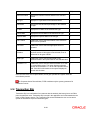
Destination
Customer No
Enables the user to enter the client id of target
customer in the Destination Customer No text box
Y
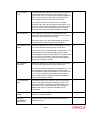
Portfolio Name
Enables the user to select the appropriate portfolio of
the source customer from the Portfolio Name dropdown list below it
Y
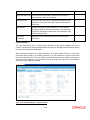
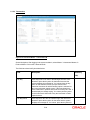
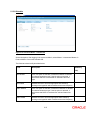
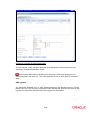
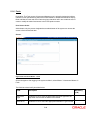
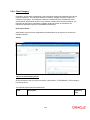
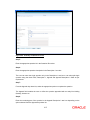
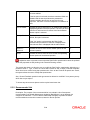
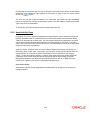
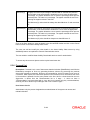
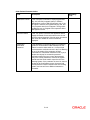
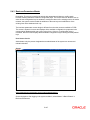
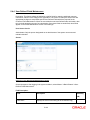
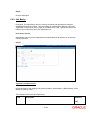
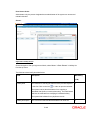
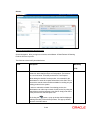
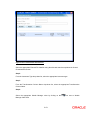
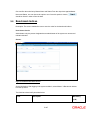
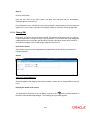
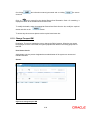
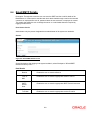
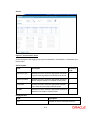
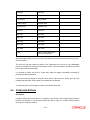
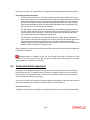
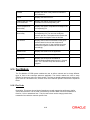
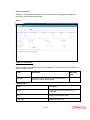
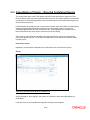
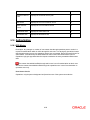
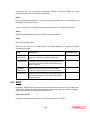
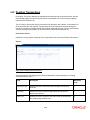
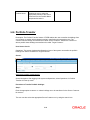
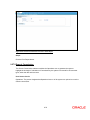
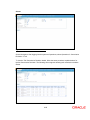
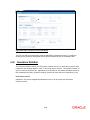
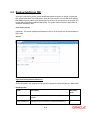
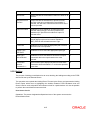
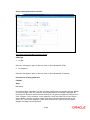
9.21 EOD
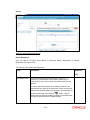
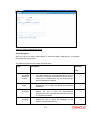
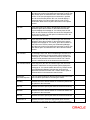
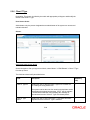
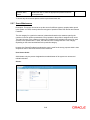
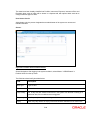
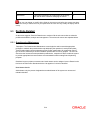
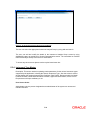
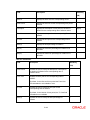
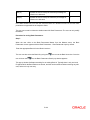
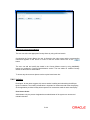
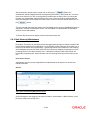
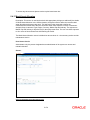
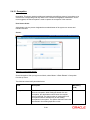
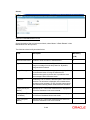
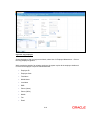
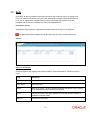
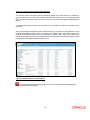
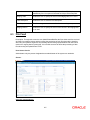
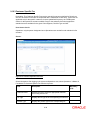
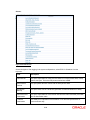
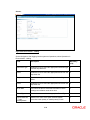
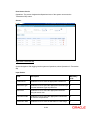
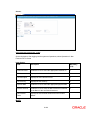
Description: EOD (End of day) process is a packet of jobs which needs to be run on a daily basis.
Typically this could be scheduled using a scheduler. However this option is provided to manually
trigger individual jobs that form part of the EOD process.
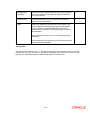
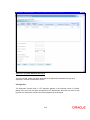
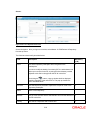
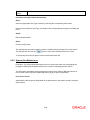
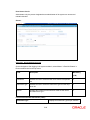
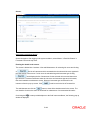
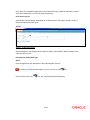
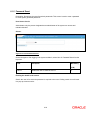
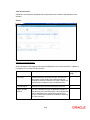
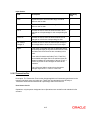
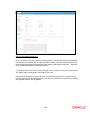
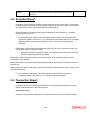
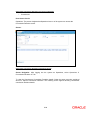
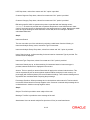
User Access Levels
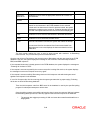
Operations: only the person designated as an Operations user can run EOD
9-59