1
Move.It
About Move.It
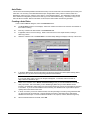
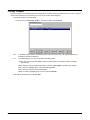
The Move.It module section covers transfers and Inventory functions and provides detailed instructions on creating,
editing, and searching transfers and inventory.
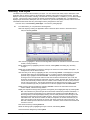
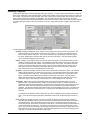
Run.It treats sized based and Non-sized based merchandise in different ways. The sizing mode preference must be
selected in the File, For this computer Only Options. However you may over ride the preference by selecting Edit.
from the tool bar can choosing NO-Size Mode and Size Mode selections.
NOTE
You can not mix size and non-size merchandise on the Transfers or Purchase Order.
The differences between the modes include the following:
When you are in No-Size Mode
Transfer Orders can only contain No-Size merchandise.
Kits can only be non-sized-based.
Only No-Size styles can created in New Styles.
Stock Information does not display a Size column.
Inventory Reports display information in no-size format.
When you are in Size Mode
Transfer Orders can only contain Size merchandise.
Kits can only be sized-based.
Only Sized styles can created in New Styles.
Stock Information displays a size column.
Inventory Reports display information in size-based (grid) format.
Accessing the Move.It Module
1.
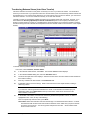
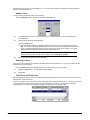
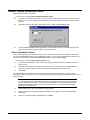
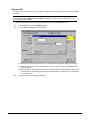
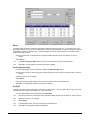
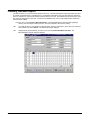
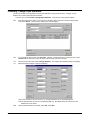
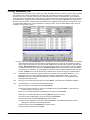
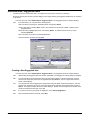
Launch Run.It and, on the main Run.It window, select the Move…It icon.In the Login dialog box, enter your
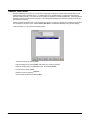
User Name and Password, and select OK. The main Move.It window displays.
4 • Move.It! Module
Run.It! Retail Software System