1
Graphic EQ Menus
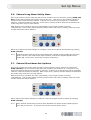
4.4. Graphic EQ Flat Menu
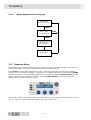
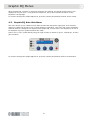
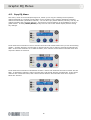
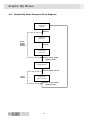
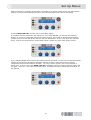
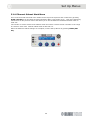
Centre encoder is now active (illuminated) and is used to switch EQ Flat between “Yes” and
“No” (default). Any individual faders on the currently addressed unit(s) that are bypassed will have
their bypass active condition cancelled and will be set active as a result of an EQ Flat being executed.
Press channel access button to continue next menu (see Section 4.5) if you do not wish to flatten the
EQ.
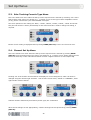
Turn centre encoder if you wish to flatten the EQ.
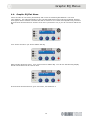
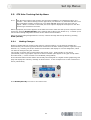
Right encoder becomes active. Turn right encoder to flatten EQ. You will see the following display
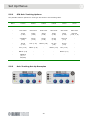
and all of the faders will be reset to zero.
Press channel access button to go to next menu, see Section 4.5.
15