1
Introduction
Topaz ReMask
User Manual
Topaz ReMask
About Topaz ReMask
Topaz ReMask is a masking and extraction tool that
makes it easy to extract elements from your digital images. Isolating an object from a background is typically
a difficult and time-consuming task, however ReMask
simplifies the process with its intuitive tools to help you
quickly make extractions.
ReMask makes merging multiple image elements
seamless, giving you ultimate control over creating and
refining your image scenes.
Primary Functions of Topaz ReMask:
1. Simplified and lightning-fast masking and extraction.
2. Easily extract highly intricate image details and transparent objects as well.
3. Precise cutting for delicate and complex images like
hair, fur and tr ansparent objects (i.e. wedding veils).
4. Preserve edges and other intricate image details.
5. Make a believable composite that smoothly blends
multiple images together
With Topaz ReMask you can:
7
• Easily extract intricate image details
• Quickly isolate areas for selective adjustments
• Make unique compositions
• Replace backgrounds
• Selectively blur only the background for a simulated
bokeh effect
• Creatively emphasize the subject easily and naturally
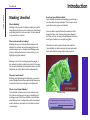
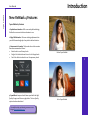
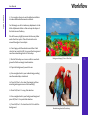
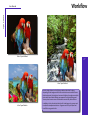
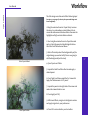
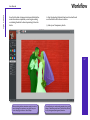
Before Topaz ReMask
To connect with other Topaz users, sign up with the Topaz
Forum online at: www.topazlabs.com/forum
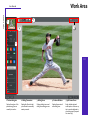
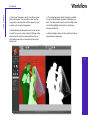
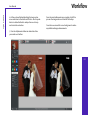
After Topaz ReMask