1
ARGISS – ENBOSS Training Manual
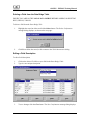
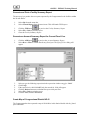
Filtering Canned Reports
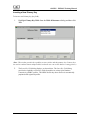
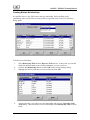
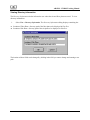
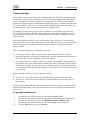
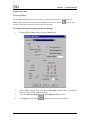
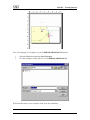
Filtering a report allows the user to extract specific data from the reports by specifying filter
criteria.
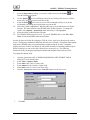
To filter the report data:
1.
2.
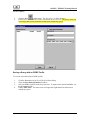
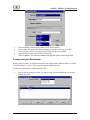
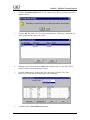
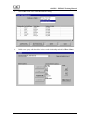
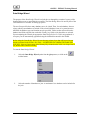
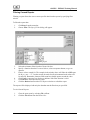
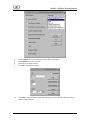
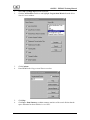
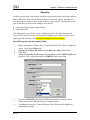
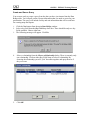
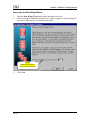
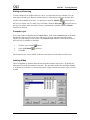
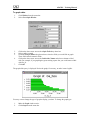
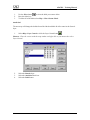
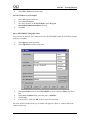
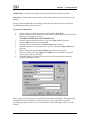
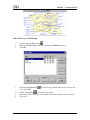
Click Rows from the menu bar.
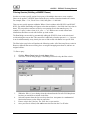
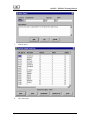
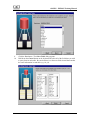
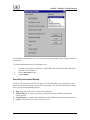
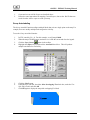
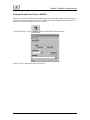
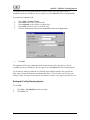
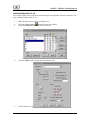
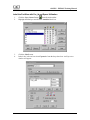
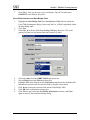
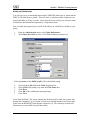
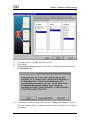
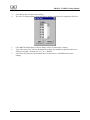
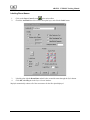
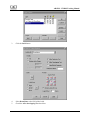
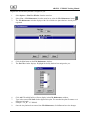
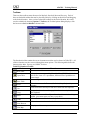
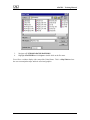
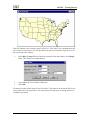
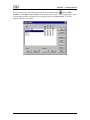
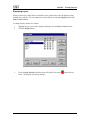
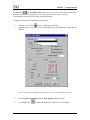
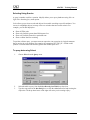
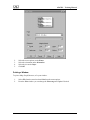
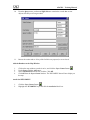
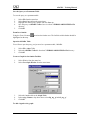
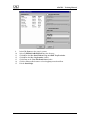
Choose Filter. The Specify Filter dialog will appear.
3.
4.
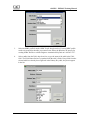
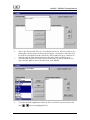
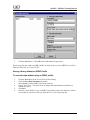
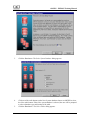
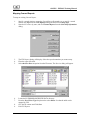
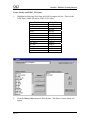
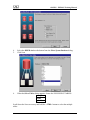
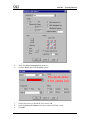
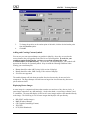
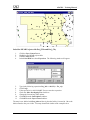
Select the column to filter from the Columns list box.
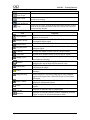
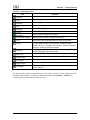
Specify a function from the Functions list box, select an operator button, or type an
operator.
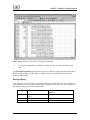
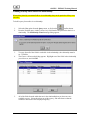
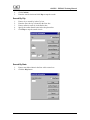
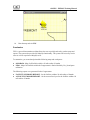
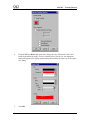
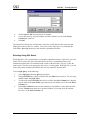
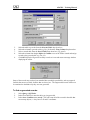
Enter a value to search for. The example in the window above will filter the ASR Report
for all pri_ams = “Z”. In other words, the totals for all environmental work orders will
be retrieved. Remember, character fields must have double quotes around the value.
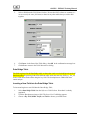
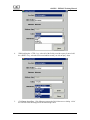
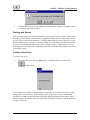
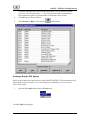
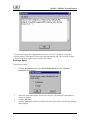
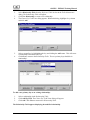
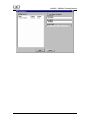
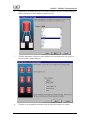
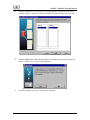
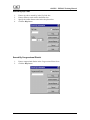
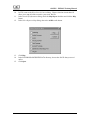
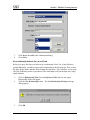
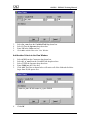
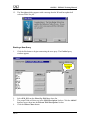
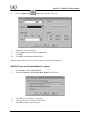
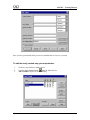
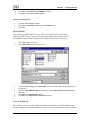
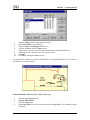
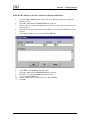
Click Verify. A message box displays to indicate if the filter function is valid.
Click OK if the filter expression is valid.
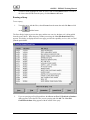
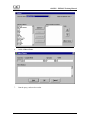
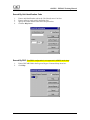
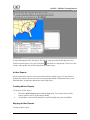
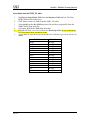
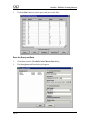
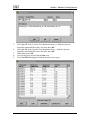
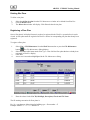
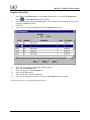
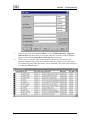
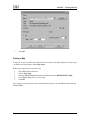
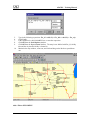
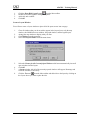
Click the Retrieve button on the FPS Reports window to refresh the report.
5.
6.
7.
8.
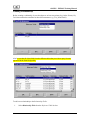
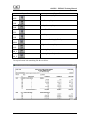
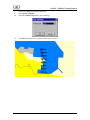
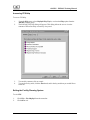
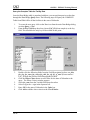
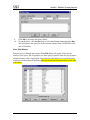
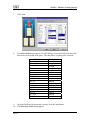
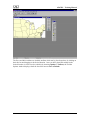
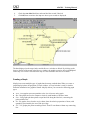
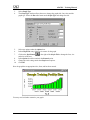
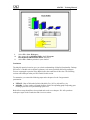
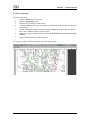
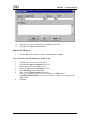
The report will be displayed with only the data that met the filter that you specified.
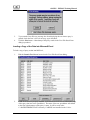
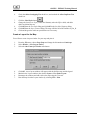
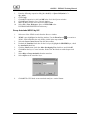
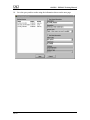
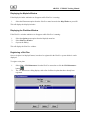
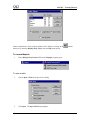
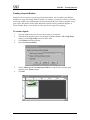
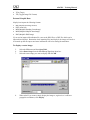
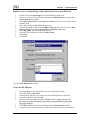
To exit Canned Reports:
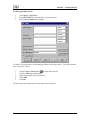
1.
2.
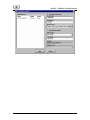
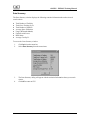
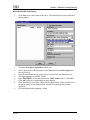
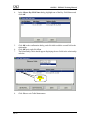
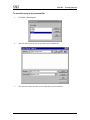
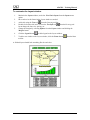
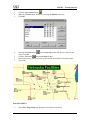
Close the open report by selecting File > Close.
Click the Exit button from the Painter Bar.
III-15