1
Services
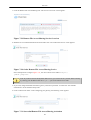
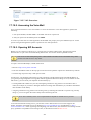
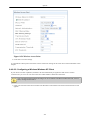
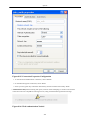
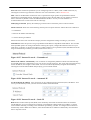
3. Verify that the 'Register with Proxy' check box is checked.
4. Verify that the 'Register Expires' field is set to 3600.
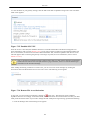
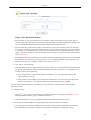
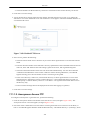
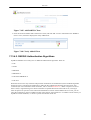
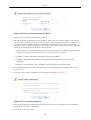
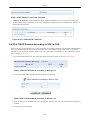
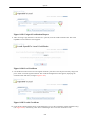
5. Check the 'Use Outbound Proxy' check box. The free world-wide dialing service is an example of a service
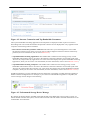
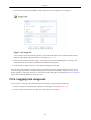
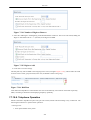
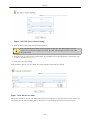
provider that requires the use of an outbound proxy. Once checked, the following fields become visible.
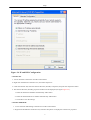
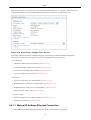
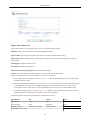
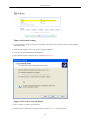
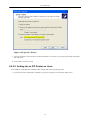
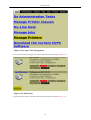
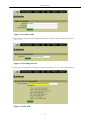
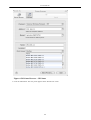
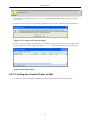
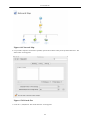
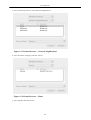
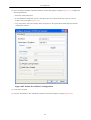
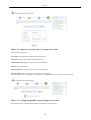
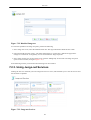
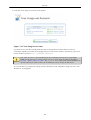
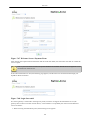
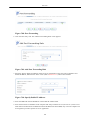
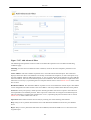
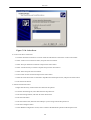
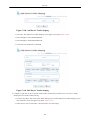
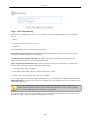
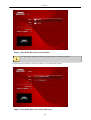
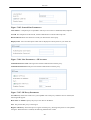
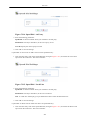
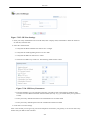
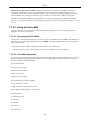
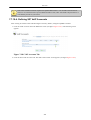
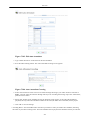
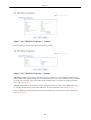
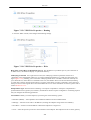
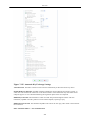
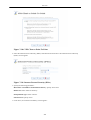
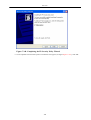
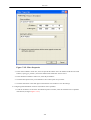
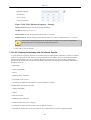
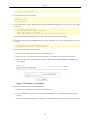
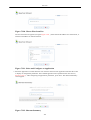
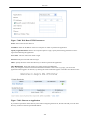
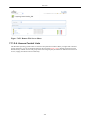
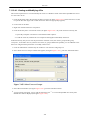
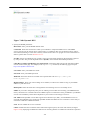
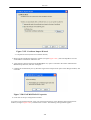
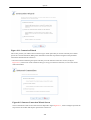
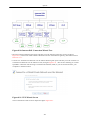
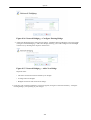
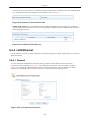
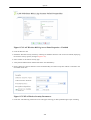
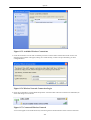
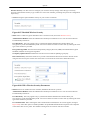
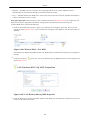
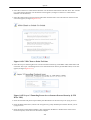
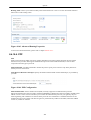
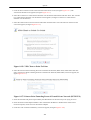
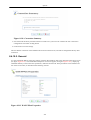
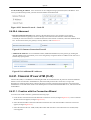
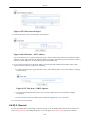
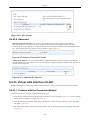
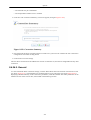
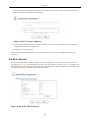
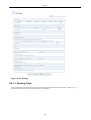
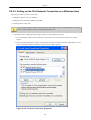
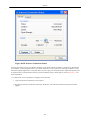
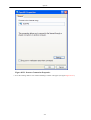
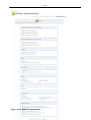
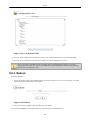
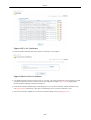
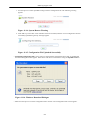
Figure 7.234. Outbound Proxy
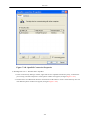
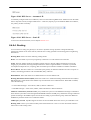
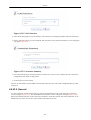
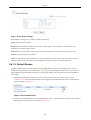
1. Enter the outbound proxy's IP address or host name that you received when registering your SIP
account in the 'Host Name or Address' field. Your free account's outbound proxy's name should be
fwdnat.pulver.com (this may vary; you should check your registration e-mail).
2. Set the outbound proxy's 'Port' field to 5082 (this may also vary).
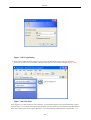
6. Click 'OK' to save the settings.
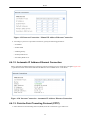
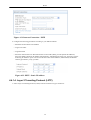
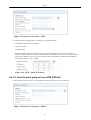
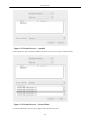
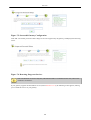
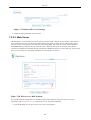
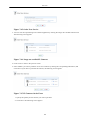
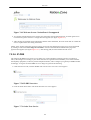
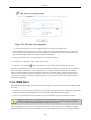
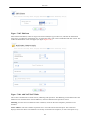
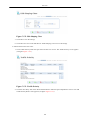
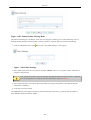
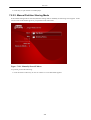
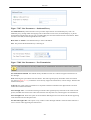
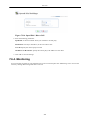
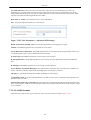
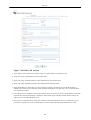
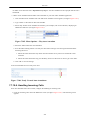
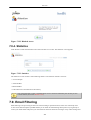
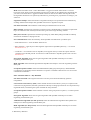
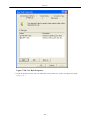
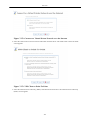
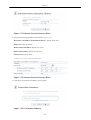
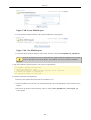
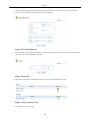
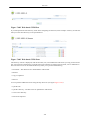
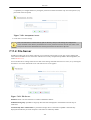
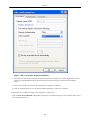
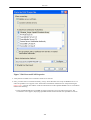
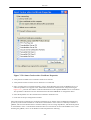
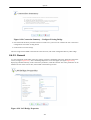
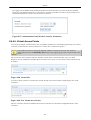
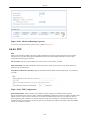
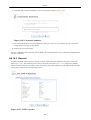
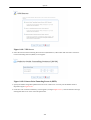
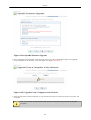
7. Select the 'Advanced' tab.
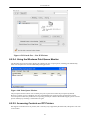
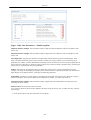
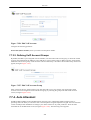
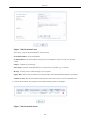
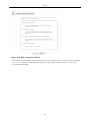
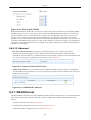
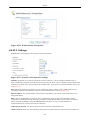
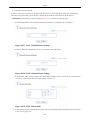
1. Verify that the 'Phone Number Size' field is set to 15 digits.
2. Verify that the 'Signalling Protocol' is set to 'SIP'.
3. Verify that the 'SIP Port' field is set to '5060'.
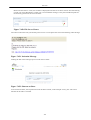
8. Click 'OK' to save the settings.
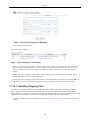
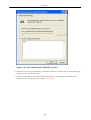
After a few seconds you will get a ring tone on the telephone connected to your gateway. You can now dial to any
number that your SIP account will allow.
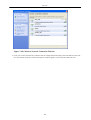
7.6.7.3. Configuring Telephone Lines (RADVISION)
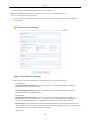
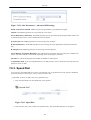
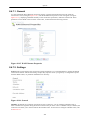
After creating a SIP account and obtaining the necessary details, configure OpenRG as follows:
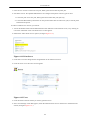
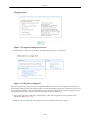
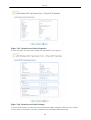
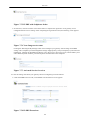
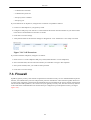
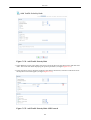
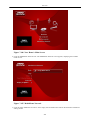
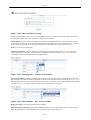
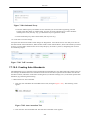
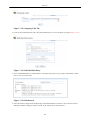
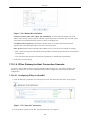
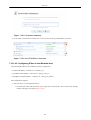
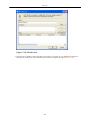
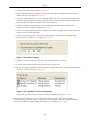
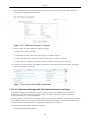
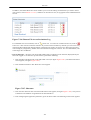
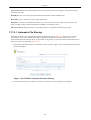
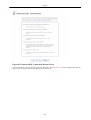
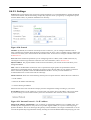
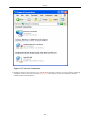
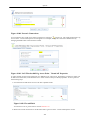
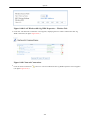
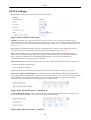
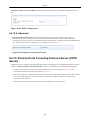
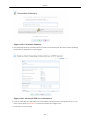
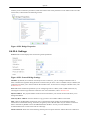
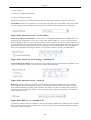
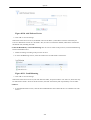
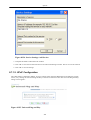
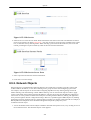
1. Click the 'Voice' tab under the 'Services' screen. The 'Line Settings' screen appears (see figure Figure 7.194 ).
2.
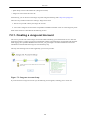
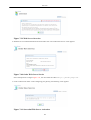
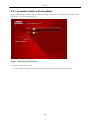
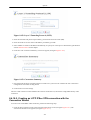
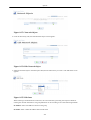
Click the
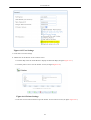
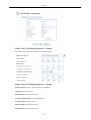
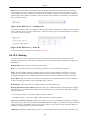
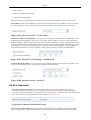
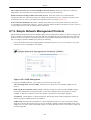
action icon of an available line to configure its parameters:
234