1
Services
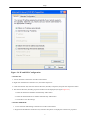
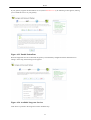
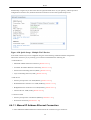
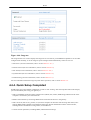
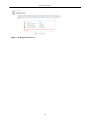
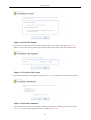
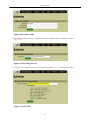
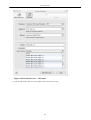
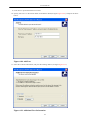
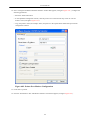
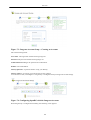
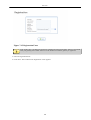
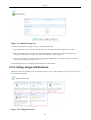
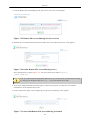
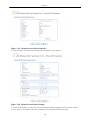
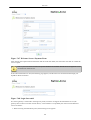
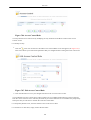
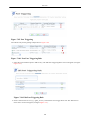
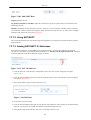
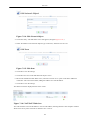
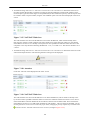
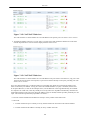
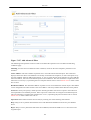
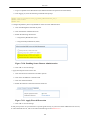
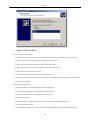
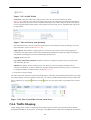
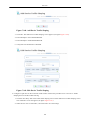
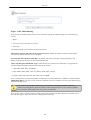
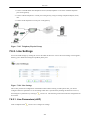
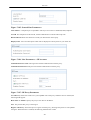
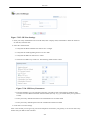
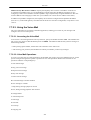
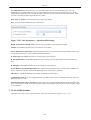
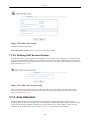
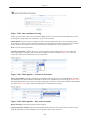
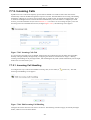
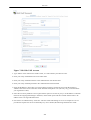
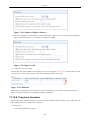
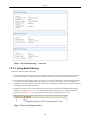
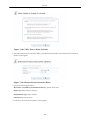
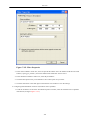
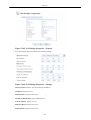
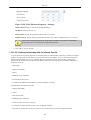
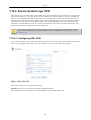
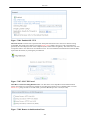
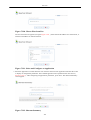
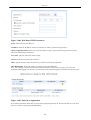
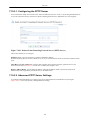
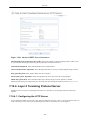
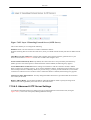
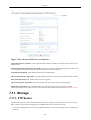
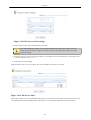
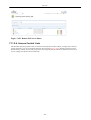
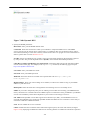
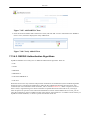
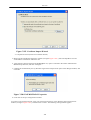
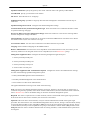
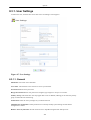
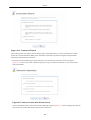
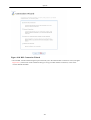
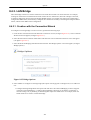
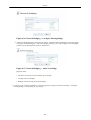
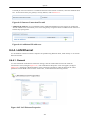
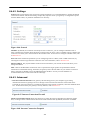
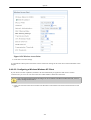
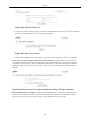
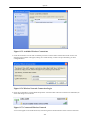
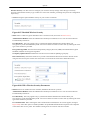
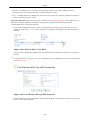
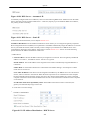
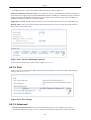
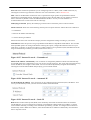
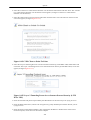
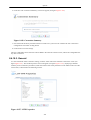
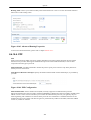
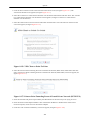
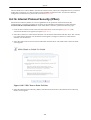
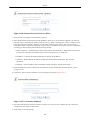
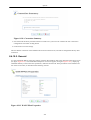
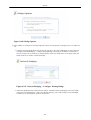
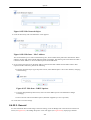
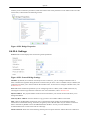
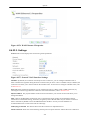
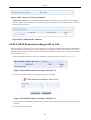
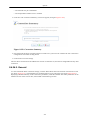
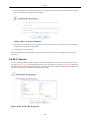
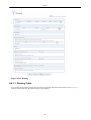
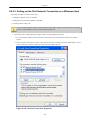
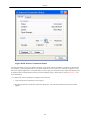
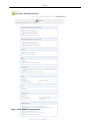
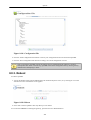
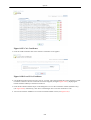
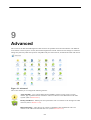
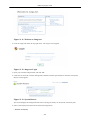
Figure 7.498. LAN Wireless Settings
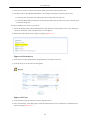
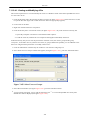
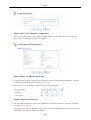
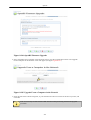
You may change your wireless network's name (SSID) from the default "openrg" to something more personal
(in this example, "john_smith").
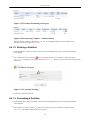
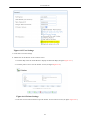
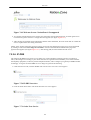
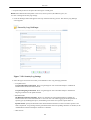
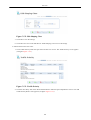
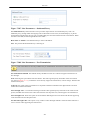
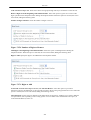
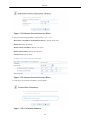
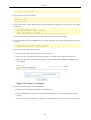
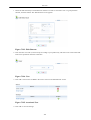
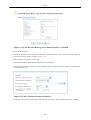
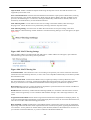
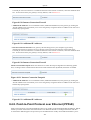
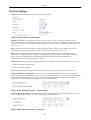
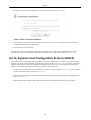
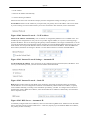
2. In the 'Security' section, select either 802.1X WEP or WPA. If you selected WPA, select 802.1X as the
authentication method.
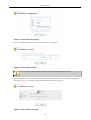
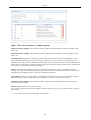
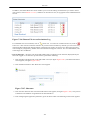
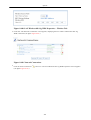
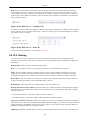
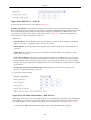
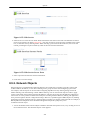
3. In the 'RADIUS Server' section, enter the IP address and shared secret of the gateway serving as a RADIUS
server (192.168.1.1), in their respective fields.
4. Click 'OK' to save the settings.
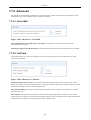
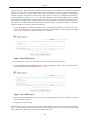
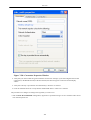
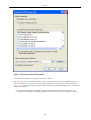
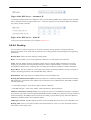
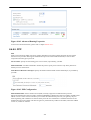
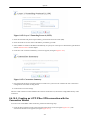
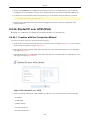
The configuration of the wireless client differs a little between the two algorithms. Start the configuration by
performing the following:
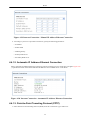
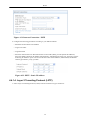
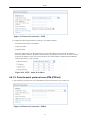
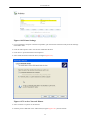
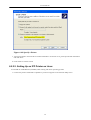
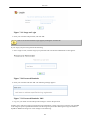
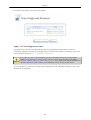
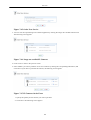
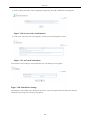
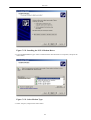
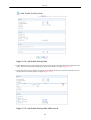
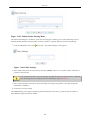
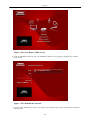
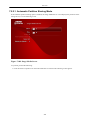
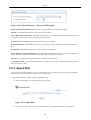
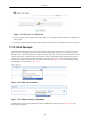
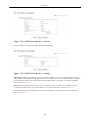
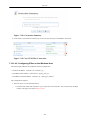
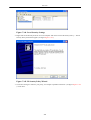
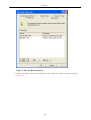
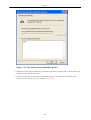
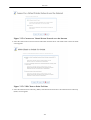
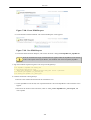
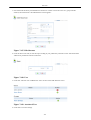
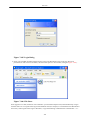
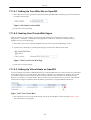
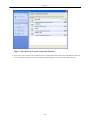
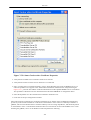
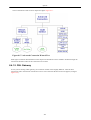
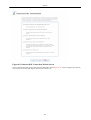
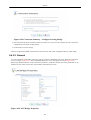
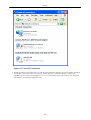
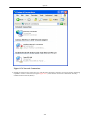
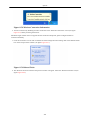
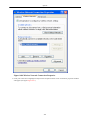
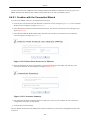
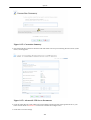
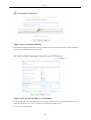
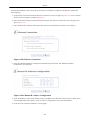
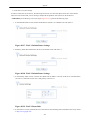
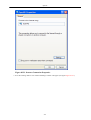
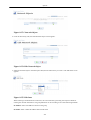
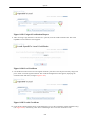
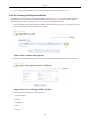
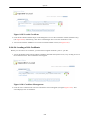
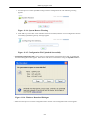
1. Access the Windows 'Network Connections' utility and double-click the wireless network connection icon.
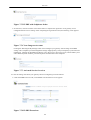
The 'Wireless Network Connection' window displays the wireless networks in range.
383