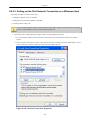
1
Services
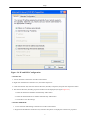
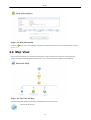
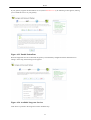
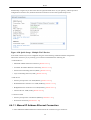
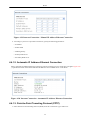
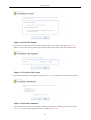
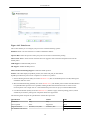
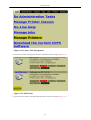
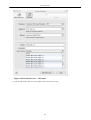
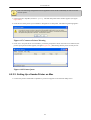
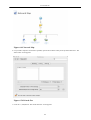
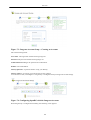
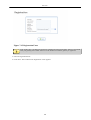
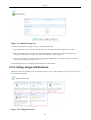
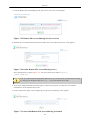
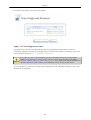
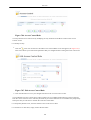
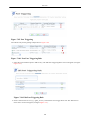
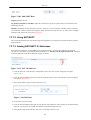
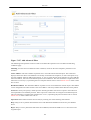
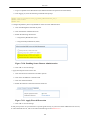
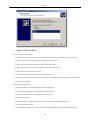
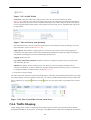
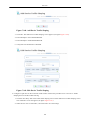
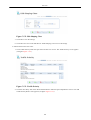
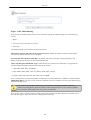
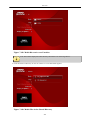
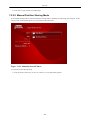
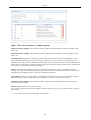
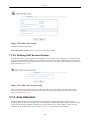
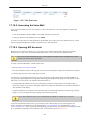
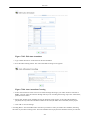
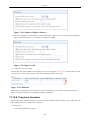
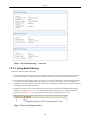
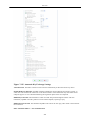
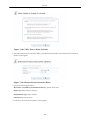
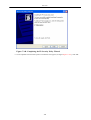
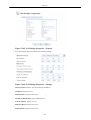
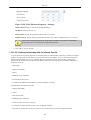
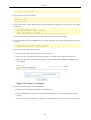
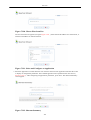
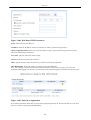
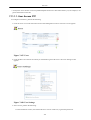
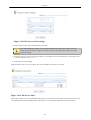
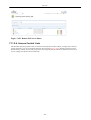
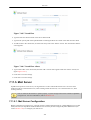
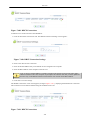
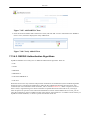
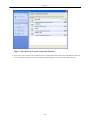
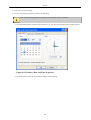
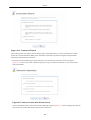
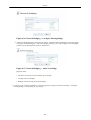
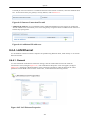
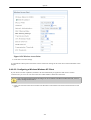
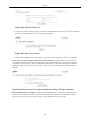
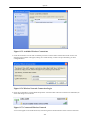
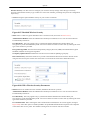
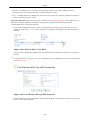
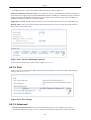
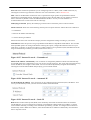
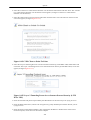
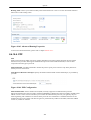
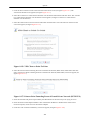
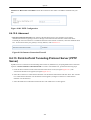
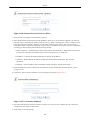
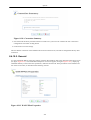
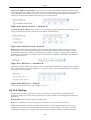
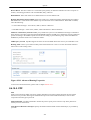
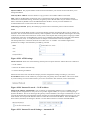
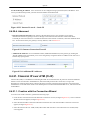
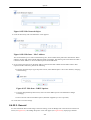
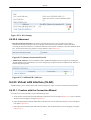
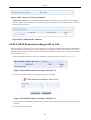
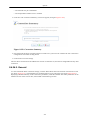
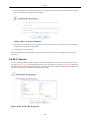
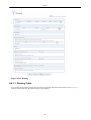
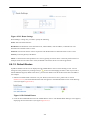
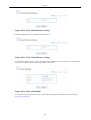
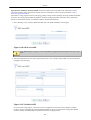
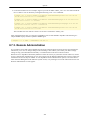
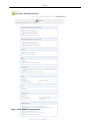
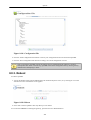
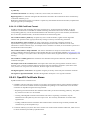
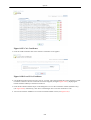
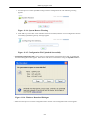
Figure 7.505. Certificates
2.
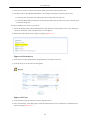
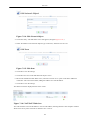
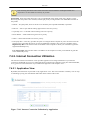
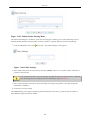
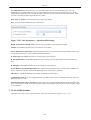
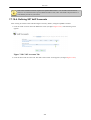
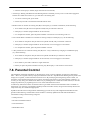
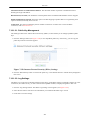
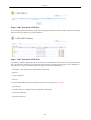
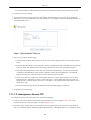
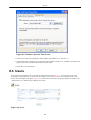
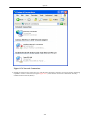
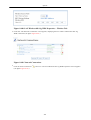
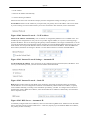
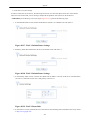
Click the
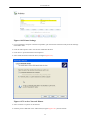
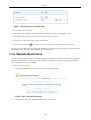
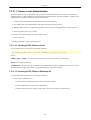
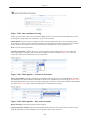
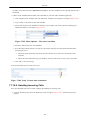
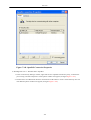
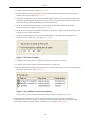
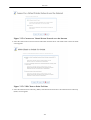
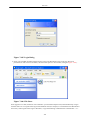
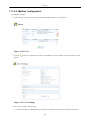
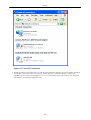
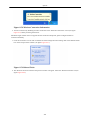
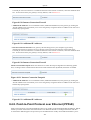
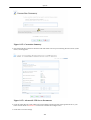
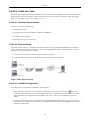
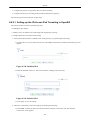
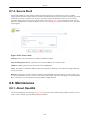
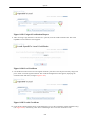
action icon of the certificate entry, and select 'Open' in the download dialogue window. The
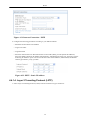
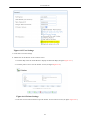
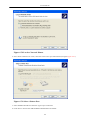
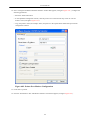
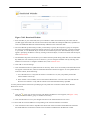
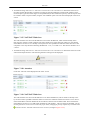
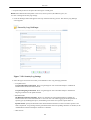
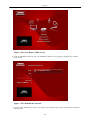
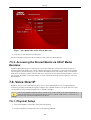
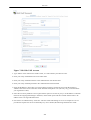
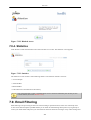
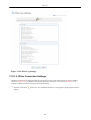
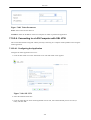
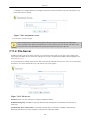
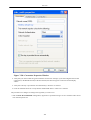
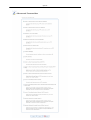
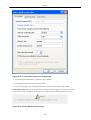
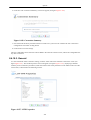
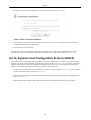
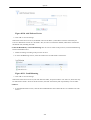
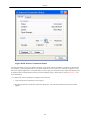
'Certificate' window appears.
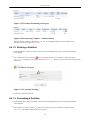
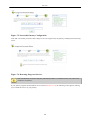
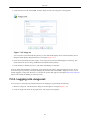
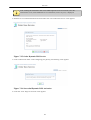
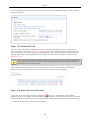
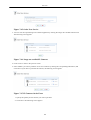
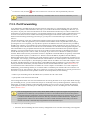
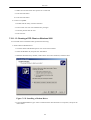
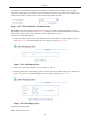
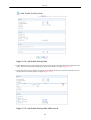
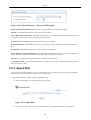
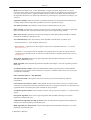
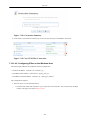
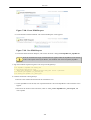
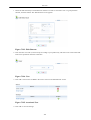
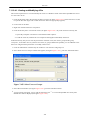
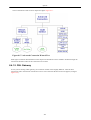
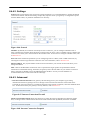
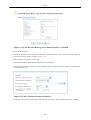
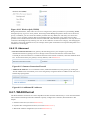
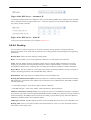
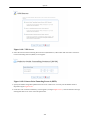
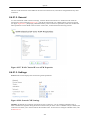
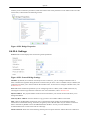
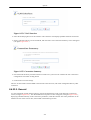
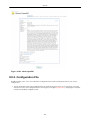
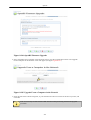
Figure 7.506. Cerificate
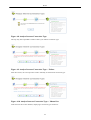
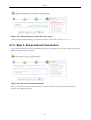
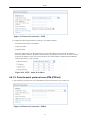
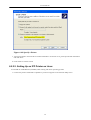
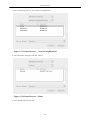
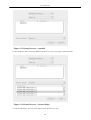
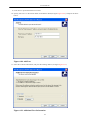
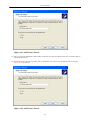
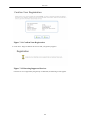
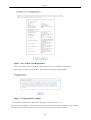
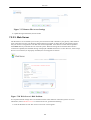
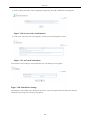
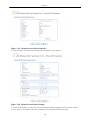
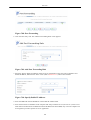
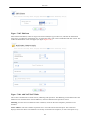
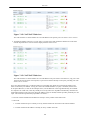
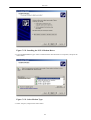
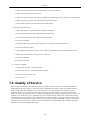
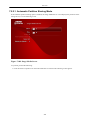
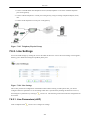
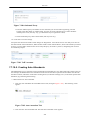
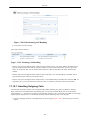
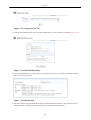
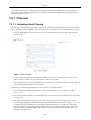
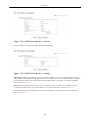
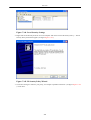
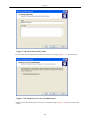
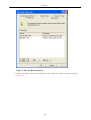
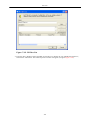
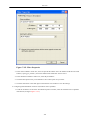
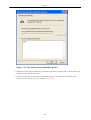
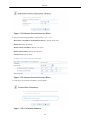
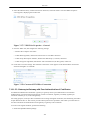
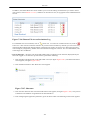
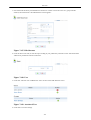
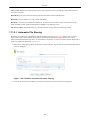
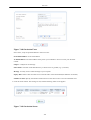
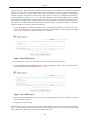
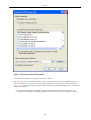
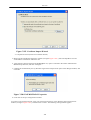
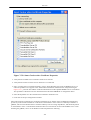
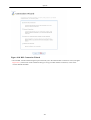
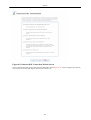
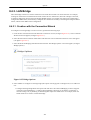
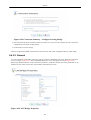
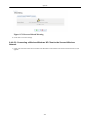
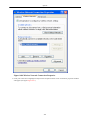
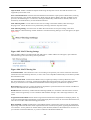
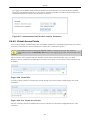
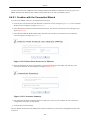
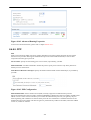
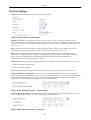
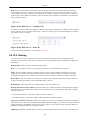
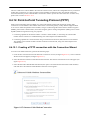
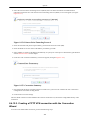
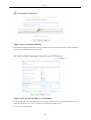
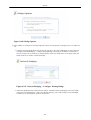
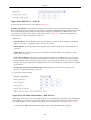
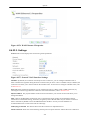
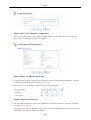
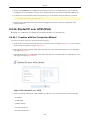
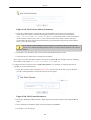
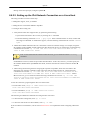
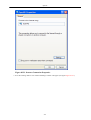
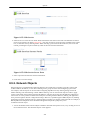
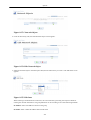
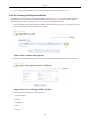
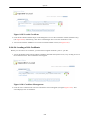
3. Click 'Install Certificate...'. The 'Certificate Import Wizard' commences. Click 'Next', and select the 'Place
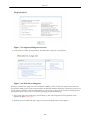
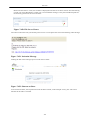
all certificates in the following store' option. Click 'Browse' to select the 'Trusted Root Certification
Authorities' certificate store.
389