1
System
8.4.26.3. Settings
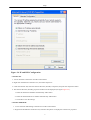
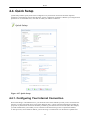
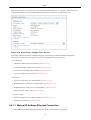
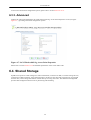
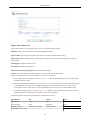
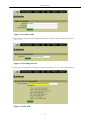
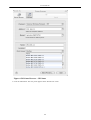
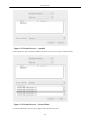
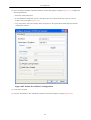
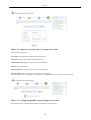
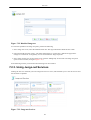
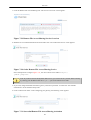
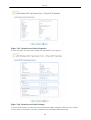
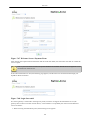
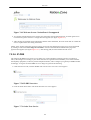
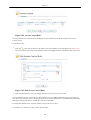
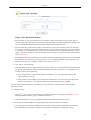
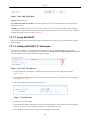
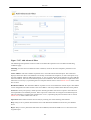
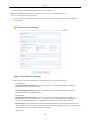
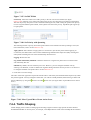
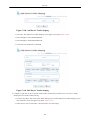
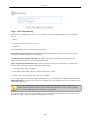
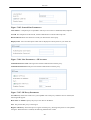
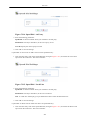
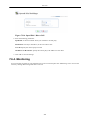
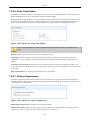
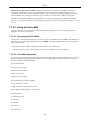
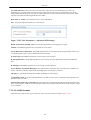
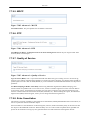
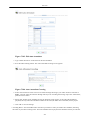
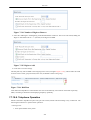
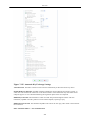
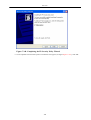
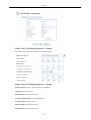
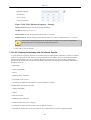
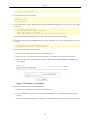
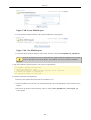
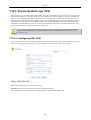
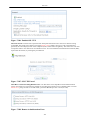
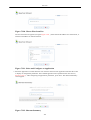
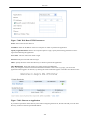
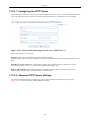
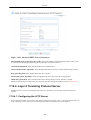
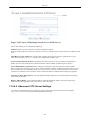
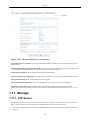
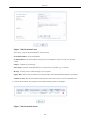
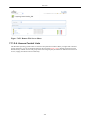
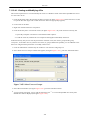
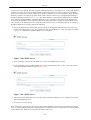
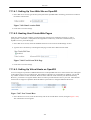
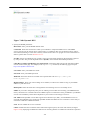
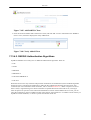
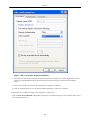
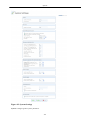
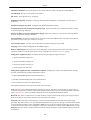
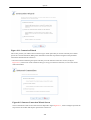
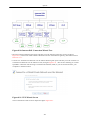
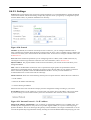
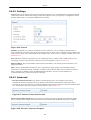
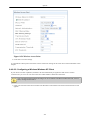
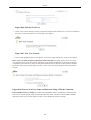
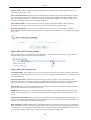
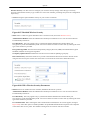
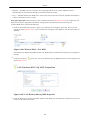
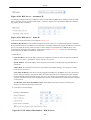
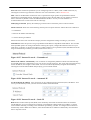
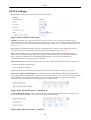
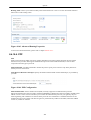
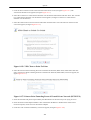
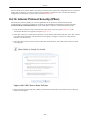
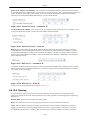
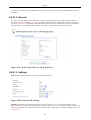
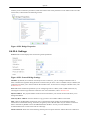
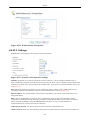
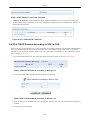
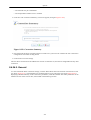
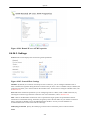
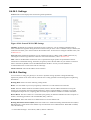
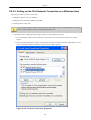
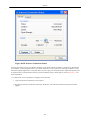
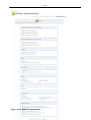
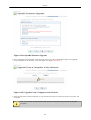
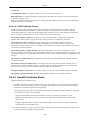
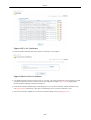
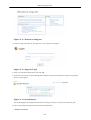
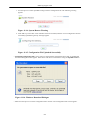
General This section displays the connection's general parameters.
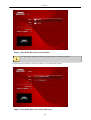
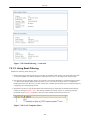
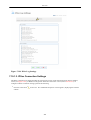
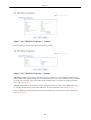
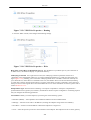
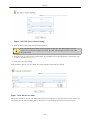
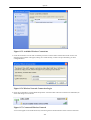
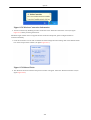
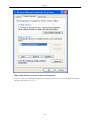
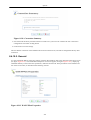
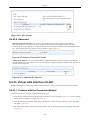
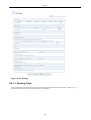
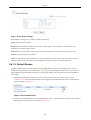
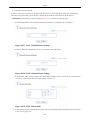
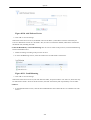
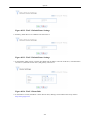
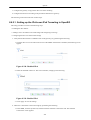
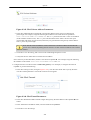
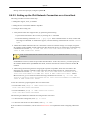
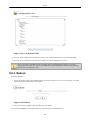
Figure 8.310. General WAN GRE Settings
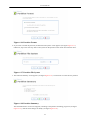
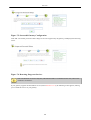
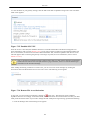
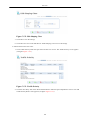
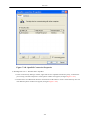
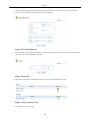
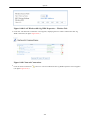
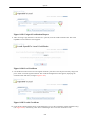
Schedule By default, the connection will always be active. However, you can configure scheduler rules in
order to define time segments during which the connection may be active. Once a scheduler rule(s) is defined, the
combo box will allow you to choose between the available rules. To learn how to configure scheduler rules, refer
to Section 8.9.3.
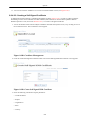
Network Select whether the parameters you are configuring relate to a WAN, LAN or DMZ connection, by
selecting the connection type from the combo-box. For more information, refer to Section 8.4.2.
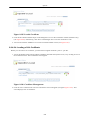
MTU MTU is the Maximum Transmission Unit. It specifies the largest packet size permitted for Internet
transmission. In the default setting, Automatic, the gateway selects the best MTU for your Internet connection.
Select 'Automatic by DHCP' to have the DHCP determine the MTU. In case you select 'Manual' it is
recommended to enter a value in the 1200 to 1500 range.
Internet Protocol The local IP address for the interface.
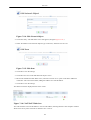
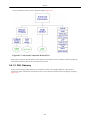
8.4.26.4. Routing
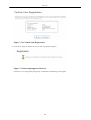
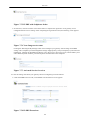
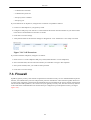
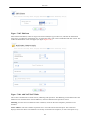
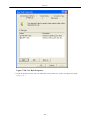
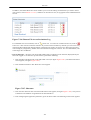
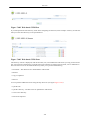
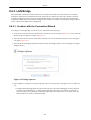
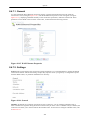
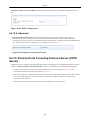
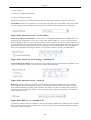
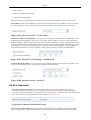
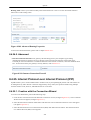
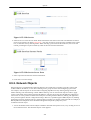
You can choose to setup your gateway to use static or dynamic routing. Dynamic routing automatically
adjusts how packets travel on the network, whereas static routing specifies a fixed routing path to neighboring
destinations.
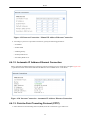
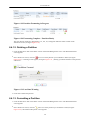
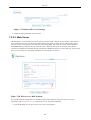
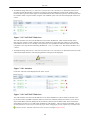
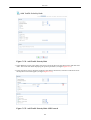
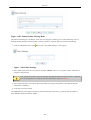
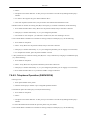
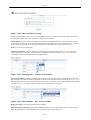
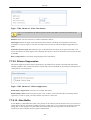
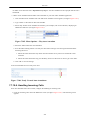
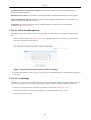
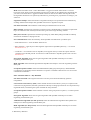
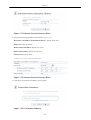
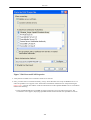
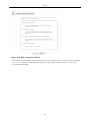
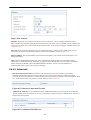
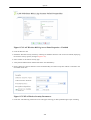
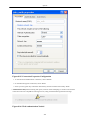
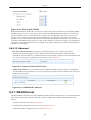
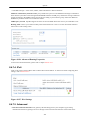
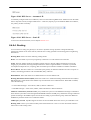
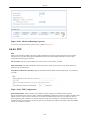
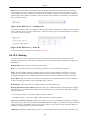
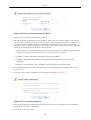
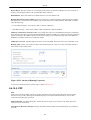
Routing Mode Select one of the following routing modes:
Route Use route mode if you want your gateway to function as a router between two networks.
NAPT Network Address and Port Translation (NAPT) refers to network address translation involving the
mapping of port numbers, allowing multiple machines to share a single IP address. Use NAPT if your LAN
encompasses multiple devices, a topology that necessitates port translation in addition to address translation.
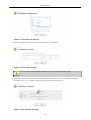
Device Metric The device metric is a value used by the gateway to determine whether one route is superior to
another, considering parameters such as bandwidth, delay, and more.
Default Route Select this check box to define this device as a the default route.
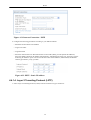
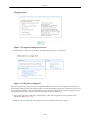
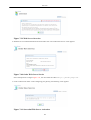
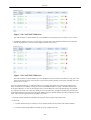
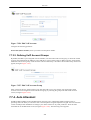
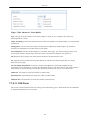
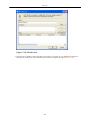
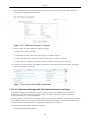
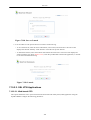
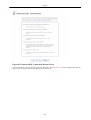
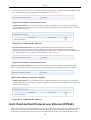
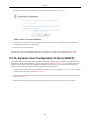
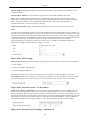
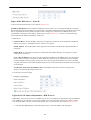
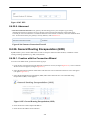
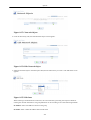
Routing Information Protocol (RIP) Select this check box to enable the Routing Information Protocol (RIP).
RIP determines a route based on the smallest hop count between source and destination. When RIP is enabled,
select the following:
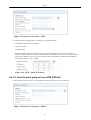
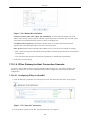
• Listen to RIP messages - select 'None', 'RIPv1', 'RIPv2' or 'RIPv1/2'.
550