1
Services
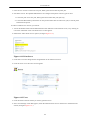
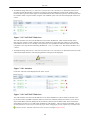
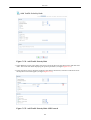
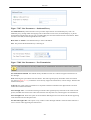
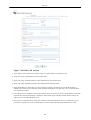
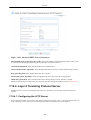
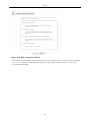
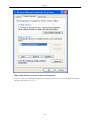
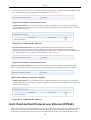
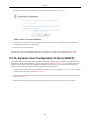
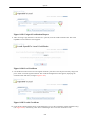
5. Leave all other fields at their default values, and click 'OK' to save the settings.
Repeat the same procedure for defining a priority rule for the H.323 subclass. The only difference is that you
should select the 'H.323 Call Signaling' value for the protocol settings, and 'H.323' for the Tx class name.
7.4.8.4. Running the Scenario
1. Initiate a direct call (using the SIP protocol) from one IP phone to the other. For VoIP configuration, please
refer to section Section 7.6 . Verify that the conversation can be conducted clearly and adequately.
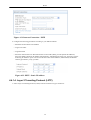
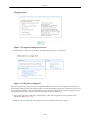
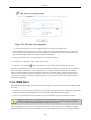
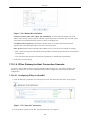
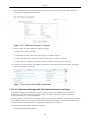
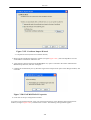
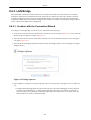
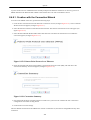
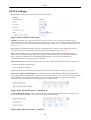
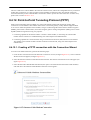
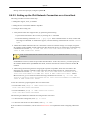
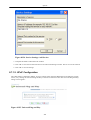
2. Initiate an FTP file upload from the LAN computer to the WAN computer. This can be done using the
Windows command line. Use the hash command to utilize the pound sign process indicator before starting
the file transfer. As soon as the upload commences, your ability to transmit voice will be lost - the WAN party
will not be able to hear you. The upload, on the other hand, will be proceeding rapidly, taking up all of your
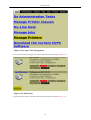
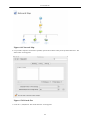
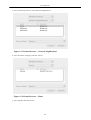
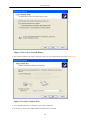
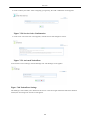
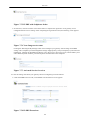
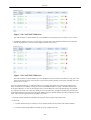
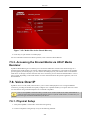
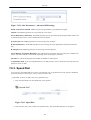
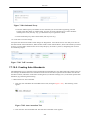
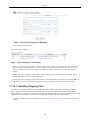
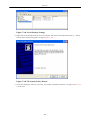
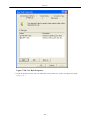
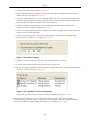
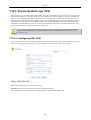
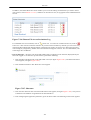
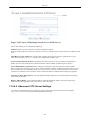
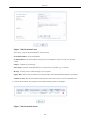
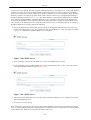
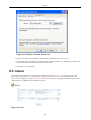
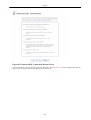
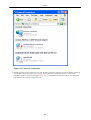
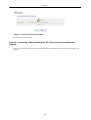
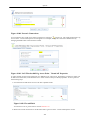
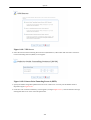
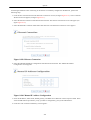
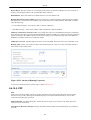
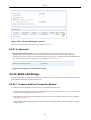
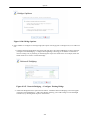
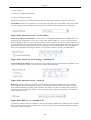
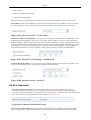
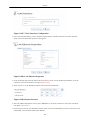
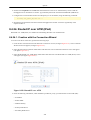
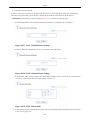
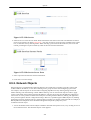
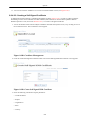
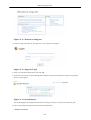
transmit bandwidth (see figure Figure 7.179 ).
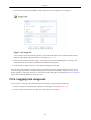
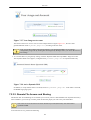
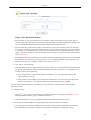
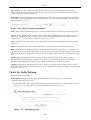
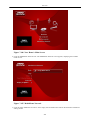
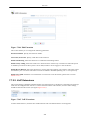
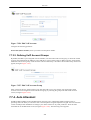
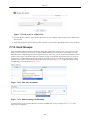
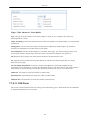
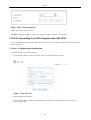
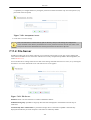
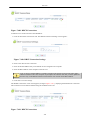
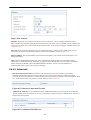
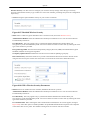
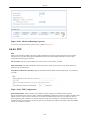
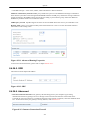
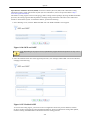
Figure 7.179. FTP Process
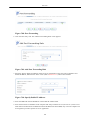
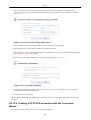
3. Activate QoS to restore the voice transmission:
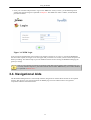
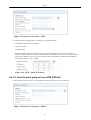
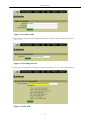
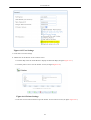
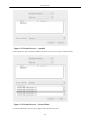
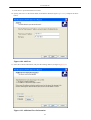
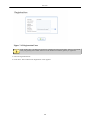
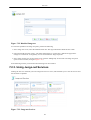
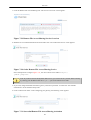
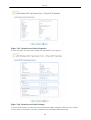
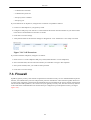
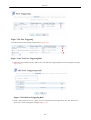
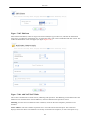
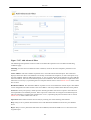
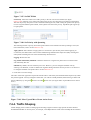
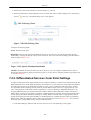
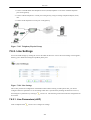
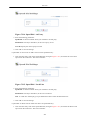
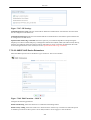
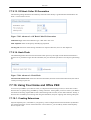
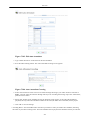
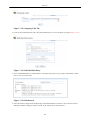
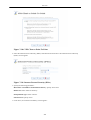
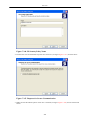
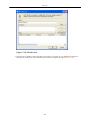
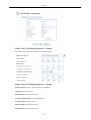
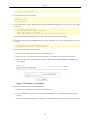
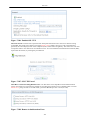
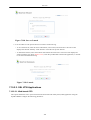
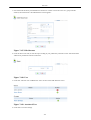
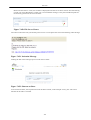
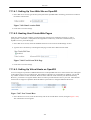
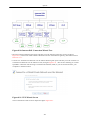
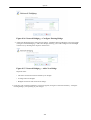
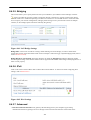
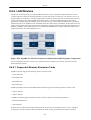
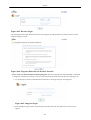
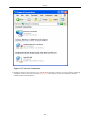
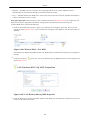
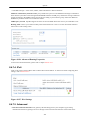
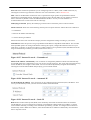
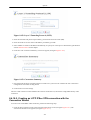
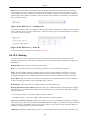
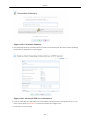
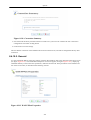
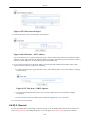
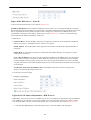
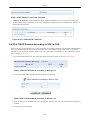
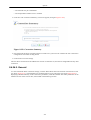
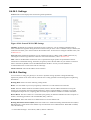
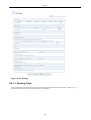
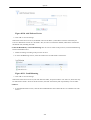
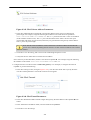
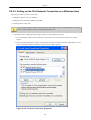
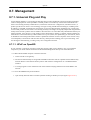
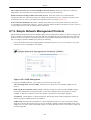
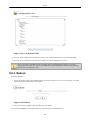
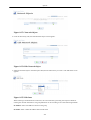
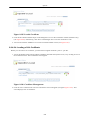
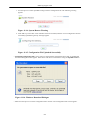
1. Click 'Traffic Shaping' under the 'QoS' tab in the 'Services' screen. The following screen appears (see
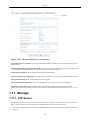
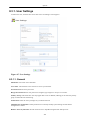
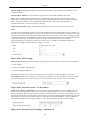
figure Figure 7.180 ).
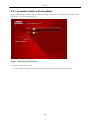
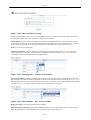
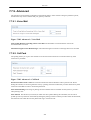
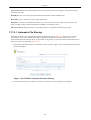
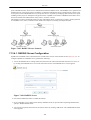
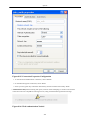
Figure 7.180. Traffic Shaping
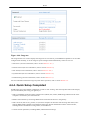
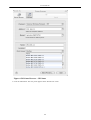
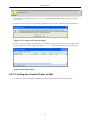
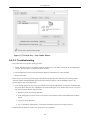
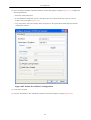
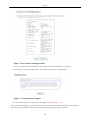
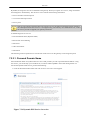
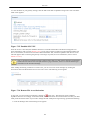
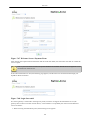
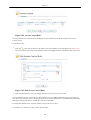
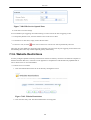
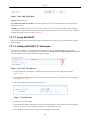
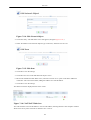
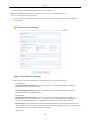
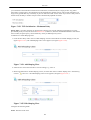
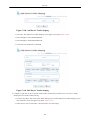
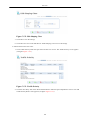
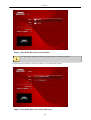
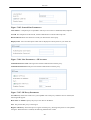
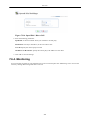
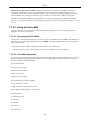
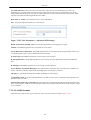
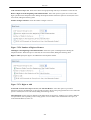
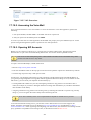
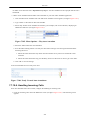
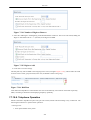
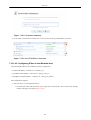
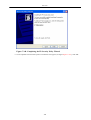
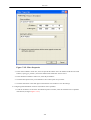
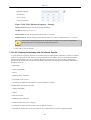
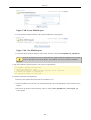
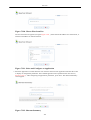
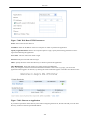
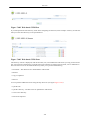
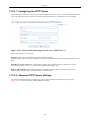
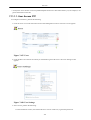
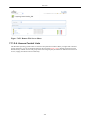
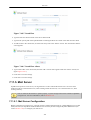
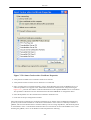
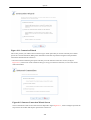
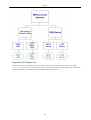
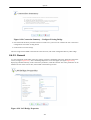
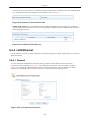
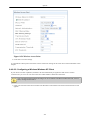
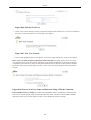
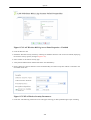
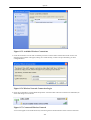
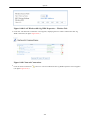
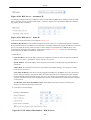
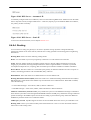
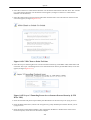
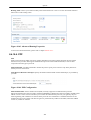
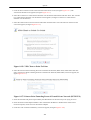
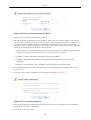
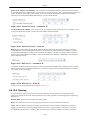
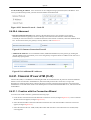
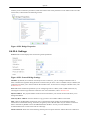
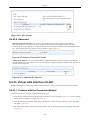
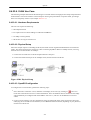
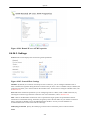
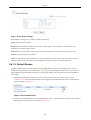
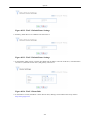
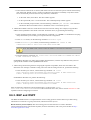
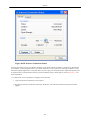
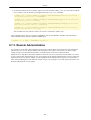
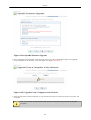
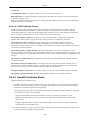
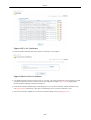
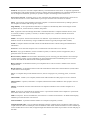
2. Click the Device name, in this case 'All devices', and check both entries in the Class ID column to enable
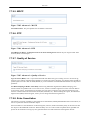
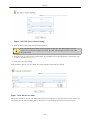
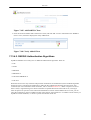
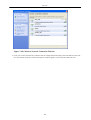
the classes (see figure Figure 7.181 ).
200