1
Services
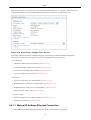
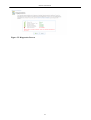
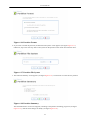
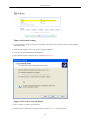
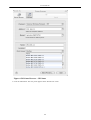
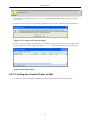
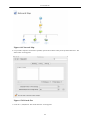
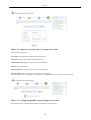
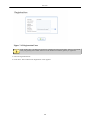
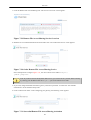
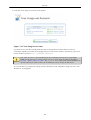
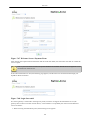
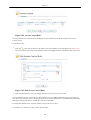
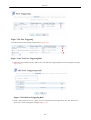
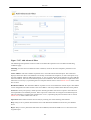
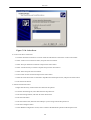
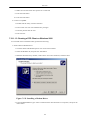
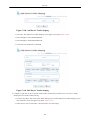
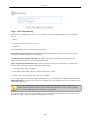
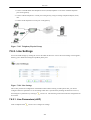
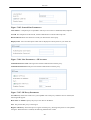
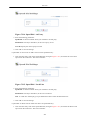
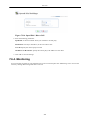
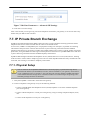
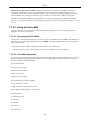
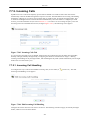
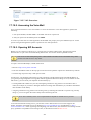
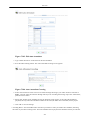
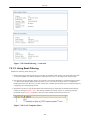
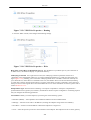
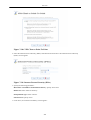
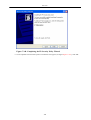
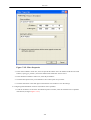
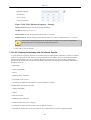
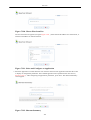
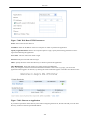
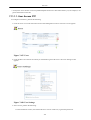
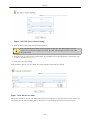
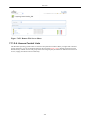
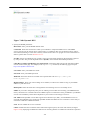
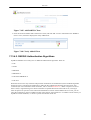
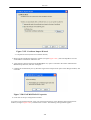
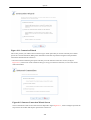
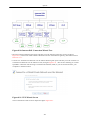
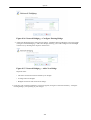
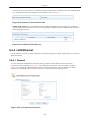
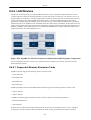
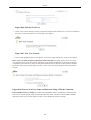
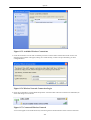
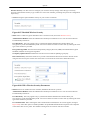
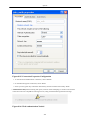
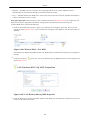
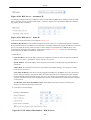
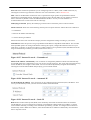
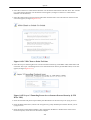
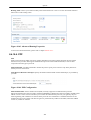
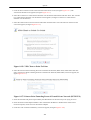
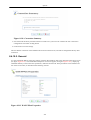
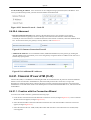
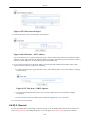
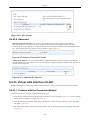
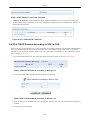
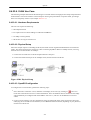
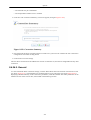
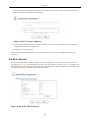
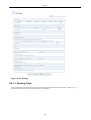
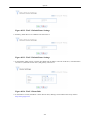
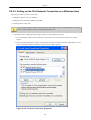
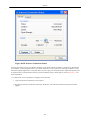
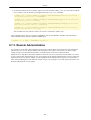
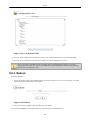
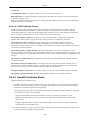
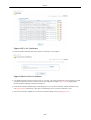
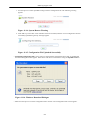
Figure 7.241. Telephony Physical Setup
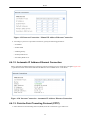
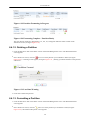
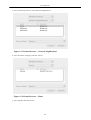
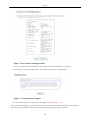
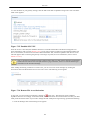
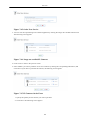
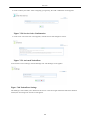
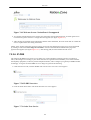
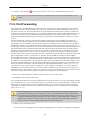
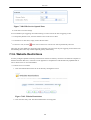
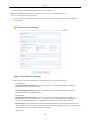
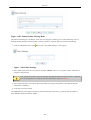
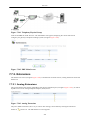
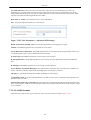
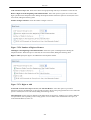
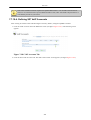
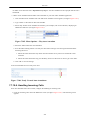
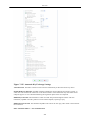
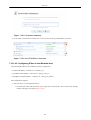
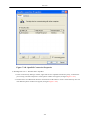
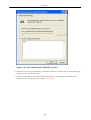
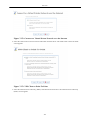
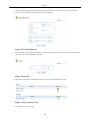
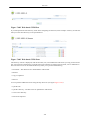
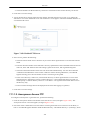
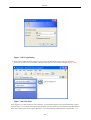
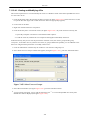
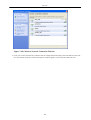
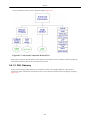
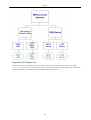
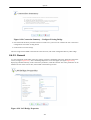
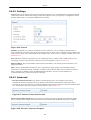
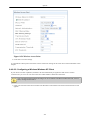
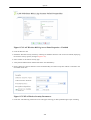
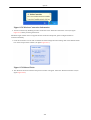
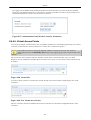
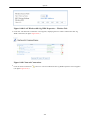
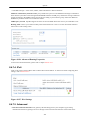
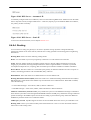
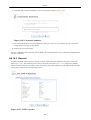
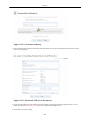
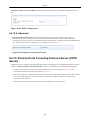
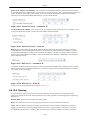
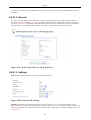
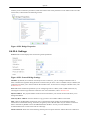
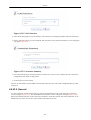
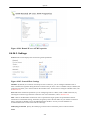
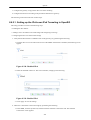
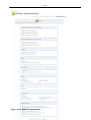
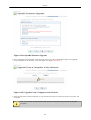
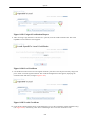
Click the 'IP-PBX' tab under 'Services'. The main PBX screen appears, displaying the various tabs used to
configure your gateway's telephone exchange system (see figure Figure 7.242 ).
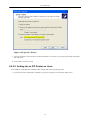
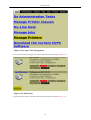
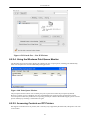
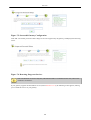
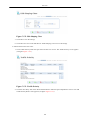
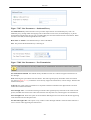
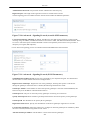
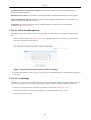
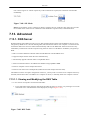
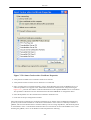
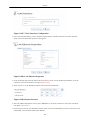
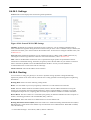
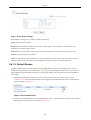
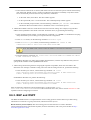
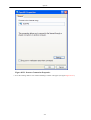
Figure 7.242. PBX Main Screen
7.7.2. Extensions
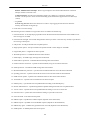
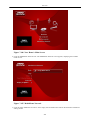
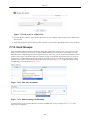
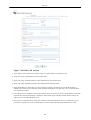
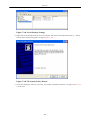
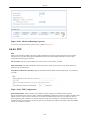
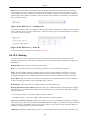
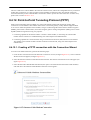
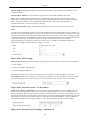
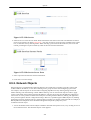
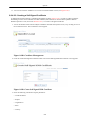
The 'Extensions' screen (see figure Figure 7.242 ) is divided into two main sections, Analog Extensions and VoIP
Extensions.
7.7.2.1. Analog Extensions
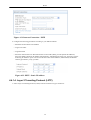
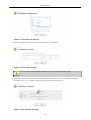
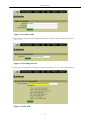
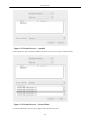
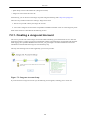
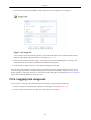
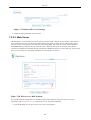
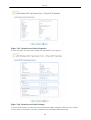
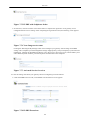
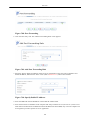
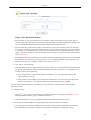
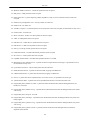
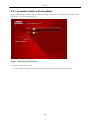
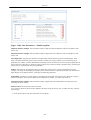
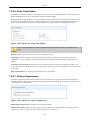
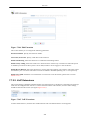
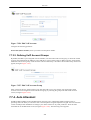
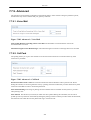
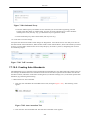
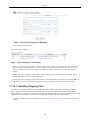
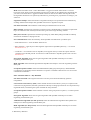
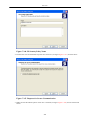
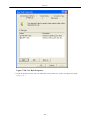
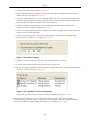
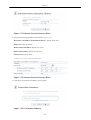
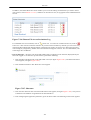
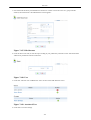
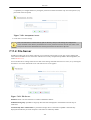
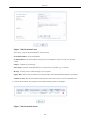
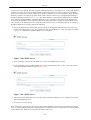
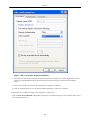
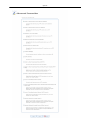
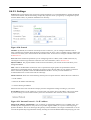
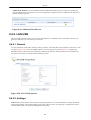
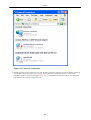
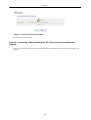
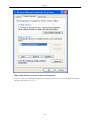
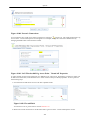
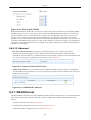
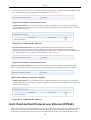
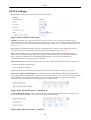
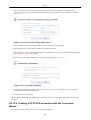
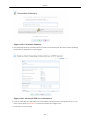
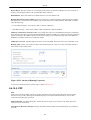
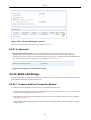
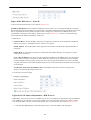
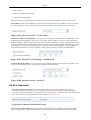
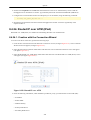
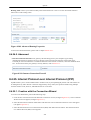
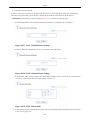
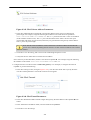
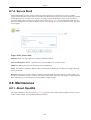
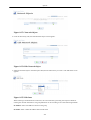
This section displays the settings of OpenRG's four physical telephone ports (see figure Figure 7.243 ), for which
OpenRG serves as an Analog Telephone Adaptor (ATA) device.
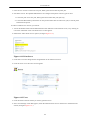
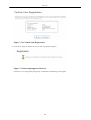
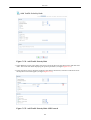
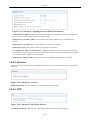
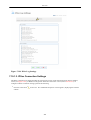
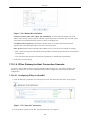
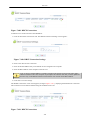
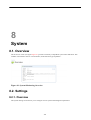
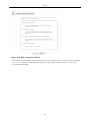
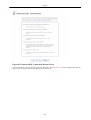
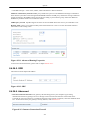
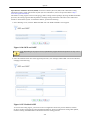
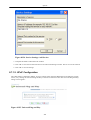
Figure 7.243. Analog Extensions
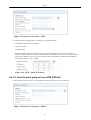
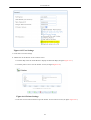
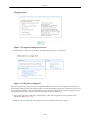
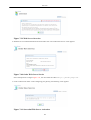
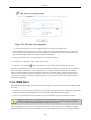
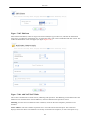
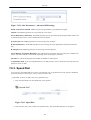
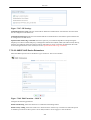
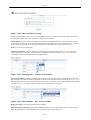
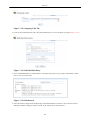
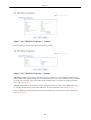
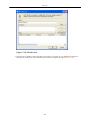
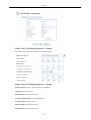
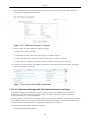
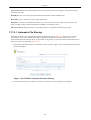
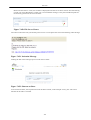
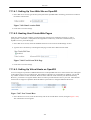
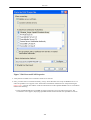
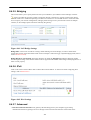
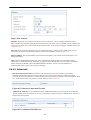
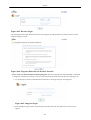
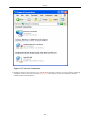
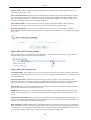
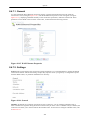
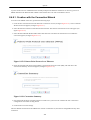
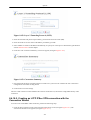
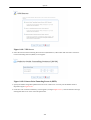
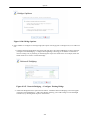
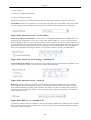
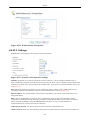
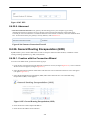
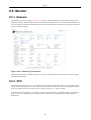
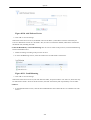
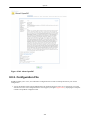
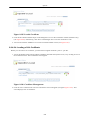
The ports' default extensions (100--103), as well as other settings, can be edited by clicking the extension's
number or
action icon . The 'Edit Extension' screen appears.
239