1
LABCENTER ELECTRONICS
Connectivity Highlight
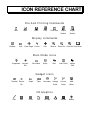
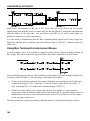
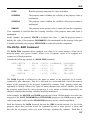
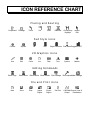
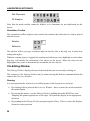
Connectivity Highlight mode is selected by clicking left on the Connectivity Highlight icon.
You can then:
•
Highlight/tag a group of pads, tracks and vias connected to a pad by clicking left on the
pad.
•
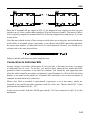
Highlight all pads, tracks and vias connected to a net by selecting the required net from
the Object Selector and then clicking left on the 'T' toggle.
•
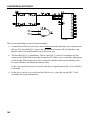
Delete all tagged pads, tracks and vias by clicking left on the Delete icon. Combined
with the above this provides the means to rip up all tracking associated with a given net.
•
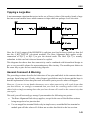
Untag all pads/tracks/vias by clicking right at a point where there is no object or else by
invoking the Redraw command.
RATSNEST FEATURES
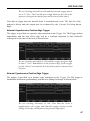
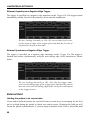
The term Ratsnest is used to describe the pattern you get on the screen when the pin to pin
connections specified in the netlist are shown as single straight lines rather than copper
tracking. Once a netlist has been loaded and the components placed (or vice versa for that
matter) the ratsnest gives a good visual impression of the complexity of the routing task that
is before you or the autorouter. Furthermore, it gives an indication of the quality of
component placement since the presence of lots of long ratsnest lines suggests that some
components would be better placed closer together.
Automatic Ratsnest Recalculation
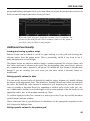
ARES keeps the ratsnest up to date and optimized at all times. Add a component or delete a
track and new ratsnest lines will appear. Make connections and ratsnest lines will disappear.
It’s as simple as that.
The term ‘optimization’ refers to that fact that ARES always displays the ‘Minimum Spanning
Tree’ for each net. This means that the displayed ratsnest lines always represent the shortest
interconnection pattern between the pads.
The ratsnest can be turned off wholesale by using the checkbox on the Layers dialogue on
the Display menu. Ratsnest lines related to a particular strategy can also be turned on and off
using the Set Strategies command on the System menu.
72