1
iVu Barcode Reader (BCR)
External-Gated Mode
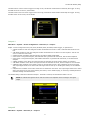
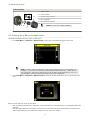
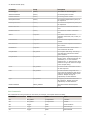
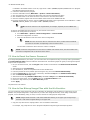
External-Gated mode is similar to Continuous mode. While an external trigger input signal is active, the sensor continues
to capture images and run barcode scans until a successful Read occurs or the External Trigger input signal becomes
inactive. The External - Gated mode uses the Scan Time Limit parameter (Main Menu > System > Sensor
Configuration > Scan Time Limit ) to limit the amount of time the sensor will attempt to decode barcodes on an image.
NOTE: A No Read condition will not occur in External - Gated mode while the external trigger is active.
Command Mode
In Command mode, the sensor captures images when Trigger commands are received. The sensor wil be receiving trigger
commands through the command channel.
2.3.5 Focus
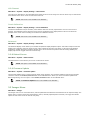
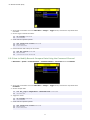
Main Menu > Imager > Focus
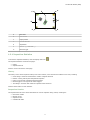
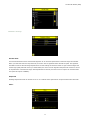
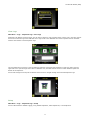
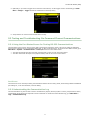
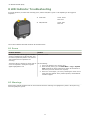
The Focus Number displayed at the bottom of this screen is used to fine-tune image focus. Loosen the lock on the lens
cover, turn the focus ring on the sensor until the Focus Number peaks (or the image appears sharp), then lock the focus
ring.
NOTE: For the Focus Number to work, the sensor must be triggering and the images must be similar
over time.
2.3.6 Strobe
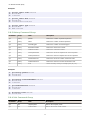
Main Menu > Imager > Strobe
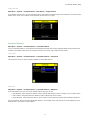
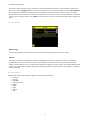
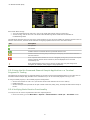
The Internal Strobe configures the operation of the integrated ring light. The External Strobe configures the operation of
an external light.
External
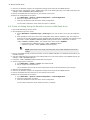
Main Menu > Imager > Strobe > External
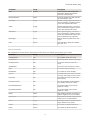
The External Strobe is a 5V output that can be used for an external light. Setting options are Always ON, Always OFF, or
Exposure Based. If Exposure Based is selected, then the external light is on during the time the sensor is capturing an
image.
26