1
Operation
ThermoFlour® 384 Operating Manual
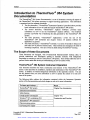
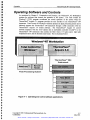
The rmoFIuor 384 System Operation
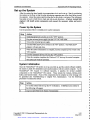
The ThermoFluor® 384 system should be turned on at least 20 minutes before a run to allow
the system to warm up. After the run sheet is completed and the assay plates are placed in the
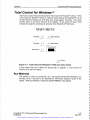
input magazine the screening run is set up in Total Control For WindowsTM (TCW). The
plates are then run and data files written to a designated directory. The ThermoFluor®
Analysis Software then analyzes these data files.
Typical Procedure for Performing a Screening Run
The following procedure represents the way a typical screening assay is conducted. This
procedure uses TCW to set up a run of multiple plates.
Step
Action
i
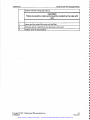
Complete a screening run sheet or other documentation of the run.
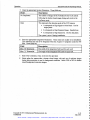
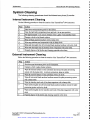
Turn on the ThermoFluor® 384 System in the following order:
Universal power supply.
2
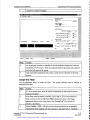
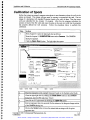
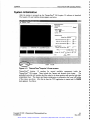
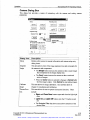
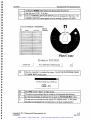
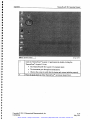
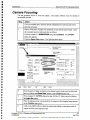
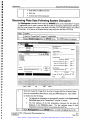
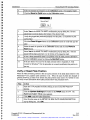
Boot-up the NT workstation. The startup screen appears, see below.
Turn on the instrument
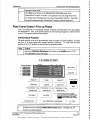
Turn on the PlateCraneTM.
Epre-
Start
,J EpIoring - 3DPnew
[
328 PM
3
Place the assay plates in the input magazine of the ThermoFluor® 384 system.
4
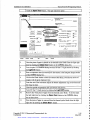
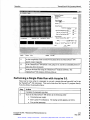
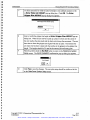
Open the ThermoFluor® Acquire 3.0 application by double clicking the
Copyright © 2001 3-Dimensional Pharmaceuticals, Inc.
Confidential
Artisan Scientific - Quality Instrumentation ... Guaranteed | (888) 88-SOURCE | www.artisan-scientific.com
4-29
May 2001