1
BlomURBEX™ Microstation Plug-in
7.6
Measuring area
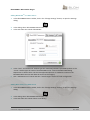
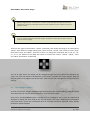
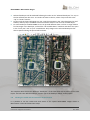
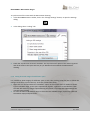
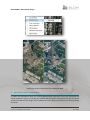
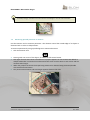
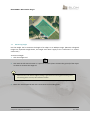
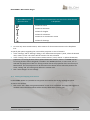
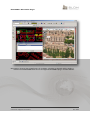
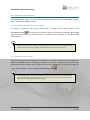
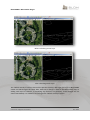
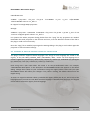
The Area Tool lets to measure the area of any linear shape both in ortho or oblique views. After the
perimeter of the area to be measured is outlined, the area measurement appears in view.
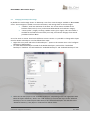
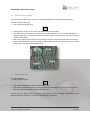
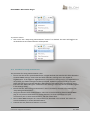
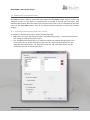
To measure the area of any straight-sided shape:
1. Click the Area Tool.
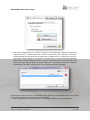
2. Click in the display at the desired starting point.
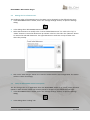
3. Click again for every new vertex of the area. A polygon that returns to initial point is drawn
automatically.
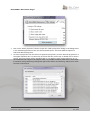
4. When outlined the entire perimeter, double click in the last vertex.
27
Customer Support Document
Oct 2013













![Intergraph Geomedia [6.1-2013] User manual](http://vs1.manualzilla.com/store/data/005689587_1-58c82d14f3ba8ebe92b5c45af00d079c-150x150.png)
![ArcMap [v10.0- v.10.2] User manual](http://vs1.manualzilla.com/store/data/005724954_1-1f5d2da94c774511c91b8b97dbbbcd93-150x150.png)

![Autocad [2007-2009] User manual](http://vs1.manualzilla.com/store/data/005776291_1-e398978f20775312922048f8d5b8f7a5-150x150.png)
![Autodesk MAP [2007-2009] User manual](http://vs1.manualzilla.com/store/data/005814944_1-7d4ade0f748ad8f526e057550ef902e1-150x150.png)
![MapInfo [v9.5 - v10.0] User manual PDF](http://vs1.manualzilla.com/store/data/005662542_1-c58f11f989f54f88b5c049879cd1b1b4-150x150.png)