1
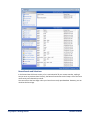
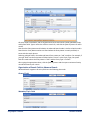
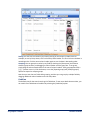
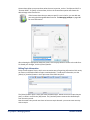
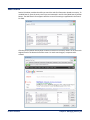
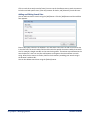
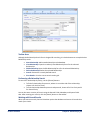
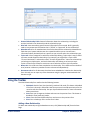
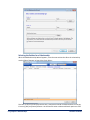
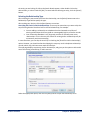
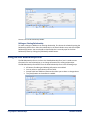
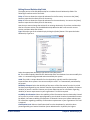
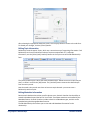
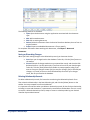
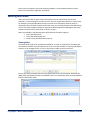
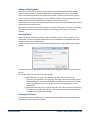
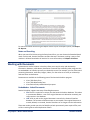
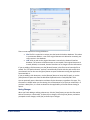
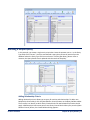
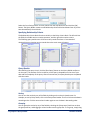
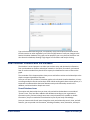
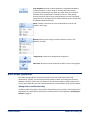
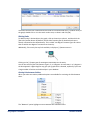
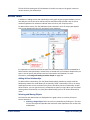
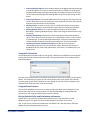
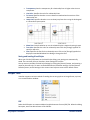
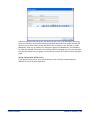
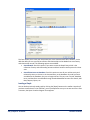
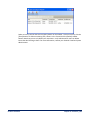
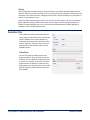
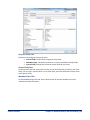
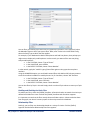
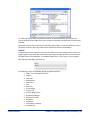
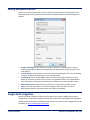
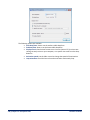
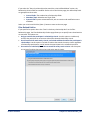
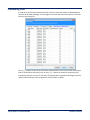
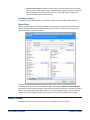
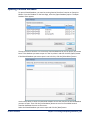
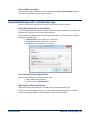
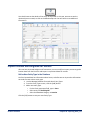
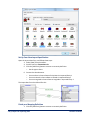
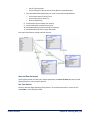
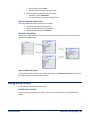
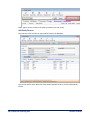
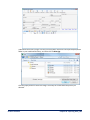
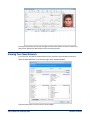
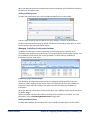
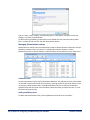
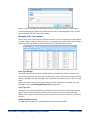
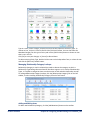
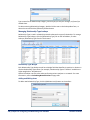
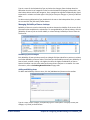
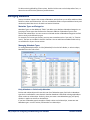
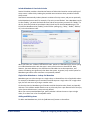
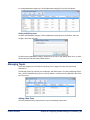
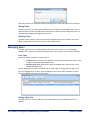
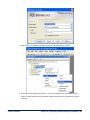
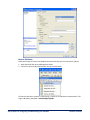
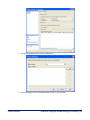
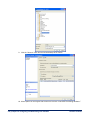
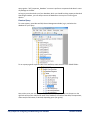
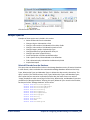
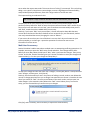
Type a name for the Relationship Category, and click [OK] to save your changes, or [Cancel] to discard them. To edit an existing Relationship Category, double click the row on the lookup editor form, or select the row and click the [Edit Item] toolbar button. Managing Relationship Type Lookups Relationship Type is used in relationship records to denote the type of relationship. To manage Relationship Type lookups, click the [Relationship Type] link on the left sidebar, or select Lookups, Relationship Type from the Tools menu: Relationship Type Weight Each Relationship Type lookup record has a Weight field that identifies its position in relation to all other Relationship Type values. For example, a Relationship Type of “Brother” would have a higher weight than “Acquaintance.” Sentinel Visualizer uses this value when performing various analyses on a network. For more information, refer to Calculating Network Values on page 108. Adding and Editing Items To add a new Relationship Type, click the [Add New Item] button on the toolbar: 196 Chapter 19: Configuring and Maintaining Your Database Sentinel Visualizer