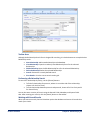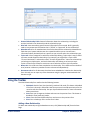
1
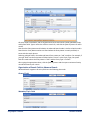
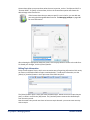
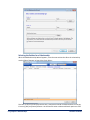
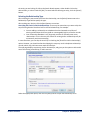
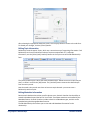
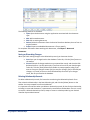
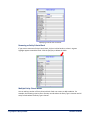
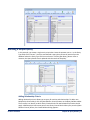
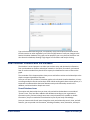
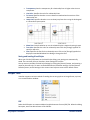
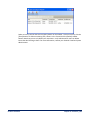
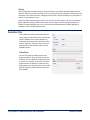
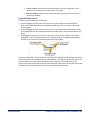
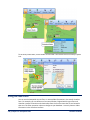
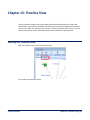
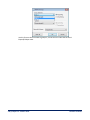
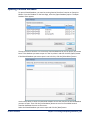
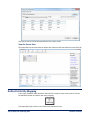
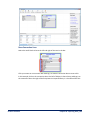
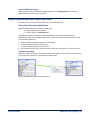
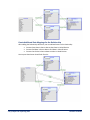
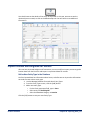
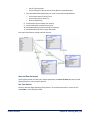
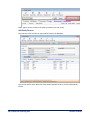
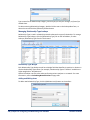
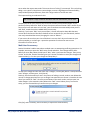
Draw Connection Lines Notice the small black circles to the left and right of the rows in the box. Click your mouse on a connection dot and drag it to another connection dot to create a link. In this example, click on the connection dot to the left of Subject in Source Data, and drag it to the connection dot to the right of the Entity Name in Imported Entity 1. It should look like this: Sentinel Visualizer Chapter 18: Importing Data 169