1
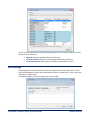
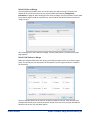
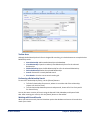
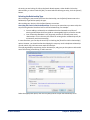
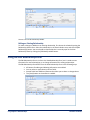
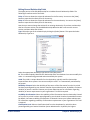
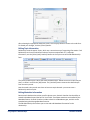
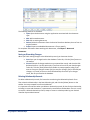
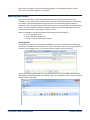
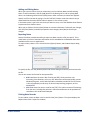
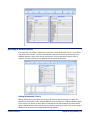
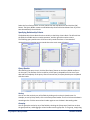
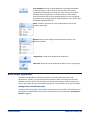
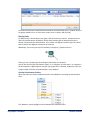
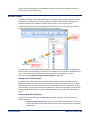
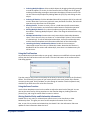
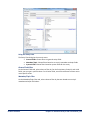
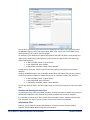
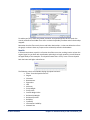
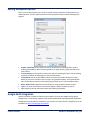
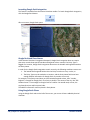
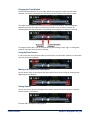
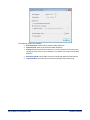
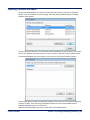
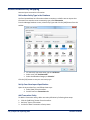
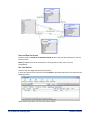
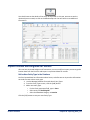
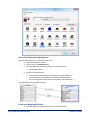
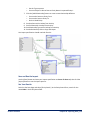
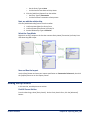
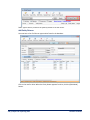
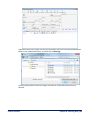
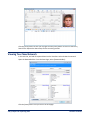
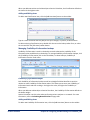
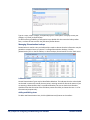
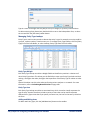
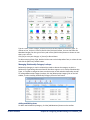
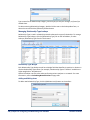
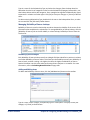
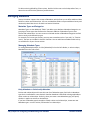
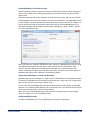
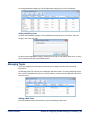
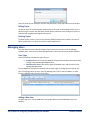
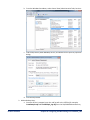
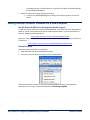
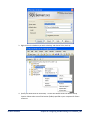
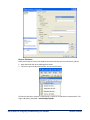
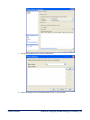
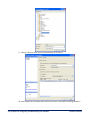
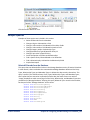
Lookup Table Description Typical Values Dissemination The dissemination of an entity or relationship PROPIN, ORCON, NOFORN, etc. Entity Status The disposition of an entity Alive, Dead, Incarcerated, Unknown, etc. Entity Type The type of an entity Person, Organization, Location, etc. Relationship Category The category for a relationship type Familial, Organizational, Transactional, etc. Relationship Type The type of a relationship Placed a phone call to, Brother of, Leading member of, etc. Reliability of Source A numbered system to rate the reliability of the source that provided the information that establishes a relationship Completely reliable, Fairly reliable, Unreliable, etc. Editing Lookup Lists The lookup editor offers these options on the toolbar: Add New Item to add a new record to the lookup list. Edit Item to modify the selected lookup record. Delete Item to remove the selected lookup record if it’s not already being used. Save XML to export the entire list of lookup values to an XML file. Close to close the form. Managing Classification Lookups Classification is used for both entity and relationship records, and denotes the classification level of the information contained in the record. To manage Classification lookups, click the [Classification] link on the left sidebar, or select Lookups, Classification from the Tools menu: Classification Values Each Classification lookup record has a Value field that identifies its position in relation to all other Classification levels. This allows you to enter your Classifications and their rankings—the higher the number, the higher the Classification. 190 Chapter 19: Configuring and Maintaining Your Database Sentinel Visualizer