1
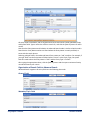
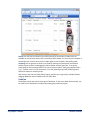
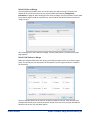
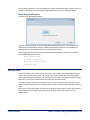
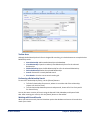
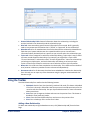
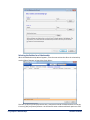
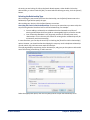
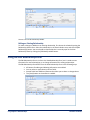
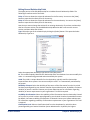
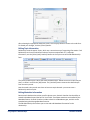
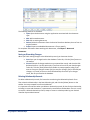
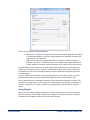
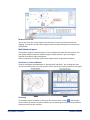
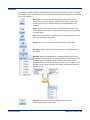
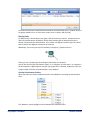
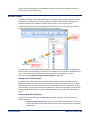
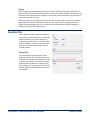
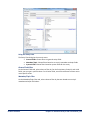
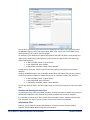
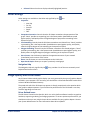
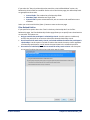
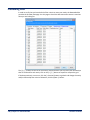
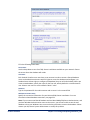
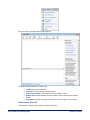
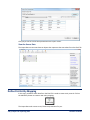
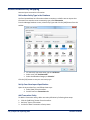
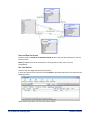
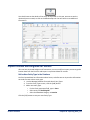
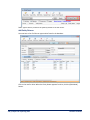
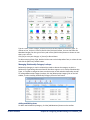
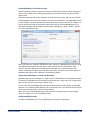
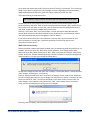
After a moment, the Import Data Screen appears. The Import Data screen has five main areas: Toolbar: Access common tasks Main Pane: Visually design your data import Source Data Preview: View a preview of source data in a grid Bottom Tabs: Switch between the Source Data Preview and the Process Status modes Right Pane: See quick tips and shortcuts that make the import process easier Select Source, Excel File Click the Source button on the toolbar and select Excel File. 166 Chapter 18: Importing Data Sentinel Visualizer