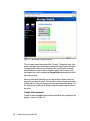
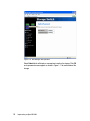
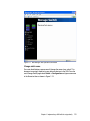
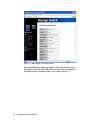
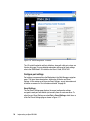
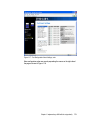
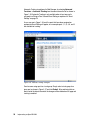
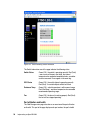
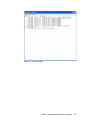
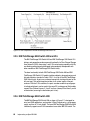
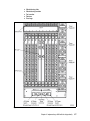
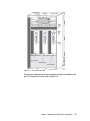
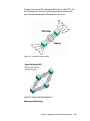
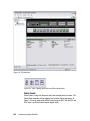
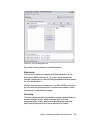
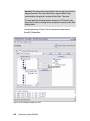
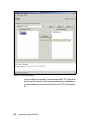
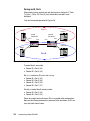
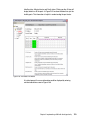
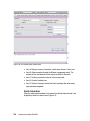
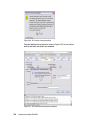
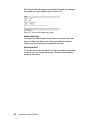
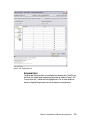
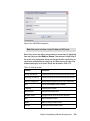
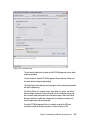
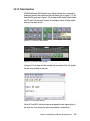
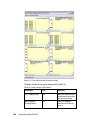
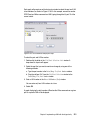
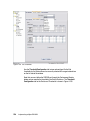
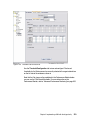
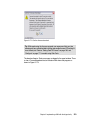
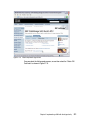
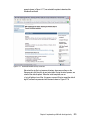
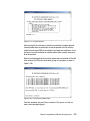
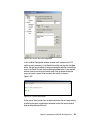
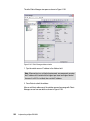
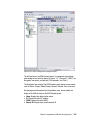
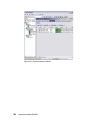
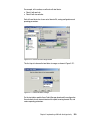
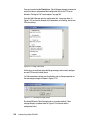
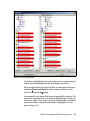
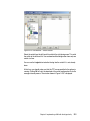
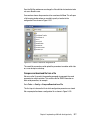
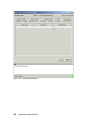
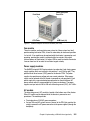
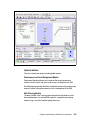
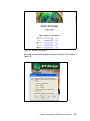
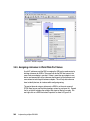
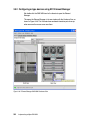
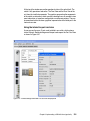
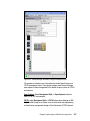
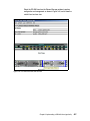
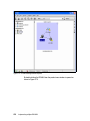
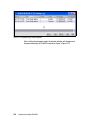
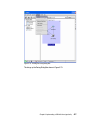
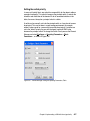
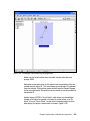
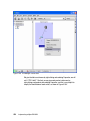
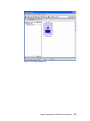
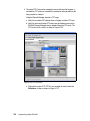
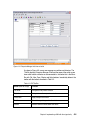
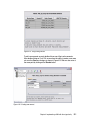
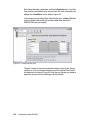
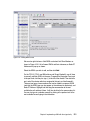
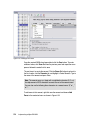
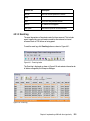
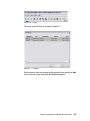
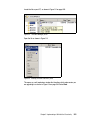
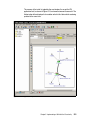
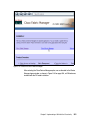
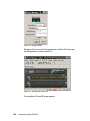
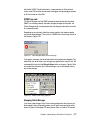
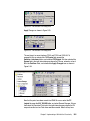
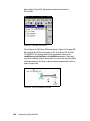
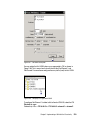
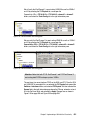
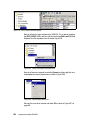
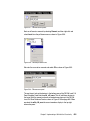
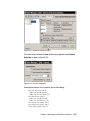
Select the ES-4500 icon from the Element Manager window to perform
configuration and management as shown in Figure 3-64, and to show the
switch’s front and rear view.
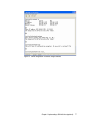
Figure 3-64 ES-4500 switch front and rear view
Chapter 3. Implementing a SAN with the m-type family
407