1
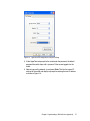
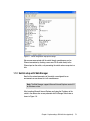
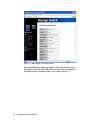
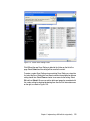
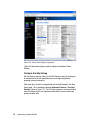
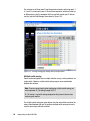
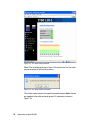
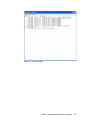
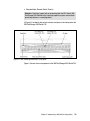
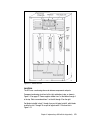
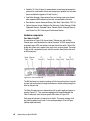
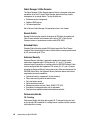
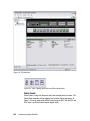
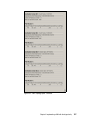
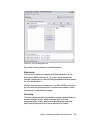
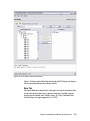
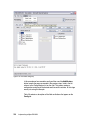
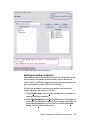
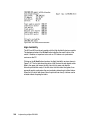
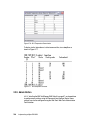
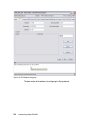
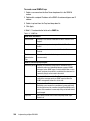
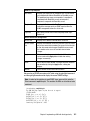
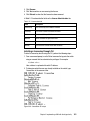
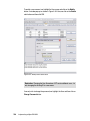
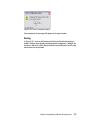
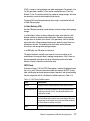
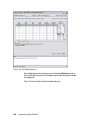
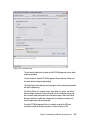
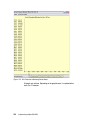
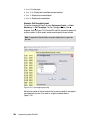
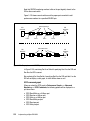
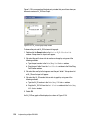
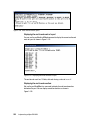
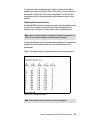
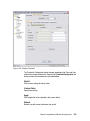
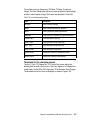
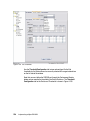
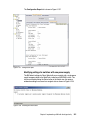
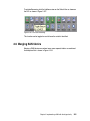
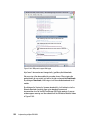
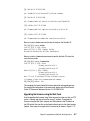
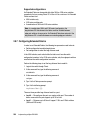
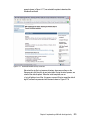
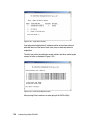
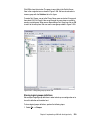
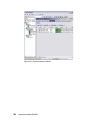
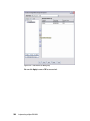
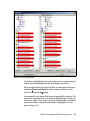
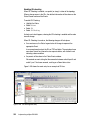
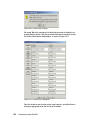
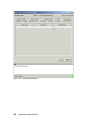
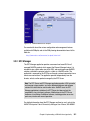
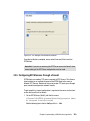
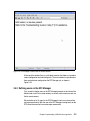
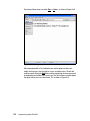
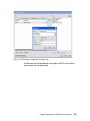
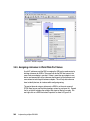
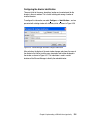
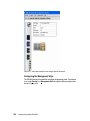
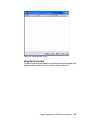
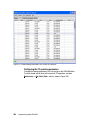
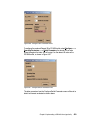
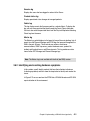
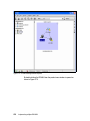
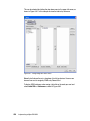
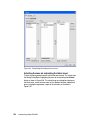
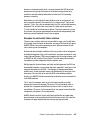
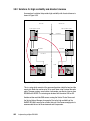
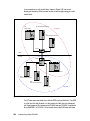
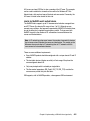
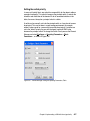
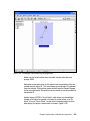
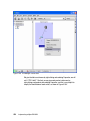
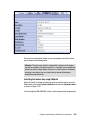
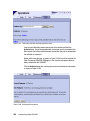
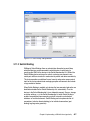
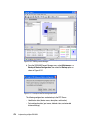
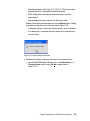
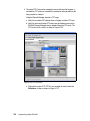
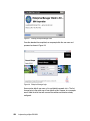
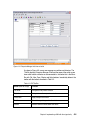
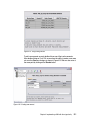
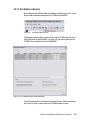
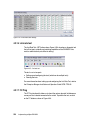
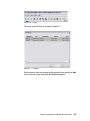
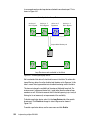
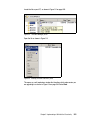
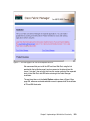
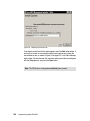
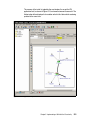
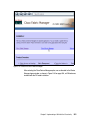
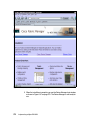
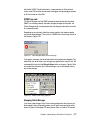
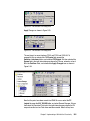
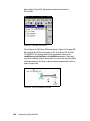
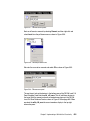
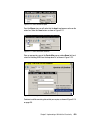
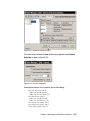
Figure 3-66 Configure Fabric Parameters menu
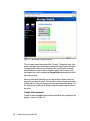
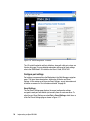
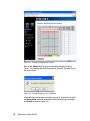
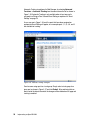
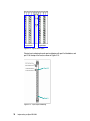
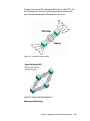
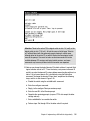
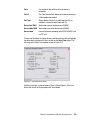
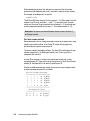
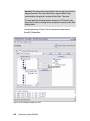
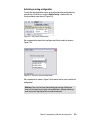
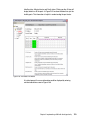
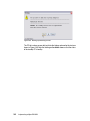
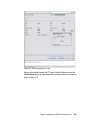
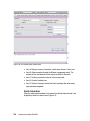
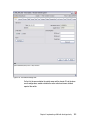
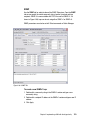
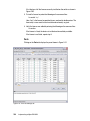
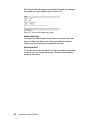
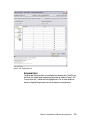
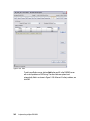
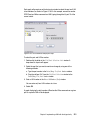
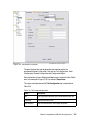
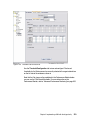
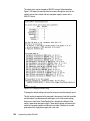
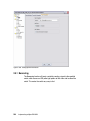
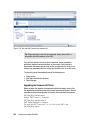
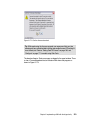
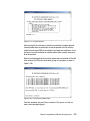
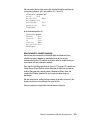
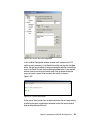
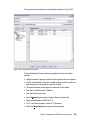
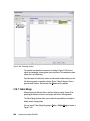
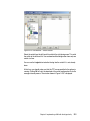
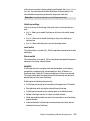
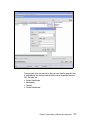
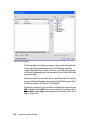
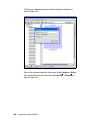
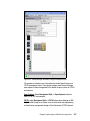
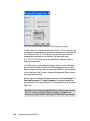
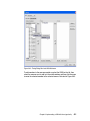
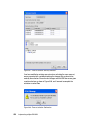
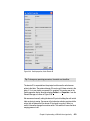
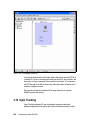
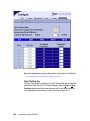
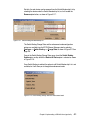
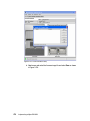
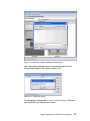
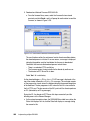
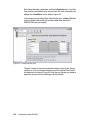
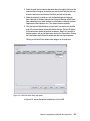
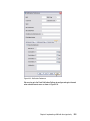
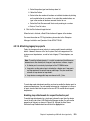
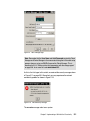
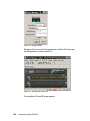
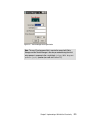
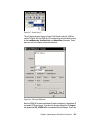
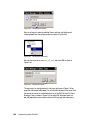
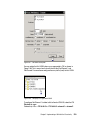
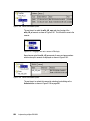
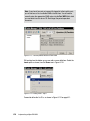
To configure the preferred Domain ID for ES-4500 switch select Configure ----->
Operating Parameters -----> Switch Parameters, the domain ID has to be
unique throughout the fabric. We will assign 5 as the domain ID value on the
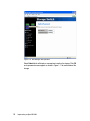
ES-4500 switch, as shown in Figure 3-67.
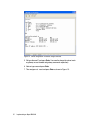
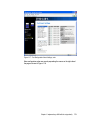
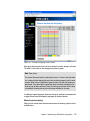
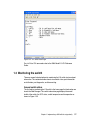
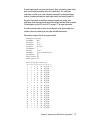
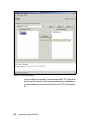
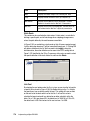
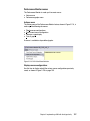
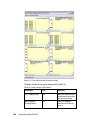
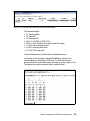
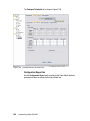
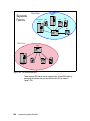
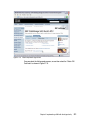
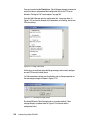
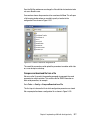
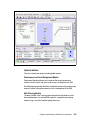
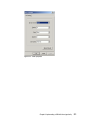
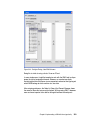
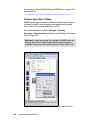
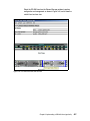
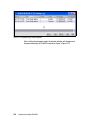
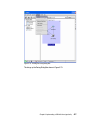
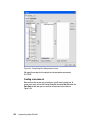
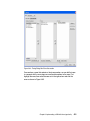
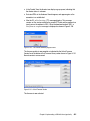
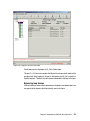
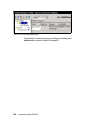
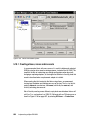
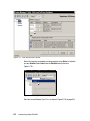
Figure 3-67 Configure Switch Parameters menu
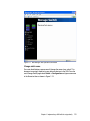
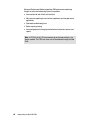
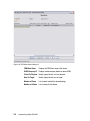
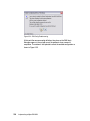
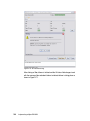
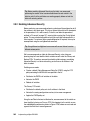
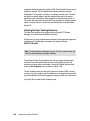
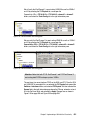
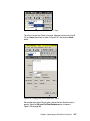
The other parameters from the Configure Switch Parameters menu will be set to
default and remain unselected as shown above.
Chapter 3. Implementing a SAN with the m-type family
409