1
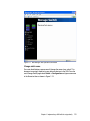
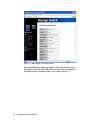
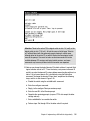
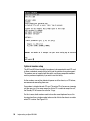
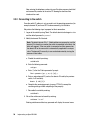
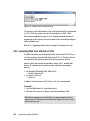
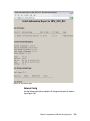
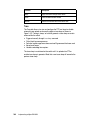
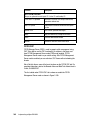
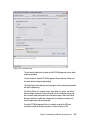
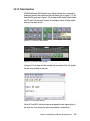
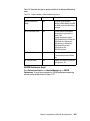
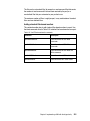
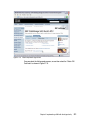
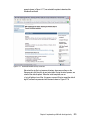
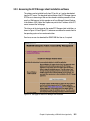
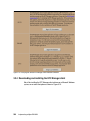
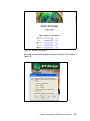
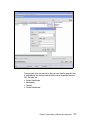
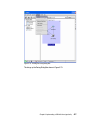
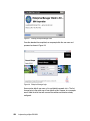
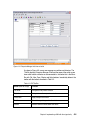
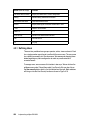
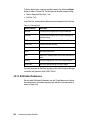
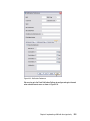
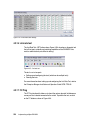
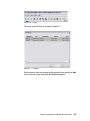
5.2 Installing FM and DM First we show how to install and configure Fabric Manager (FM) and Device Manager (DM). 5.3 Obtain the source files Cisco Fabric Manager and Cisco Device Manager software is embedded in every Cisco MDS 9000 Family Switch. This software is transferred from the switch and installed automatically through Java Web Start when you access a switch via a supported, Java-enabled Web browser, such as Windows Internet Explorer, or Netscape Navigator. Directors and switches in the Cisco MDS 9000 Multilayer Fabric Switch Family are shipped with levels of firmware already installed that are current at the time of shipping. This code level is usually sufficient to begin the switch implementation process, but we recommend that you regularly check for the latest supported code levels and install updated code when required. To check the currently supported levels of code for the Cisco MDS 9000 switch family, go to: http://www.ibm.com/servers/storage/support/san/mds9506.html Attention: Cisco regularly makes new releases of code available on their Web site for authorized users to download. IBM conducts additional integration testing on this code before issuing its approval, so we recommend that you always install only the IBM recommended code levels. If you experience problems with an unapproved code release IBM may ask you to install an approved release before continuing with problem resolution. 5.3.1 System requirements The hardware and software requirements for the Cisco Fabric Manager clients and servers are as follows: Processor Intel® Pentium® III 500 MHz processor (minimum) for Windows and Linux® Sun UltraSPARC 550 MHz processor (minimum) for Solaris Memory 128 MB (minimum) Chapter 5. Implementing a SAN with the Cisco family 541