1
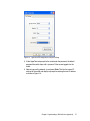
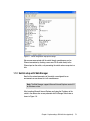
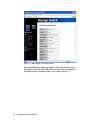
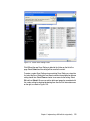
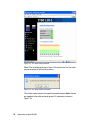
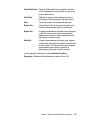
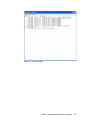
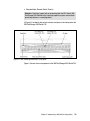
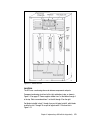
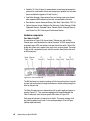
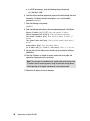
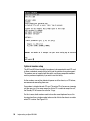
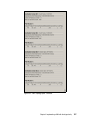
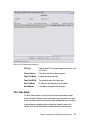
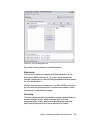
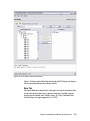
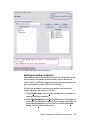
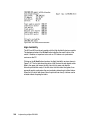
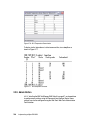
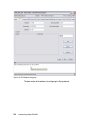
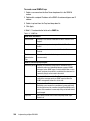
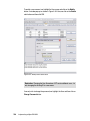
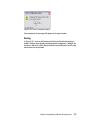
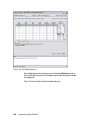
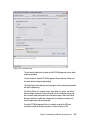
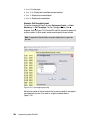
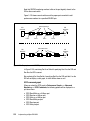
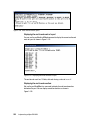
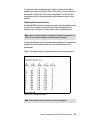
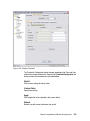
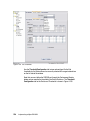
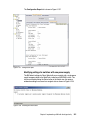
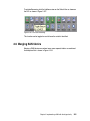
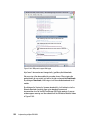
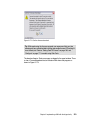
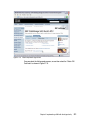
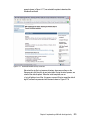
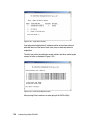
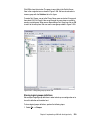
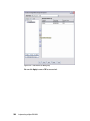
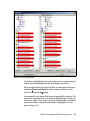
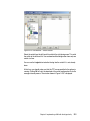
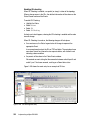
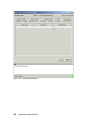
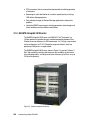
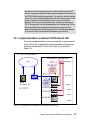
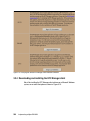
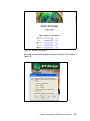
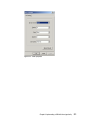
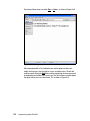
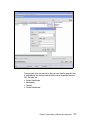
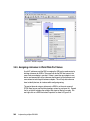
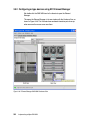
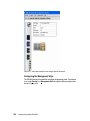
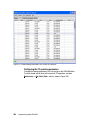
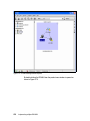
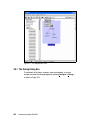
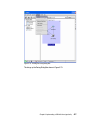
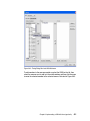
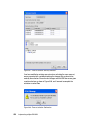
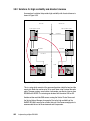
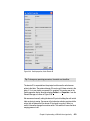
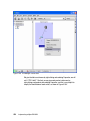
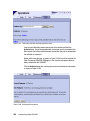
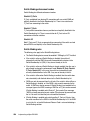
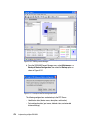
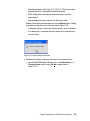
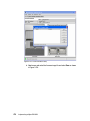
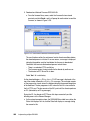
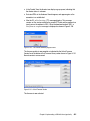
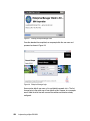
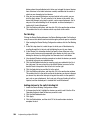
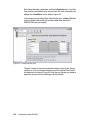
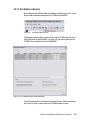
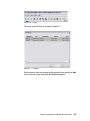
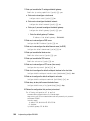
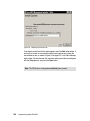
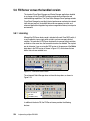
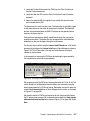
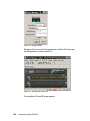
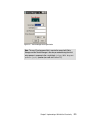
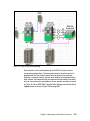
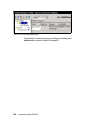
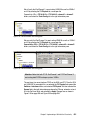
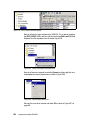
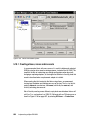
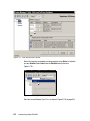
Figure 4-7 Installing Enterprise Manager client
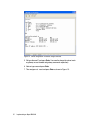
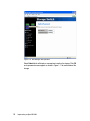
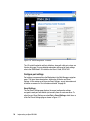
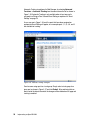
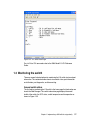
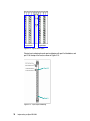
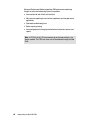
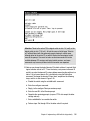
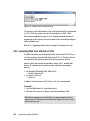
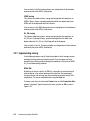
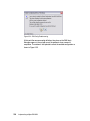
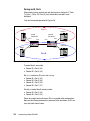
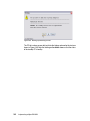
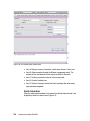
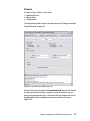
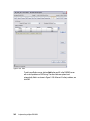
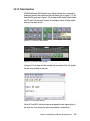
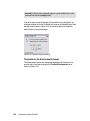
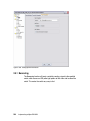
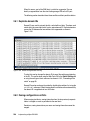
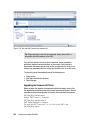
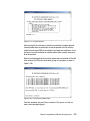
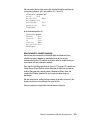
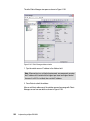
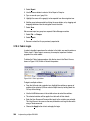
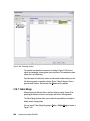
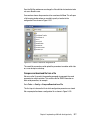
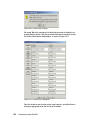
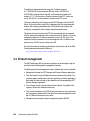
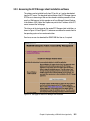
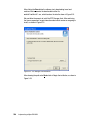
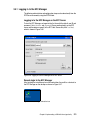
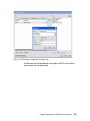
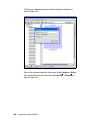
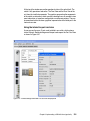
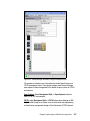
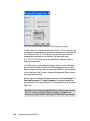
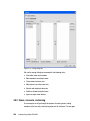
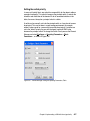
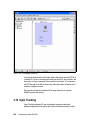
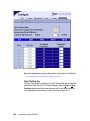
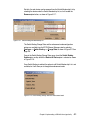
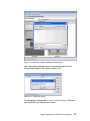
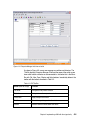
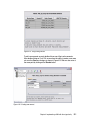
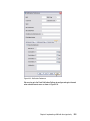
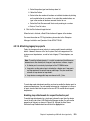
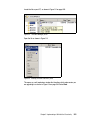
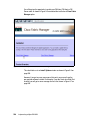
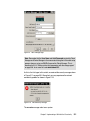
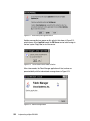
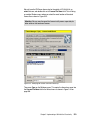
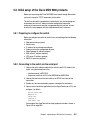
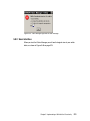
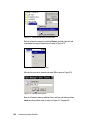
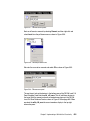
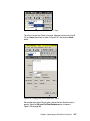
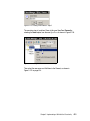
Once the download has completed, we are prompted for the user name and
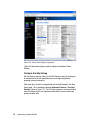
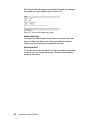
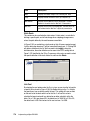
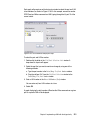
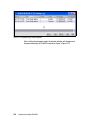
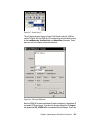
password as shown in Figure 4-8.
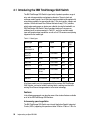
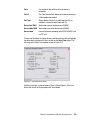
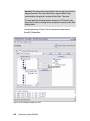
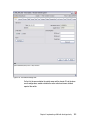
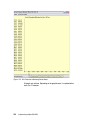
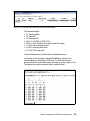
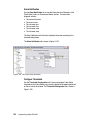
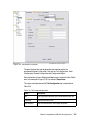
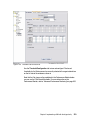
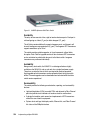
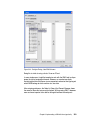
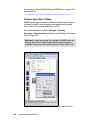
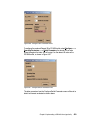
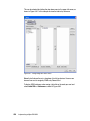
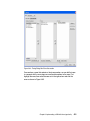
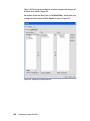
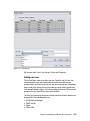
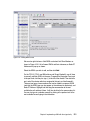
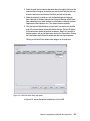
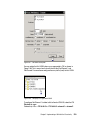
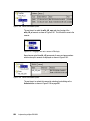
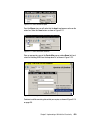
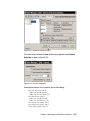
Figure 4-8 Enterprise Manager Login
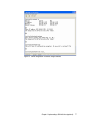
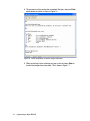
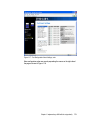
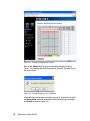
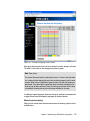
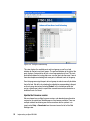
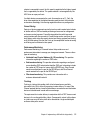
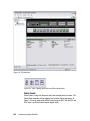
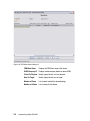
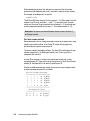
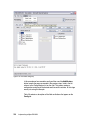
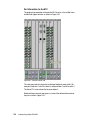
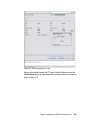
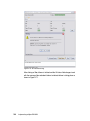
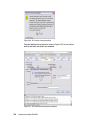
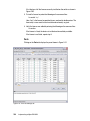
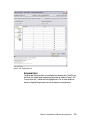
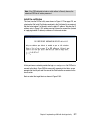
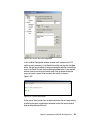
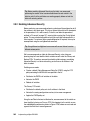
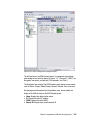
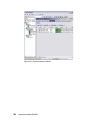
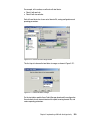
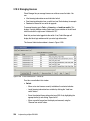
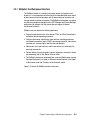
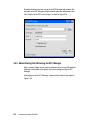
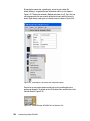
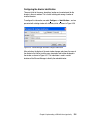
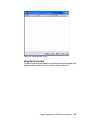
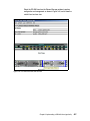
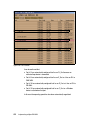
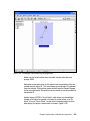
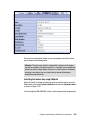
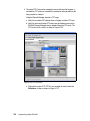
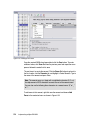
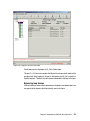
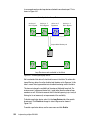
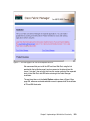
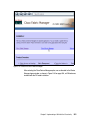
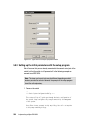
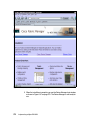
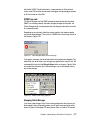
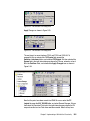
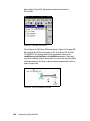
Here we enter default user name admin and default password admin. The first
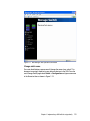
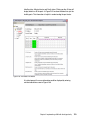
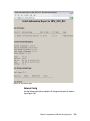
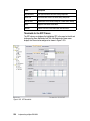
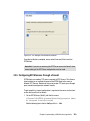
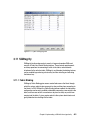
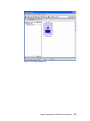
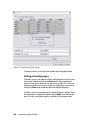
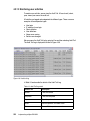
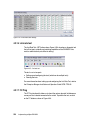
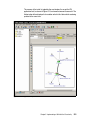
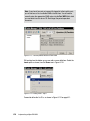
time we log in to the switch, we will see default values. However, in our example
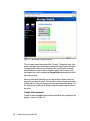
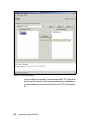
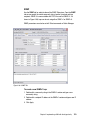
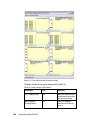
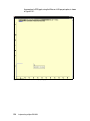
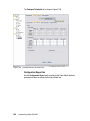
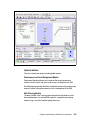
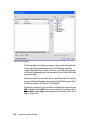
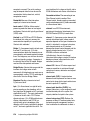
we will show the initial view with some of the switches and directors already
configured.
494
Implementing an Open IBM SAN