1
ONESOURCE ®
ONESOURCE TAX PROVISION
CHAPTER 6: FUNCTIONALITY
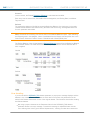
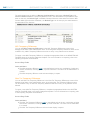
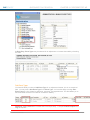
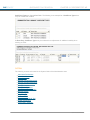
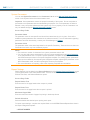
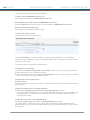
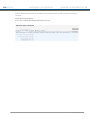
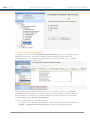
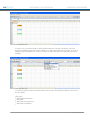
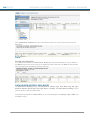
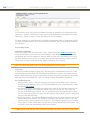
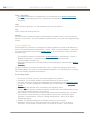
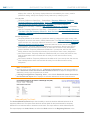
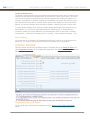
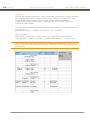
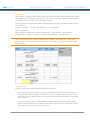
information in a different format and has various views to further adjust the report's format.
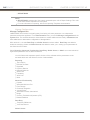
Exchange Rates
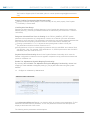
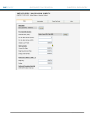
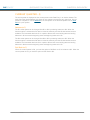
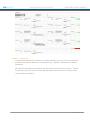
All amounts entered in Payable should be in Local Currency.
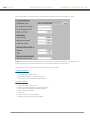
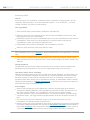
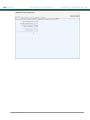
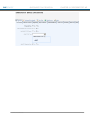
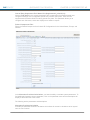
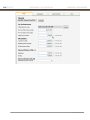
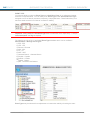
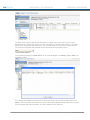
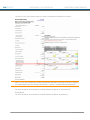
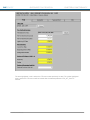
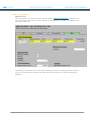
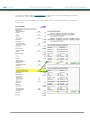
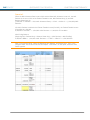
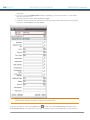
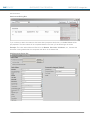
The Payable Entry screen allows for the Weighted Average FX rate to be entered on a
transaction-by-transaction basis.
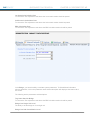
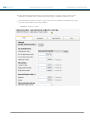
Automatic Postings are pre-populated with the Unit’s Weighted Average FX rate, but can be
modified.
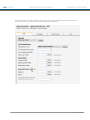
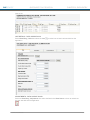
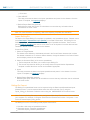
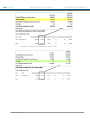
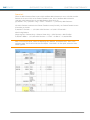
The Currency Translation Adjustment (CTA) is computed on a transaction-by-transaction basis
using the transaction's Weighted Average FX rate and the Unit’s Ending Spot rate.
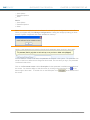
Note: You cannot enter a zero FX rate.
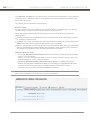
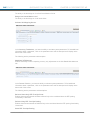
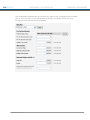
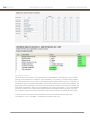
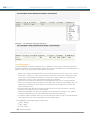
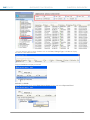
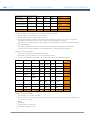
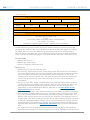
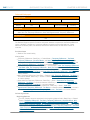
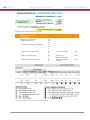
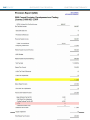
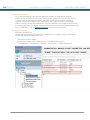
CTA amounts display on both the Payable Rollforward and Payable Detail reports.
The Payable Rollforward and Payable Detail reports can be viewed in both Local Currency and
Reporting Currency.
296
® 2011 Thomson Reuters