1
ONESOURCE ®
ONESOURCE TAX PROVISION
CHAPTER 5: REPORTING
TAX PROVISION
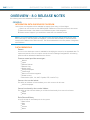
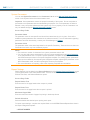
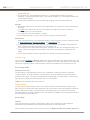
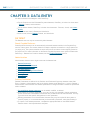
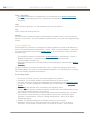
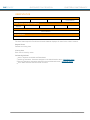
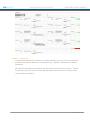
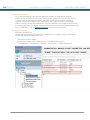
Reporting Levels:
Unit
Filing Group
Sub-consolidation
Consolidation
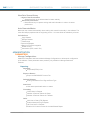
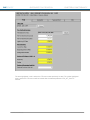
Control Center Configurable Options:
Dataset
Unit
Sub-consolidation
Currency
Source Data:
All Data Entry Screens
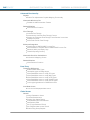
Available Views:
View Detail / View Summary
Unit Breakout
Breakout Comparison
Tax Provision Display
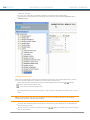
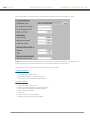
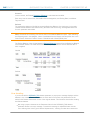
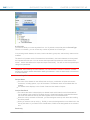
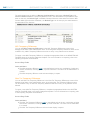
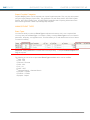
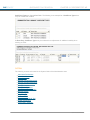
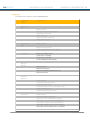
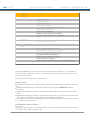
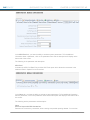
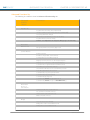
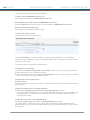
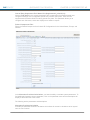
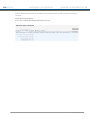
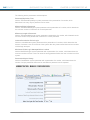
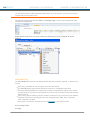
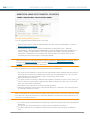
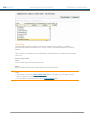
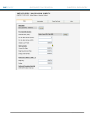
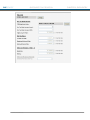
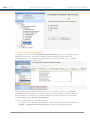
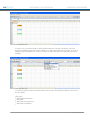
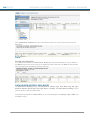
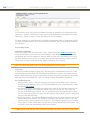
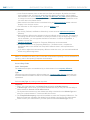
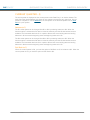
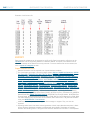
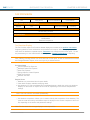
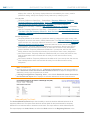
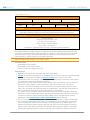
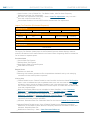
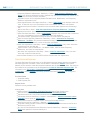
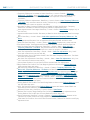
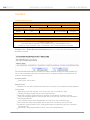
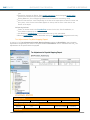
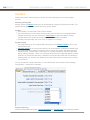
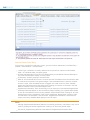
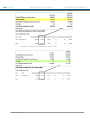
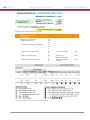
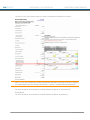
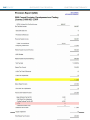
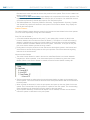
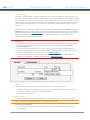
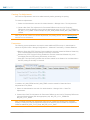
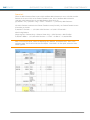
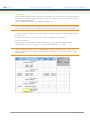
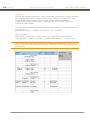
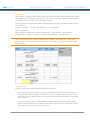
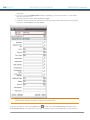
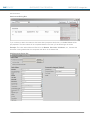
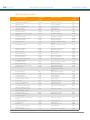
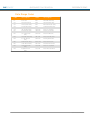
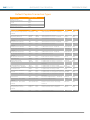
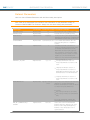
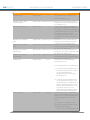
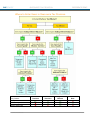
The Tax Provision report for a Provision dataset displays an overview of the provision calculations.
Supporting detail for some calculations can be viewed in this report, while underlying support for
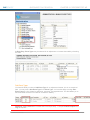
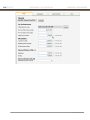
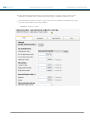
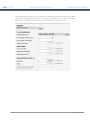
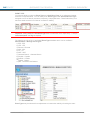
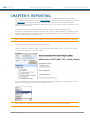
other items is detailed on separate reports. Parameters can change the view of this report. To add
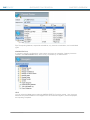
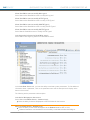
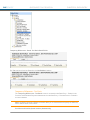
the parameters go to the Administration area > System > Manage Configurations > Reporting.
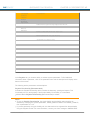
Note: Differing rounding policies can cause amounts on this report, as well as the Effective Tax Rate
and Foreign/Domestic reports, to be out of sync by a minimal amount.
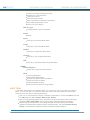
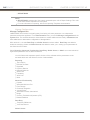
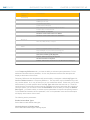
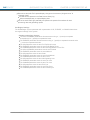
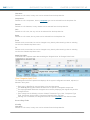
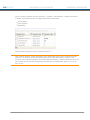
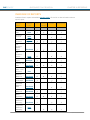
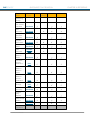
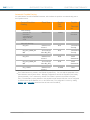
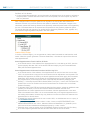
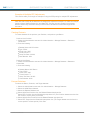
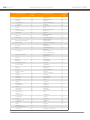
Provision Items
Current Federal Tax Expense
Deferred Federal Tax Expense
State Tax Expense
Equity Offset to Current Expense
Total Tax Provision
Effective Tax Rate
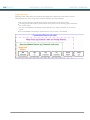
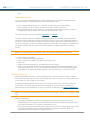
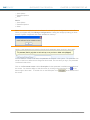
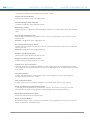
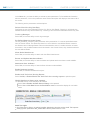
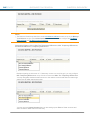
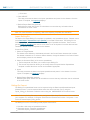
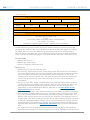
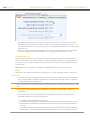
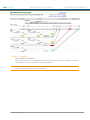
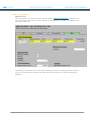
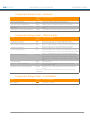
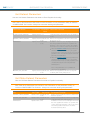
Report Views
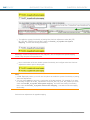
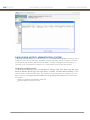
Defaults to a summarized view of report details.
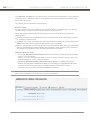
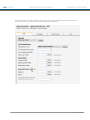
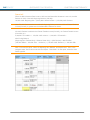
View detail: Displays available underlying detail.
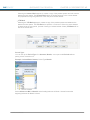
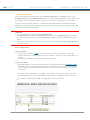
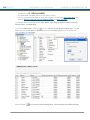
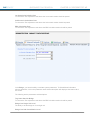
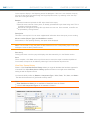
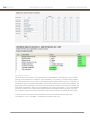
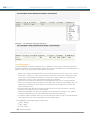
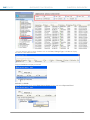
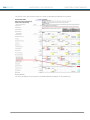
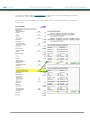
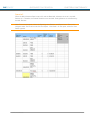
Unit breakout: On sub-consolidated and consolidated reports, details the unit-by-unit breakout.
Displays on the screen or exports to an Excel file, depending on the version and parameter
settings.
Note: Unit code columns are sorted alphabetically.
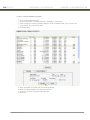
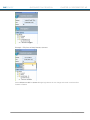
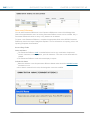
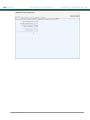
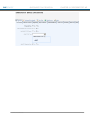
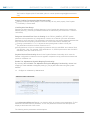
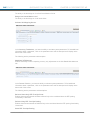
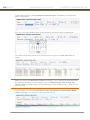
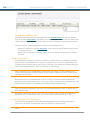
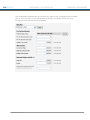
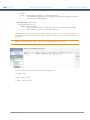
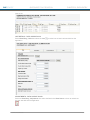
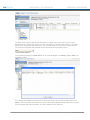
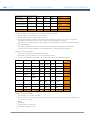
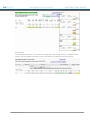
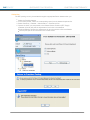
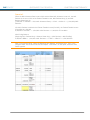
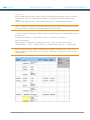
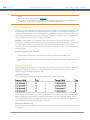
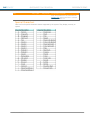
Unit breakout comparison: Allows you to create a side-by-side comparison of two datasets. The
result is a total and unit-by-unit variance report. It displays on the screen or exports to an Excel
file, depending on the version and parameter settings.
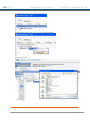
Note: The view detail link no longer displays in the exported file.
® 2011 Thomson Reuters
227