1
ONESOURCE ®
ONESOURCE TAX PROVISION
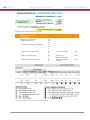
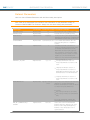
OVERVIEW - 8.0 RELEASE NOTES
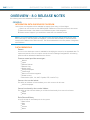
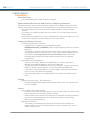
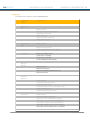
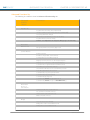
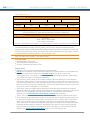
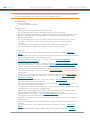
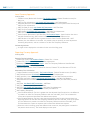
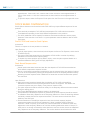
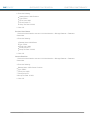
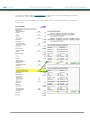
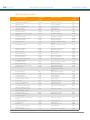
Assign (non-interim) Datasets to Users
Display Prior Year Information
Hide RTP Columns
Add Comments to RTPs
Show Unit Details on Questionnaire Report
Show New Questionnaire Layout
Show "Post RTP" Button
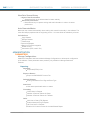
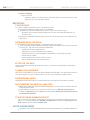
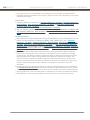
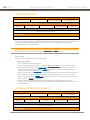
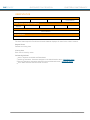
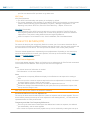
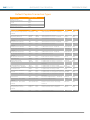
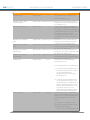
ADS Col Type
Display Dataset Types in Dropdown
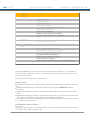
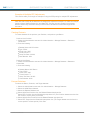
Switch
Switch
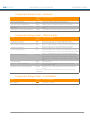
Perms
Add Tag to Perm Drop-Down Menu
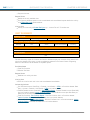
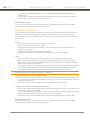
Temps
Add Tag to Temp Drop-Down Menu
Payable
Add Tag to Payble Drop-Down Menu
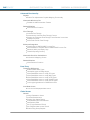
Tax Adjs
Add Tag to Tax Adj Drop-Down Menu
TBS
Add Tag to Tax Basis Subline Drop-Down Menu
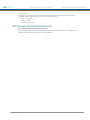
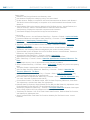
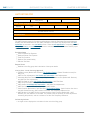
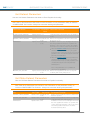
Admin
Password Options
Make User Logins Not Case-Sensitive
Other
Track Log Messages
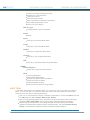
Allow Global Attachments
Browse and Update Attachment Button
Attachment Save As Button
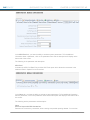
Enable Database Analyzer
Enable Audit Trail when Running Reports
AUDIT TRAIL
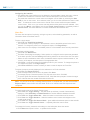
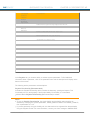
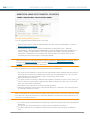
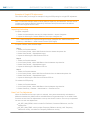
A new Audit Trail feature is now available which you can elect to use on an Instance by Instance
basis. You have the option to continue to utilize the current audit trail however we recommend
switching to the new one to optimize performance.
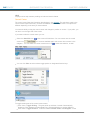
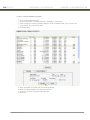
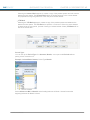
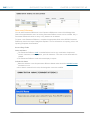
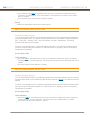
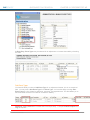
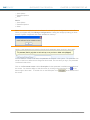
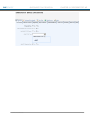
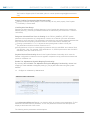
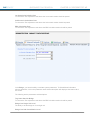
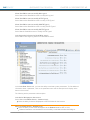
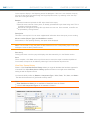
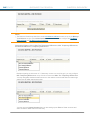
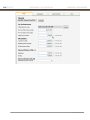
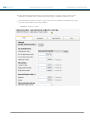
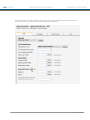
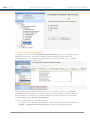
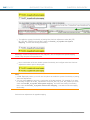
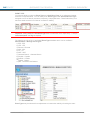
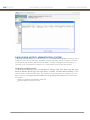
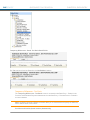
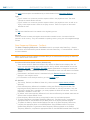
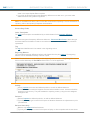
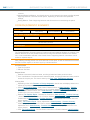
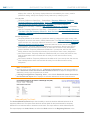
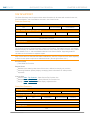
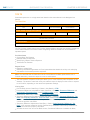
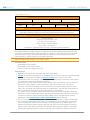
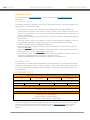
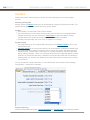
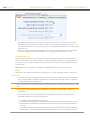
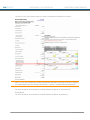
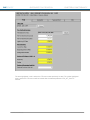
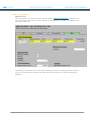
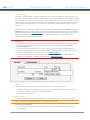
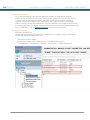
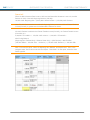
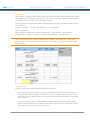
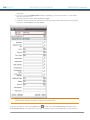
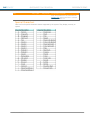
First, turn on the Data Source History in Manage Configurations. Choose the Admin area and
the Other tab then Yes for Enable Data Source History
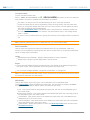
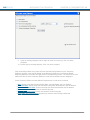
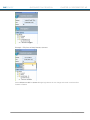
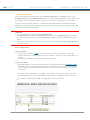
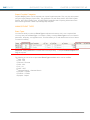
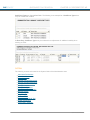
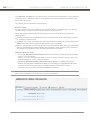
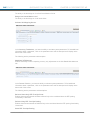
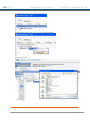
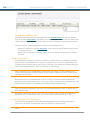
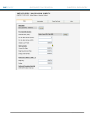
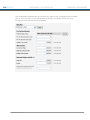
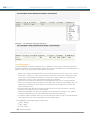
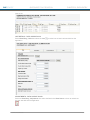
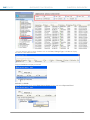
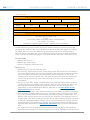
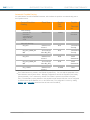
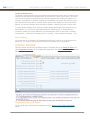
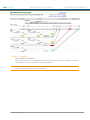
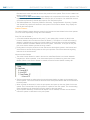
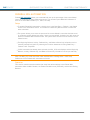
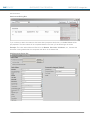
Next, to achieve optimal performance, discontinue using the prior audit trail by entering the
parameter LIMIT_AUDITTRAIL with the param value in Manage Restricted Features
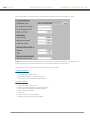
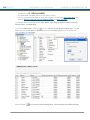
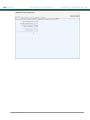
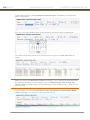
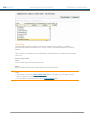
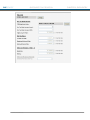
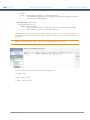
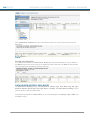
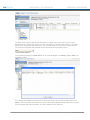
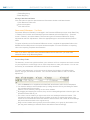
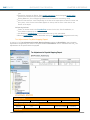
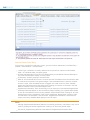
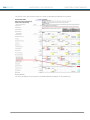
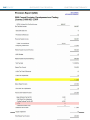
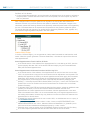
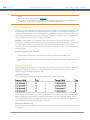
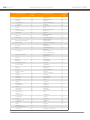
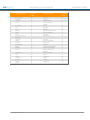
After turning on this parameter, the existing Numbers audit trail captures data Added,
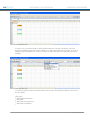
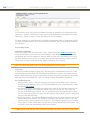
Updated, and Deleted (the headers) without underlying detail. The new View Data Source
History in Administration should be used to see detailed audit information.
® 2011 Thomson Reuters
13