1
ONESOURCE ®
ONESOURCE TAX PROVISION
CHAPTER 3: DATA ENTRY
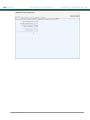
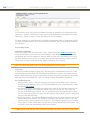
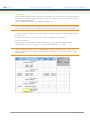
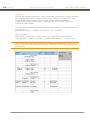
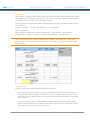
State Rates
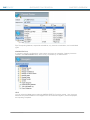
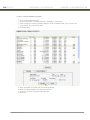
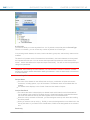
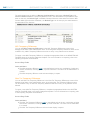
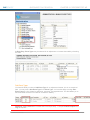
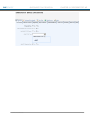
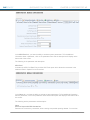
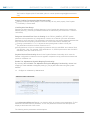
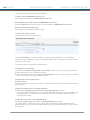
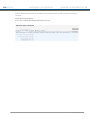
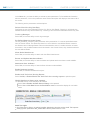
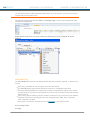
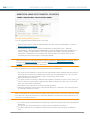
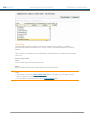
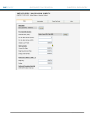
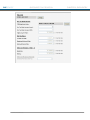
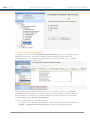
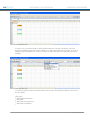
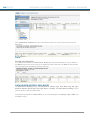
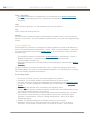
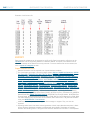
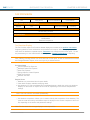
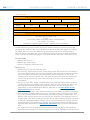
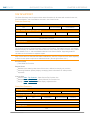
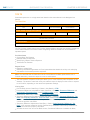
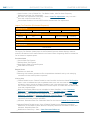
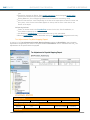
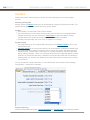
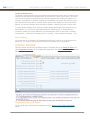
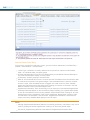
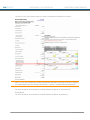
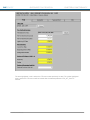
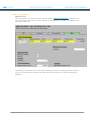
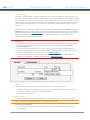
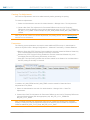
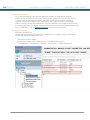
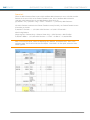
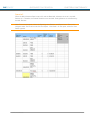
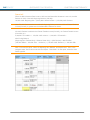
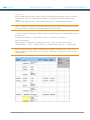
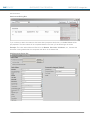
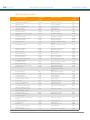
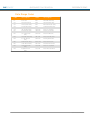
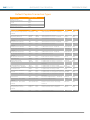
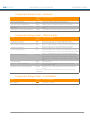
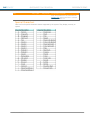
The State Rates screen is located a the Provision dataset under Data Entry > Dataset >
Administration Dataset Parameters. This screen is used to populate state rates for a specific
dataset.
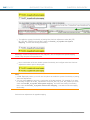
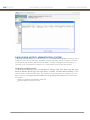
This screen is only available when the StateRates dataset parameter is added with a Parameter
Value of Y.
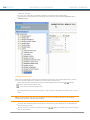
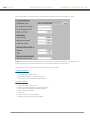
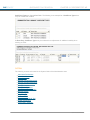
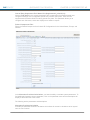
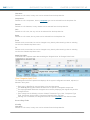
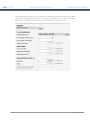
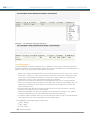
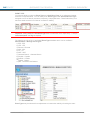
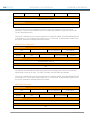
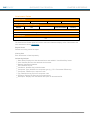
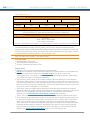
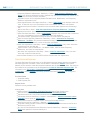
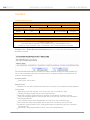
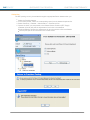
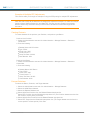
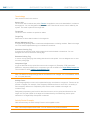
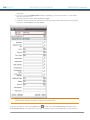
Screen Entry Fields
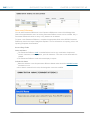
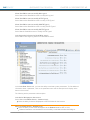
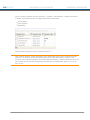
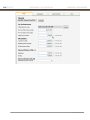
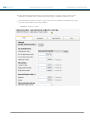
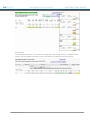
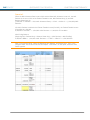
Code
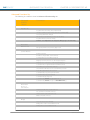
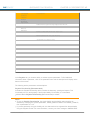
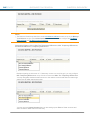
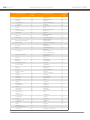
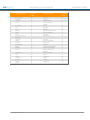
Select a State Code from the drop-down list.
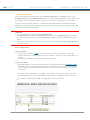
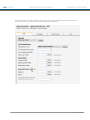
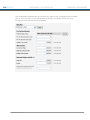
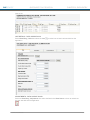
Rates
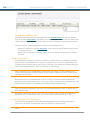
Enter the Beginning Deferred, Ending Deferred, and State Tax rates.
Notes:
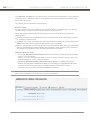
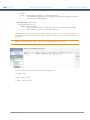
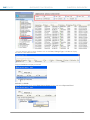
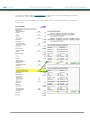
This screen in used in the Mass Update Rates feature, with which you can apply Tax and
Currency Rates on a universal basis to datasets.
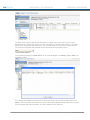
For information on overriding rates, see the Override Option page.
140
® 2011 Thomson Reuters