1
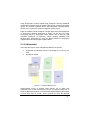
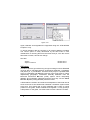
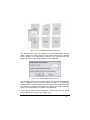
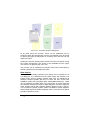
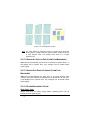
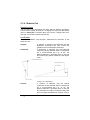
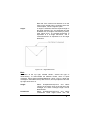
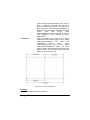
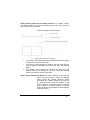
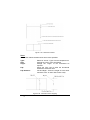
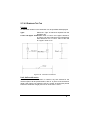
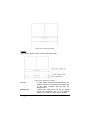
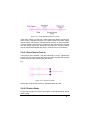
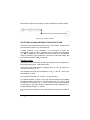
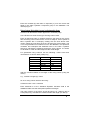
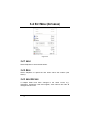
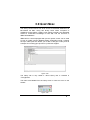
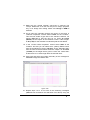
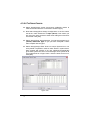
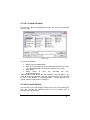
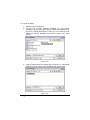
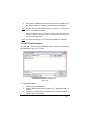
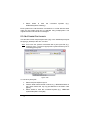
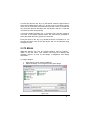
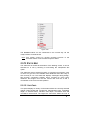
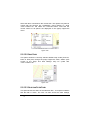
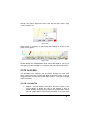
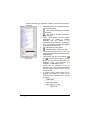
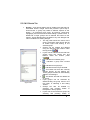
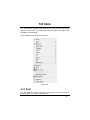
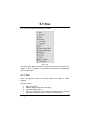
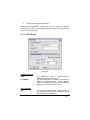
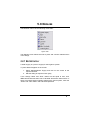
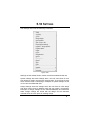
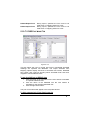
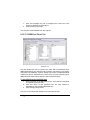
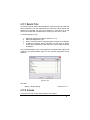
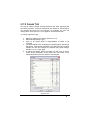
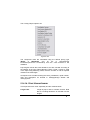
3.10 WINDOW MENU The options in the Window menu control how the open databases can be displayed. 3.10.1 CASCADE An option for displaying multiple databases in a cascading fashion i.e. each next window displayed below the previous title bar. Found in Window|Cascade. 3.10.2 TILE An option for displaying two databases one below the other on the screen found in Window|Tile. 3.10.3 ARRANGE ICONS In the event that many windows are open but minimised, Window|Arrange Icons will arrange the minimized window icons in the left-hand corner. 3.10.4 OPEN DATABASES LIST Lists all databases that are open and indicates which one currently has the input focus. Found in Window|Open Database List. IRRICAD User Guide IRRICAD Database Editor Manual 303