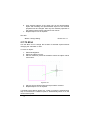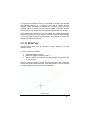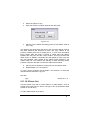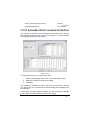
1
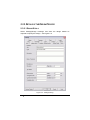
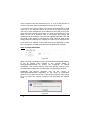
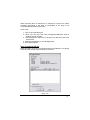
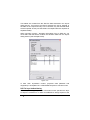
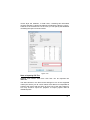
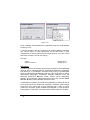
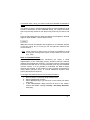
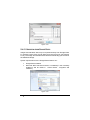
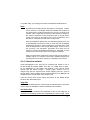
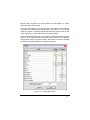
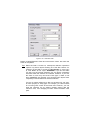
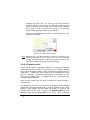
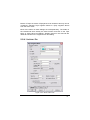
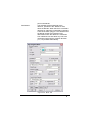
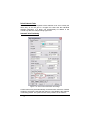
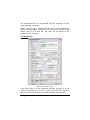
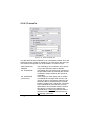
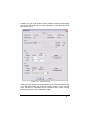
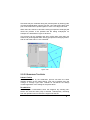
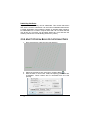
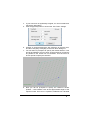
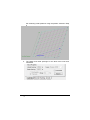
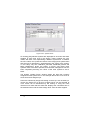
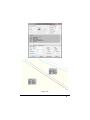
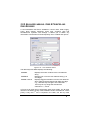
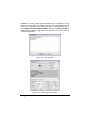
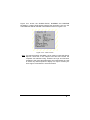
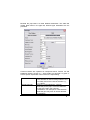
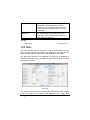
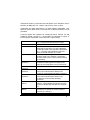
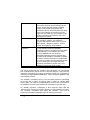
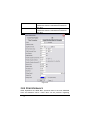
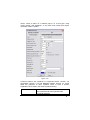
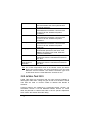
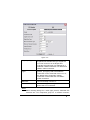
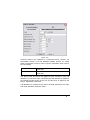
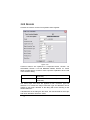
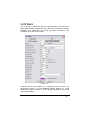
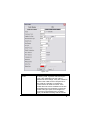
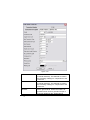
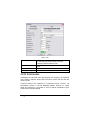
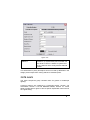
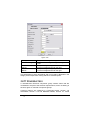
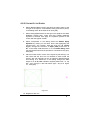
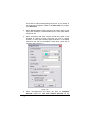
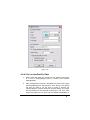
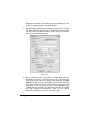
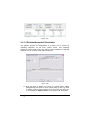
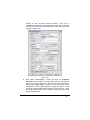
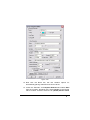
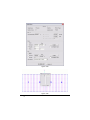
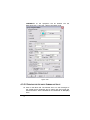
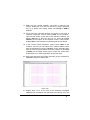
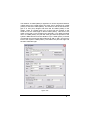
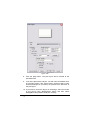
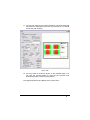
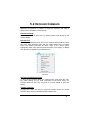
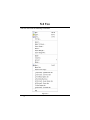
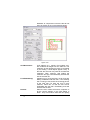
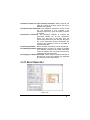
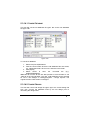
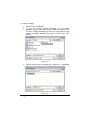
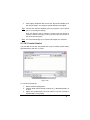
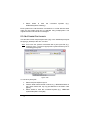
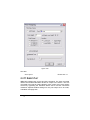
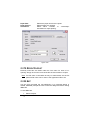
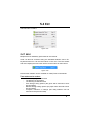
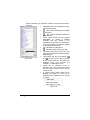
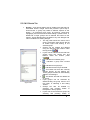
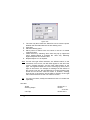
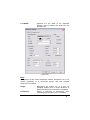
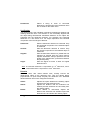
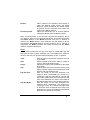
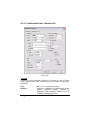
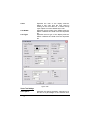
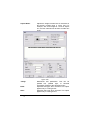
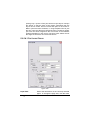
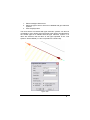
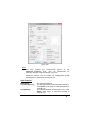
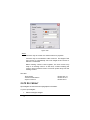
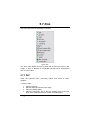
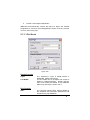
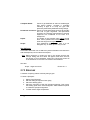
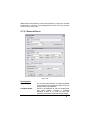
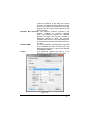
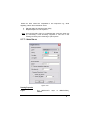
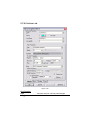
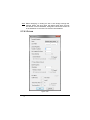
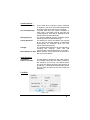
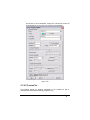
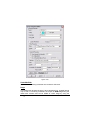
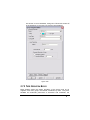
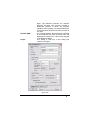
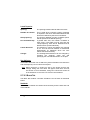
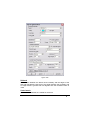
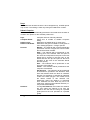
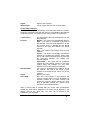
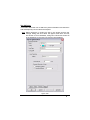
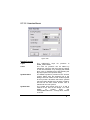
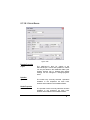
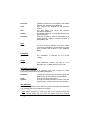
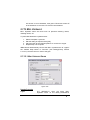
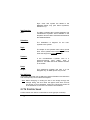
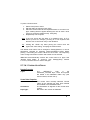
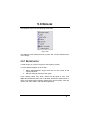
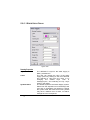
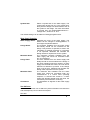
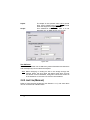
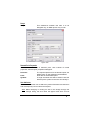
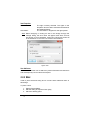
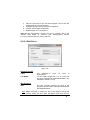
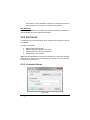
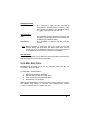
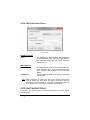
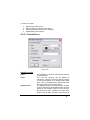
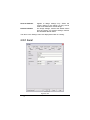
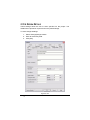
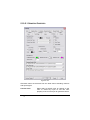
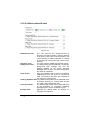
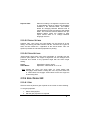
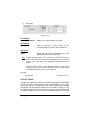
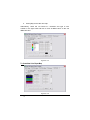
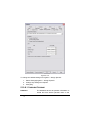
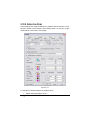
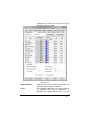
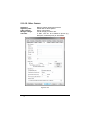
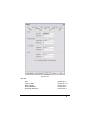
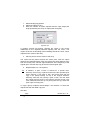
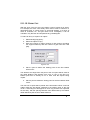
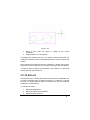
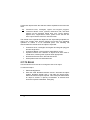
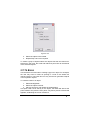
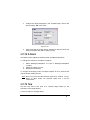
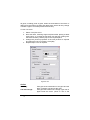
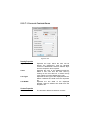
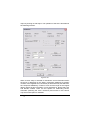
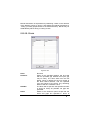
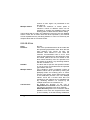
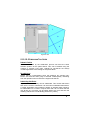
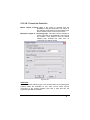
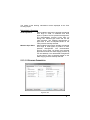
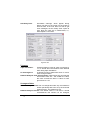
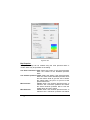
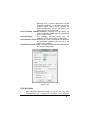
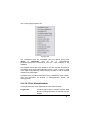
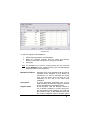
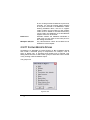
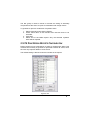
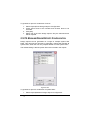
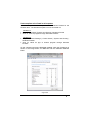
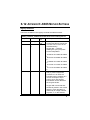
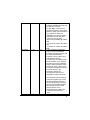
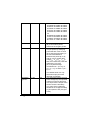
Modify|Change Type. Use the Selection Filter, available in the Modify menu to aid in selecting the correct item(s) prior to selecting the Change tools. Changing Individual Items To change a single object use Modify|Change. The dialog for that item will allow the editing of any available characteristic. It may be helpful to zoom in to the object you wish to change before clicking on it, to avoid selecting the wrong item. The Change tool is also available in Right-click|Modify. When in Select Object mode, double clicking on an item will also bring up the Change dialog. Drawing Objects and Elevations For drawing objects the common drawing properties are: Layer Color Line type Line width These properties can be edited by selecting from a dropdown list. In the case of editing the color, select from the resulting palette dialog. The item can also be specified “By Layer” meaning the item will have the color, line width and line type as specified for the layer the item is on, in Settings|Layers. Other object properties are specific to the item. For example the radius of a circle may be edited by over-typing the current radius of the circle, likewise the length of a line. Hydraulic Items The drawing properties available for editing in the hydraulic dialogs are: Layer Line width (pipes, tapes and wires) Color, symbol (water supplies and junctions) Color, line type, line width (areas) Scope IRRICAD User Guide User Manual 61