1
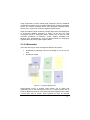
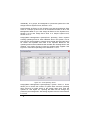
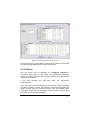
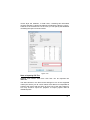
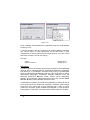
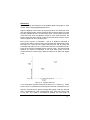
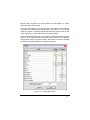
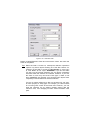
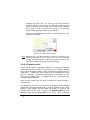
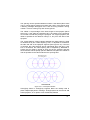
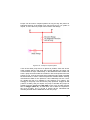
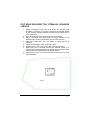
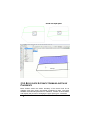
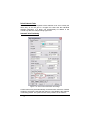
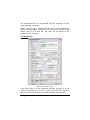
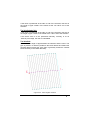
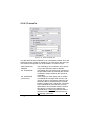
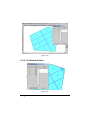
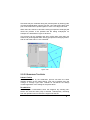
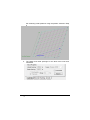
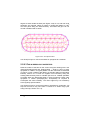
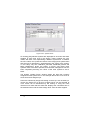
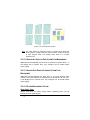
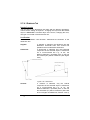
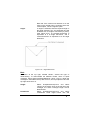
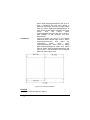
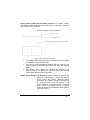
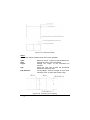
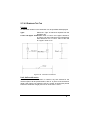
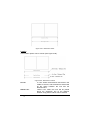
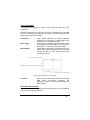
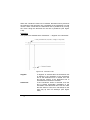
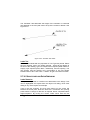
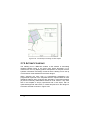
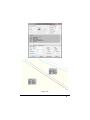
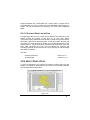
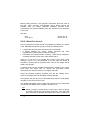
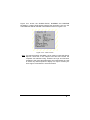
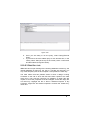
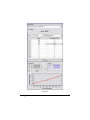
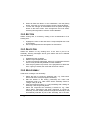
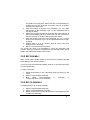
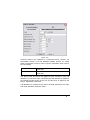
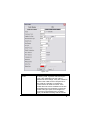
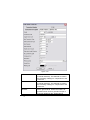
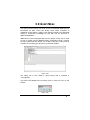
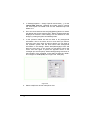
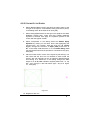
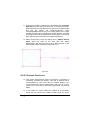
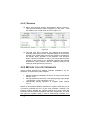
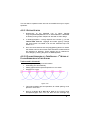
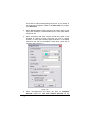
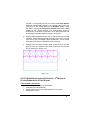
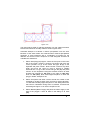
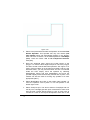
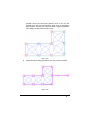
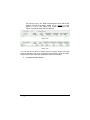
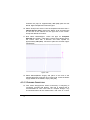
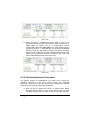
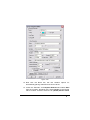
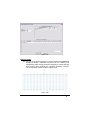
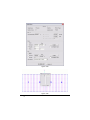
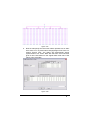
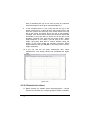
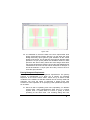
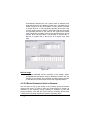
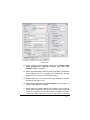
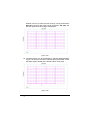
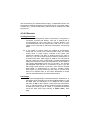
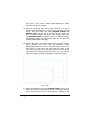
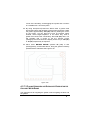
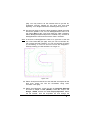
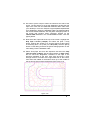
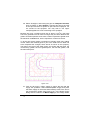
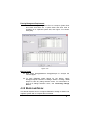
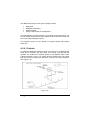
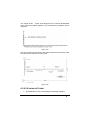
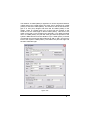
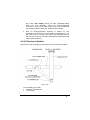
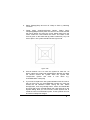
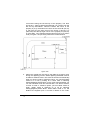
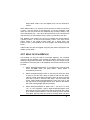
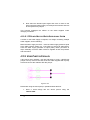
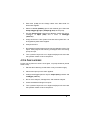
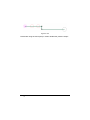
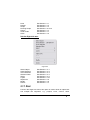
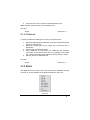
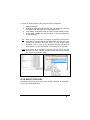
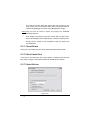
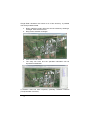
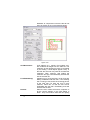
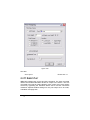
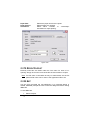
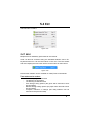
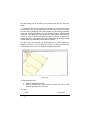
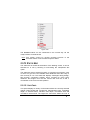
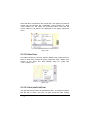
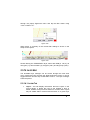
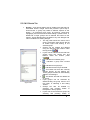
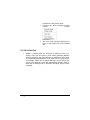
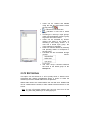
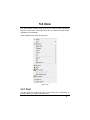
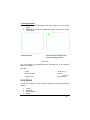
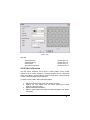
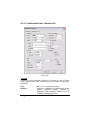
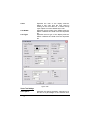
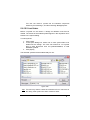
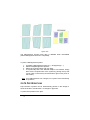
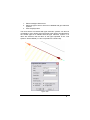
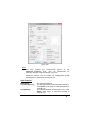
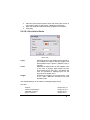
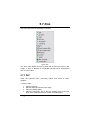
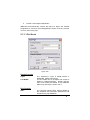
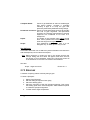
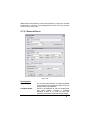
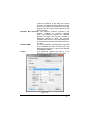
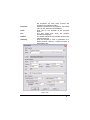
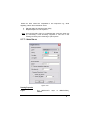
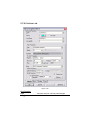
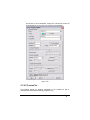
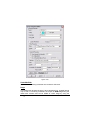
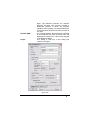
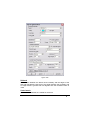
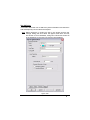
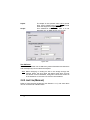
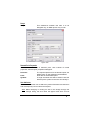
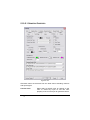
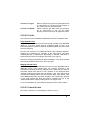
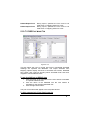
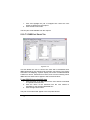
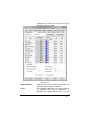
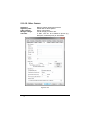
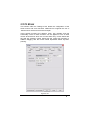
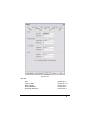
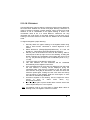
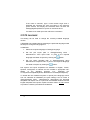
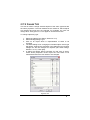
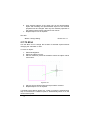
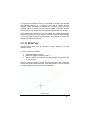
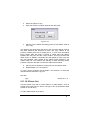
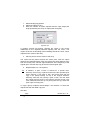
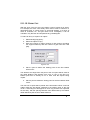
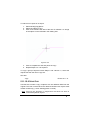
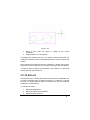
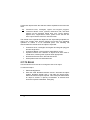
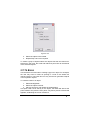
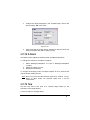
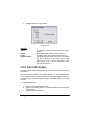
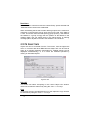
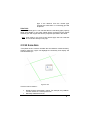
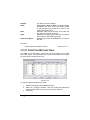
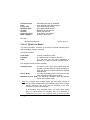
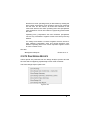
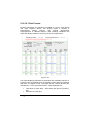
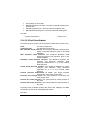
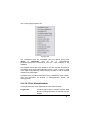
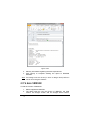
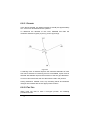
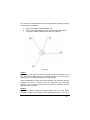
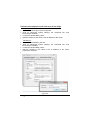
Figure 5-139 3. Select the object to be resized. 4. Repeat Step 2 and 3 as required. To resize a group of objects select the objects first then the resize tool. Note that in this case, the scale and reference point refer to the extents of the selected objects. 5.11.16 BREAK Use the Break command when creating a gap in an object. For example, the user may want to create an opening in a wall or trim where two objects intersect. The break tool can only be used on geometric objects not on hydraulic objects. To create a break in an object: 1. Select Modify|Break. 2. Select the object to break. 3. Place a point at or near where the break begins. This point need not be exactly on the object; the break will start at the point closest to the point the user place. A dynamic preview of the break appears, shadowing the cursor movement. IRRICAD User Guide Tool and Command Reference 765