1
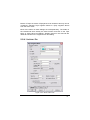
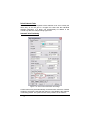
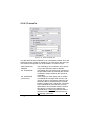
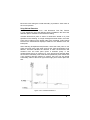
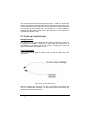
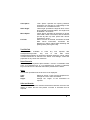
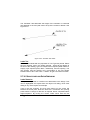
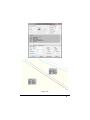
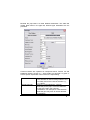
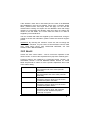
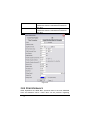
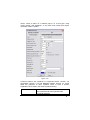
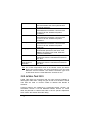
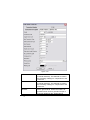
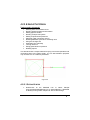
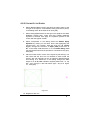
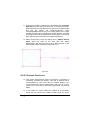
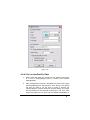
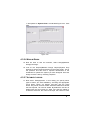
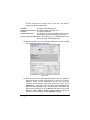
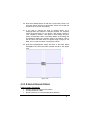
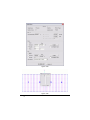
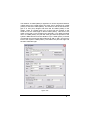
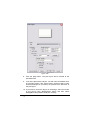
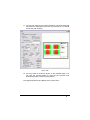
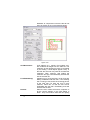
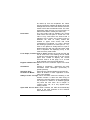
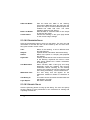
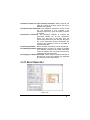
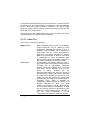
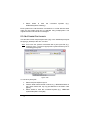
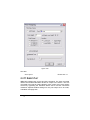
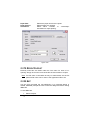
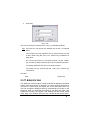
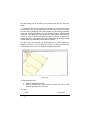
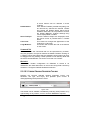
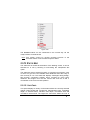
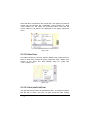
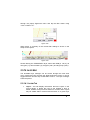
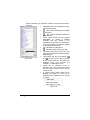
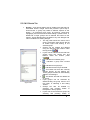
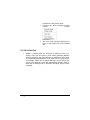
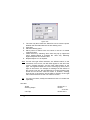
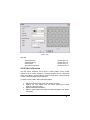
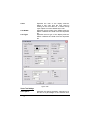
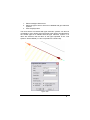
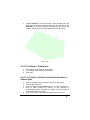
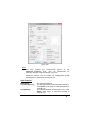
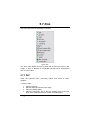
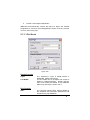
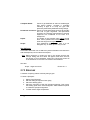
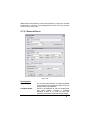
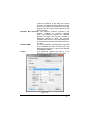
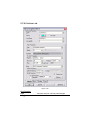
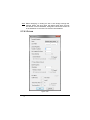
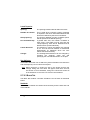
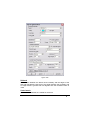
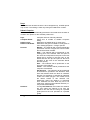
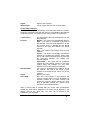
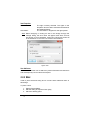
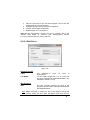
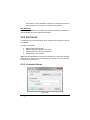
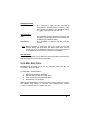
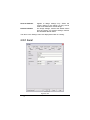
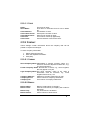
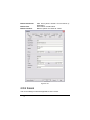
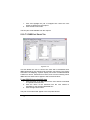
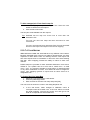
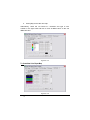
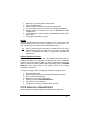
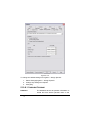
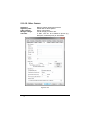
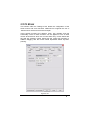
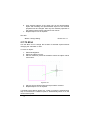
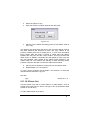
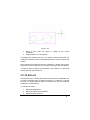
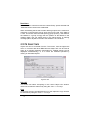
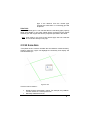
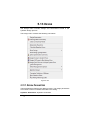
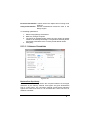
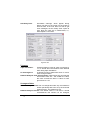
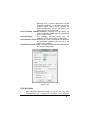
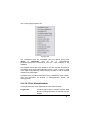
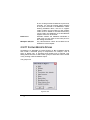
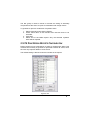
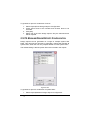
4. Click to set the point in the new location. The point the user selected is moved to the new location, and the form or size of the selected object is updated. 5. Repeat steps 2 to 4 as required. Steps 1 and 2 may be reversed but the tool can then only be applied once. 5.11.12 COPY Use the Copy tools to duplicate objects already in the design. See also: Linear Copy Radial Copy Array Copy Multiple Copy Mirror Copy Offset Copy Speeding Up Copy Tools Tip: Section 5.11.12.1 Section 5.11.12.2 Section 5.11.12.3 Section 5.11.12.4 Section 5.11.12.5 Section 5.11.12.6 Section 2.2.6.4 For all the copy tools, the user may hold down the <Shift> key when using the tool to avoid the copy dialog and repeat the copy with the previously used settings. 5.11.12.1 LINEAR COPY Use the Linear Copy tool to duplicate objects already in the design. The user can make multiple copies arranged in a line; each item in the series is placed at the same user-defined offset from the previous item. To make linear copies of an object: 1. Select Modify|Copy|Linear. 756 Tool and Command Reference IRRICAD User Guide