1
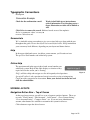
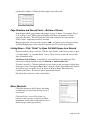
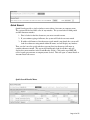
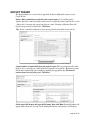
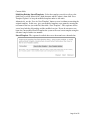
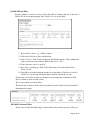
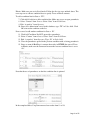
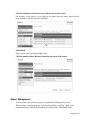
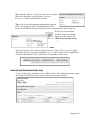
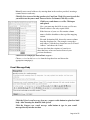
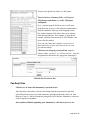
File Download dialog box. Save the file to your computer.
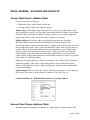
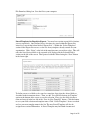
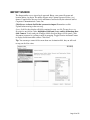
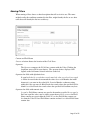
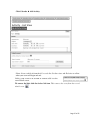
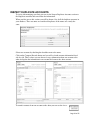
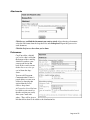
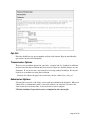
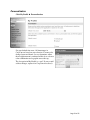
Stored Templates for Repetitive Exports. You may have certain export field selections
you use repetitively. Once defined, these selections are stored within the Export List
wizard (see screen-shot below labeled “Export List”.) Within the “Select Templates”
section of the Export List screen, see the list of any templates already created for your
organization. Click “Select” at the left of the template name you wish to select. This will
cause the list of desired fields to be exported to be displayed in the Selected Field(s)
section on the left of the screen. Then proceed with the Wizard using the “Next” button
in the lower right.
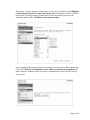
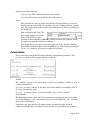
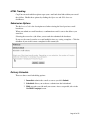
To define a new set of fields to be stored as a template, first select the desired fields as
described in the instructions above. Then, use the “Save Field Selections As Template”
option at the bottom of the screen to save the selection. First, give the field selection a
name and enter it in the box left of the “Save As New Template” button. Click the button
to save your field selection and template name. Click “Select Templates” above to refresh
and see your new template name in the list. The new Stored Template will also be
assigned an associated ID number. A Stored Template may hold both Account and
Page 21 of 55