1
Dr. Frank Lee
David Lally
Evan Boucher
The Map Interface
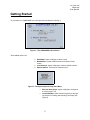
After setting up these options the map interface is displayed. There are two main areas to start, the Toolbar
menus at the top, and the Right-Hand Tool Panel.
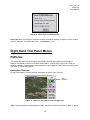
Figure 3 - The Main Map Interface
Toolbar Menus
The following is a breakdown of all the tools that are accessible through the tool bars at the top of the
Composer GUI
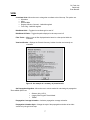
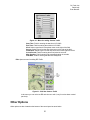
FILE
New Scenario – Displays the startup screen for the user to begin a new scenario.
Import Scenario(s) – Allows the user to import a saved scenario into the current scenario.
Load Alternate Map - Allows the user to swap the map used in the scenario.
Save Scenario - Prompts the user to save the current scenario in the default directory.
Take Snap-Shot – Takes a screen capture of the Composer program. It saves a .ppm file to the
default directory (Composer_X.XX\support_files)
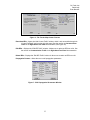
Preferences – Allows the user to edit preferences.
3