1
Audit Link (ALI) Instructions
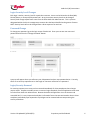
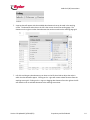
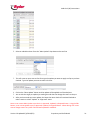
1. Once you have created and executed a search (as outlined above)you like click on the save
button on the tool line
2. A pop up will appear that will allow the user to enter a name for the search that is currently
executed. Be sure that the naming convention used has enough detail allow the user to identify
it in the future
3. A user can save as many searches as they want and they will always be available the next time
they log into the system with their valid username/password.
4. Save searches will always contain the plant, division and customer information as it appears in
the top “Search Parameters”.
Running Saved Searches
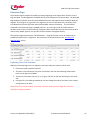
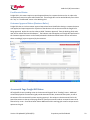
Currently saved searches can only be run from the Overview Screen.
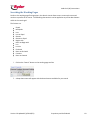
1. If a user is in the “working view”, “The Grid”, click on the “Return to Overview” button.
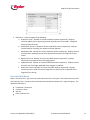
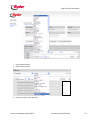
2. Click on the drop down arrow to the left of the “run” button. This will display your “saved”
searches.
Version 2.0 Updated 3/1/2012 (RFL)
Proprietary and Confidential
21