1
14
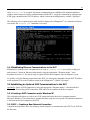
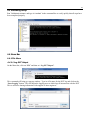
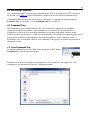
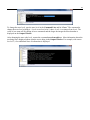
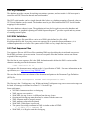
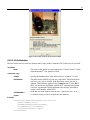
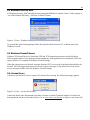
Follow these steps to enable the necessary ports.
1.
2.
3.
4.
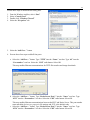
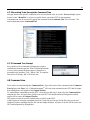
From the Windows task bar, select ―Start‖
Select ―Control Panel‖
Double-click ―Windows Firewall‖
Select the ―Exceptions‖ tab
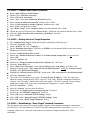
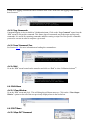
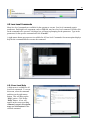
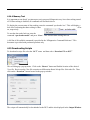
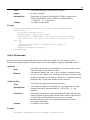
5. Select the ―Add Port…‖ button
6. Execute these four steps to add all four ports.
a. Select the ―Add Port…‖ button. Type ―TFTP‖ into the ―Name:‖ text box. Type ―69‖ into the
―Port number:‖ text box. Select the ―UDP‖ radio button. Select OK.
This step enables Ethernet communications for TFTP file transfers and image downloads.
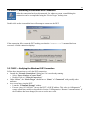
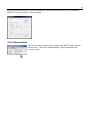
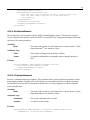
b. Select the ―Add Port…‖ button. Type ―Kozio Server Port 1‖ into the ―Name:‖ text box. Type
―4333‖ into the ―Port number:‖ text box. Select the ―UDP‖ radio button. Select OK.
This step enables Ethernet communications between the DUT and Kozio Server. This port number
must match the kozioserver.properties file settings and 4333 is the default value.
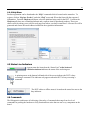
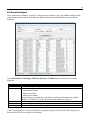
c. Select the ―Add Port…‖ button. Type ―Kozio Server Port 2‖ into the ―Name:‖ text box. Type
―4334‖ into the ―Port number:‖ text box. Select the ―UDP‖ radio button. Select OK.