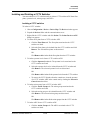
1
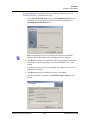
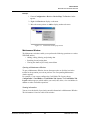
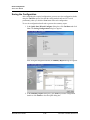
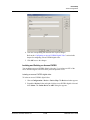
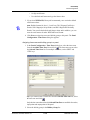
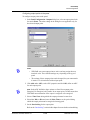
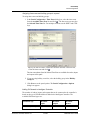
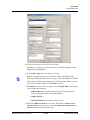
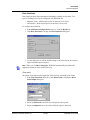
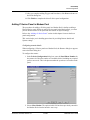
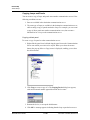
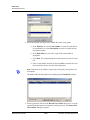
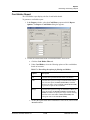
Device Map
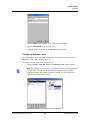
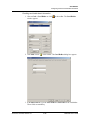
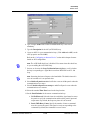
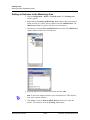
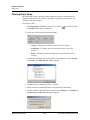
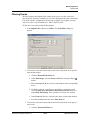
Panel Configuration
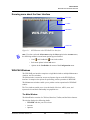
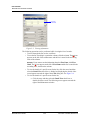
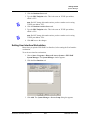
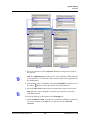
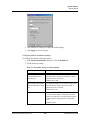
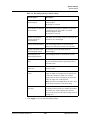
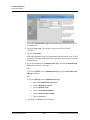
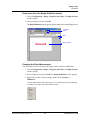
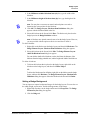
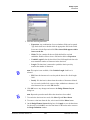
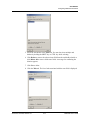
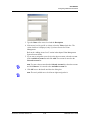
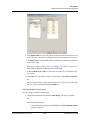
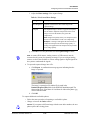
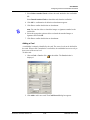
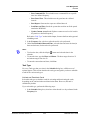
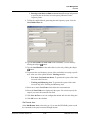
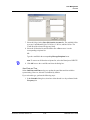
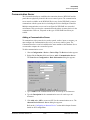
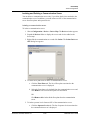
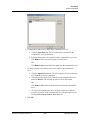
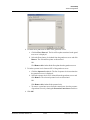
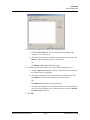
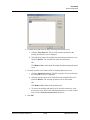
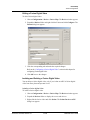
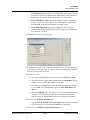
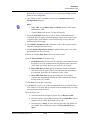
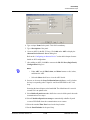
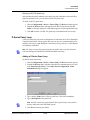
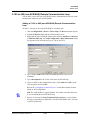
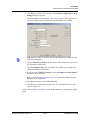
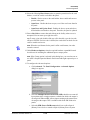
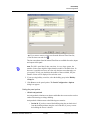
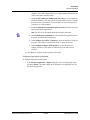
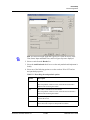
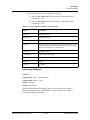
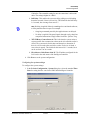
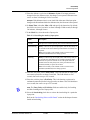
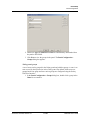
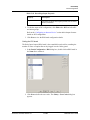
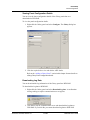
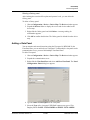
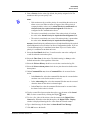
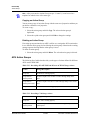
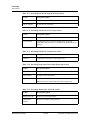
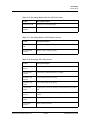
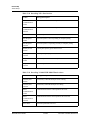
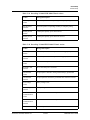
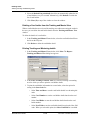
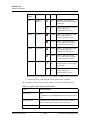
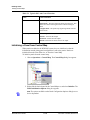
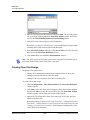
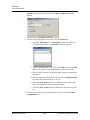
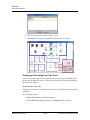
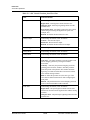
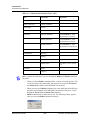
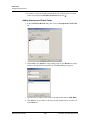
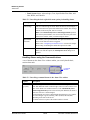
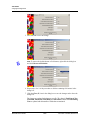
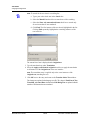
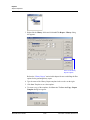
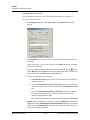
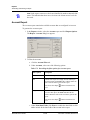
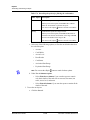
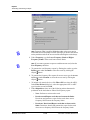
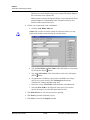
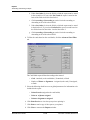
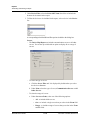
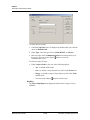
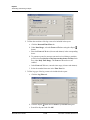
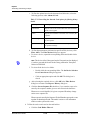
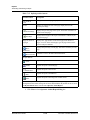
Note: The Direct Point (the point that is pulsed on a valid card read), Pulse
Time, Status Input and Shunt Time, and Free Egress Input are displayed.
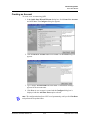
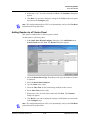
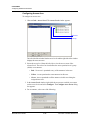
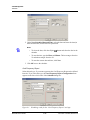
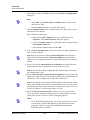
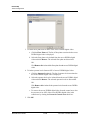
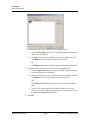
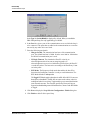
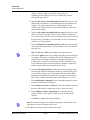
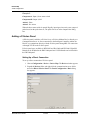
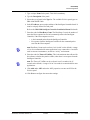
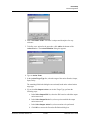
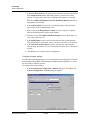
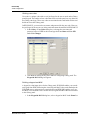
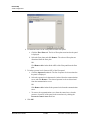
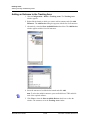
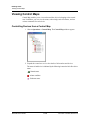
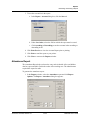
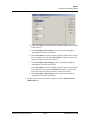
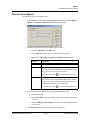
2. Select a reader from the Reader list.
3. To detach a reader from the door, clear the Door check box. For example, a
reader used in the muster area can be used without a door.
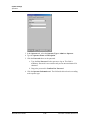
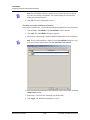
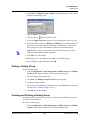
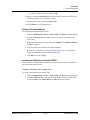
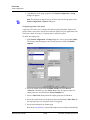
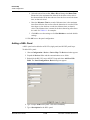
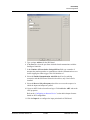
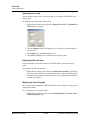
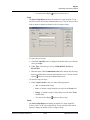
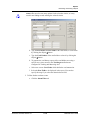
4. Click Add under ADV and set the ADV properties to create an ADV for the
reader.
Caution: Once a reader is added to the device map, you cannot attach the reader
to a door or detach it from the door. Therefore, confirm the reader’s usage,
before adding it to the device map.
If a reader is not attached to a door, it remains as a reader without any door
properties.
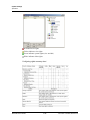
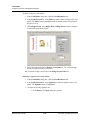
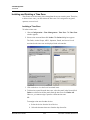
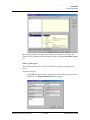
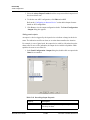
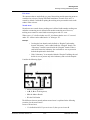
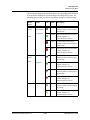
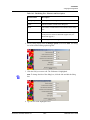
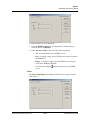
If a reader is attached to a door, the graphical form depicts the way the door is
configured.
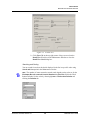
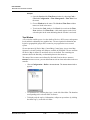
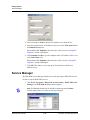
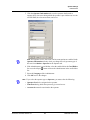
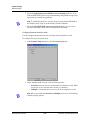
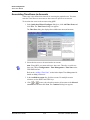
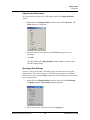
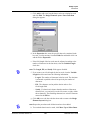
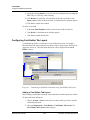
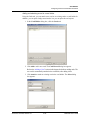
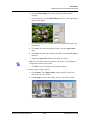
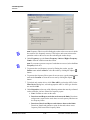
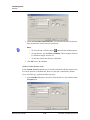
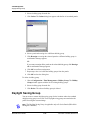
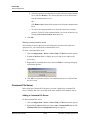
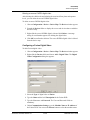
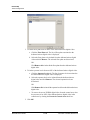
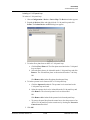
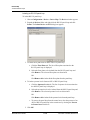
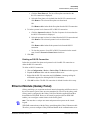
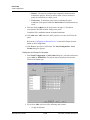
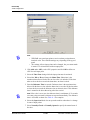
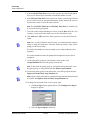
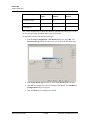
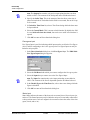
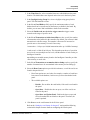
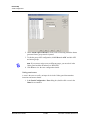
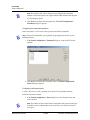
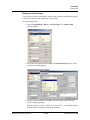
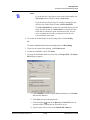
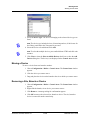
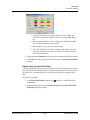
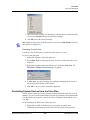
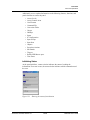
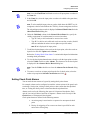
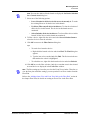
5. To associate galaxy groups or vista partitions to this reader, click
Groups/Partitions and select the groups from the list.
Note: To
dissociate the galaxy group or vista partition from the reader, select
the galaxy group or vista partition and click Delete Grps/Partitions.
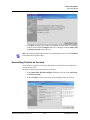
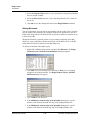
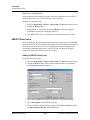
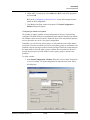
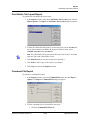
6. To associate galaxy groups or vista partitions to the input point, select the input
point from the Input to Set/Arm Galaxy Grps/Partitions list.
Note: Only the input points that are configured in this panel and not interlocked
are listed in the Input to Set/Arm Galaxy Grps/Partitions list.
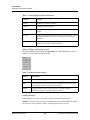
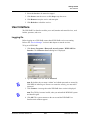
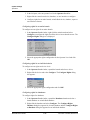
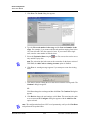
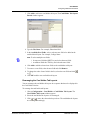
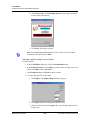
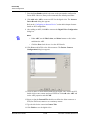
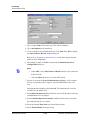
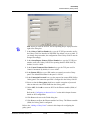
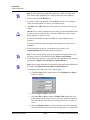
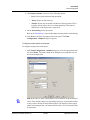
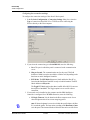
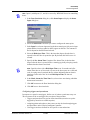
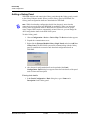
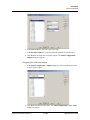
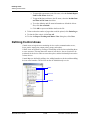
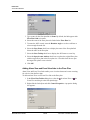
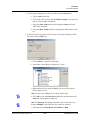
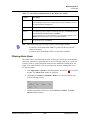
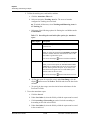
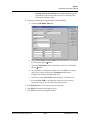
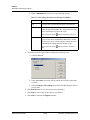
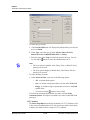
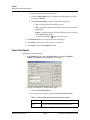
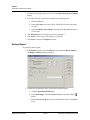
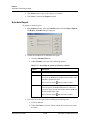
7. To change the input point used as a free egress input:
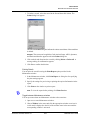
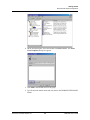
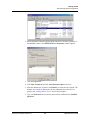
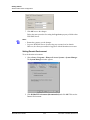
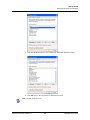
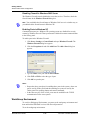
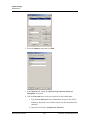
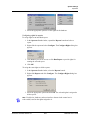
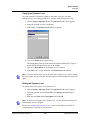
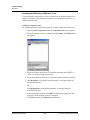
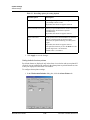
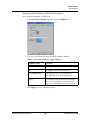
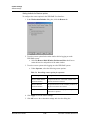
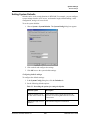
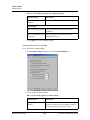
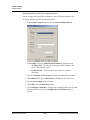
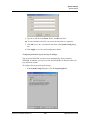
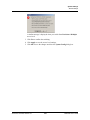
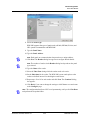
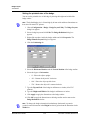
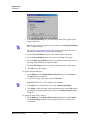
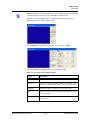
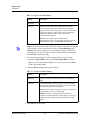
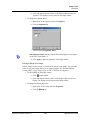
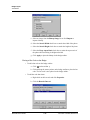
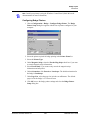
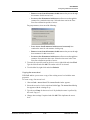
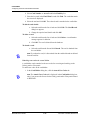
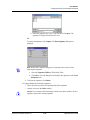
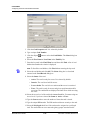
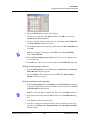
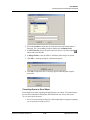
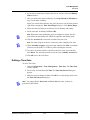
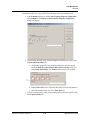
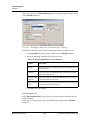
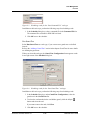
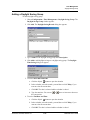
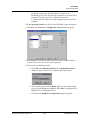
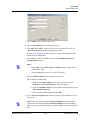
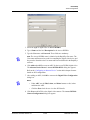
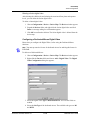
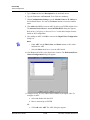
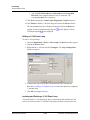
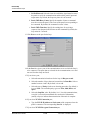
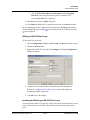
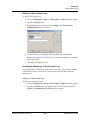
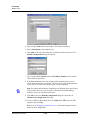
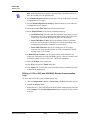
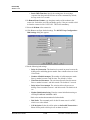
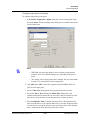
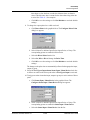
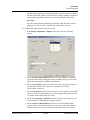
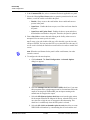
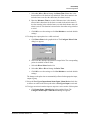
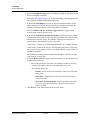
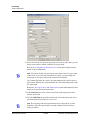
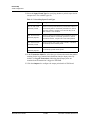
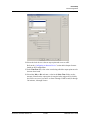
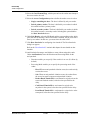
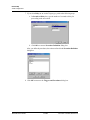
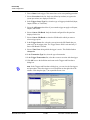
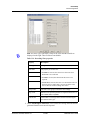
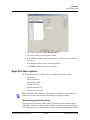
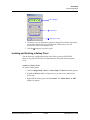
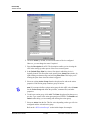
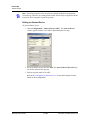
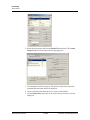
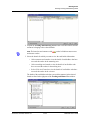
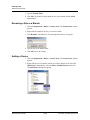
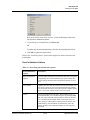
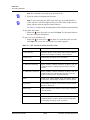
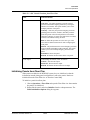
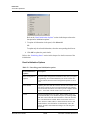
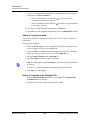
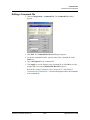
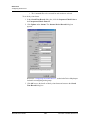
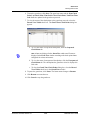
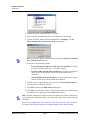
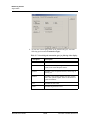
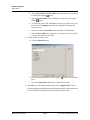
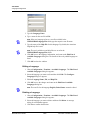
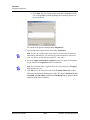
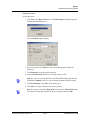
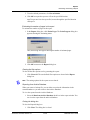
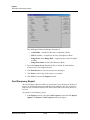
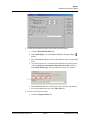
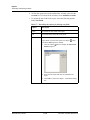
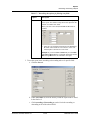
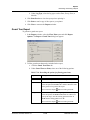
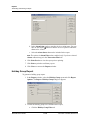
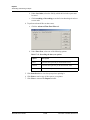
a. Click Free Egress in the graphical form. The Configure Free Egress
dialog box appears.
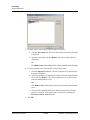
b. Select the Egress Input from the list.
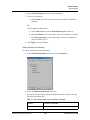
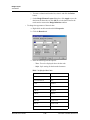
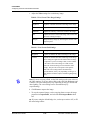
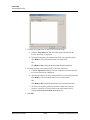
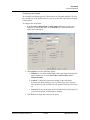
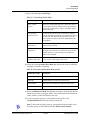
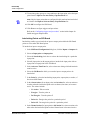
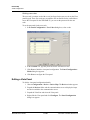
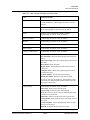
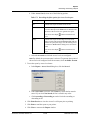
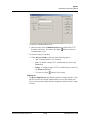
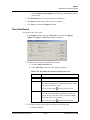
c. Select Sec, Min or Hr and change the Shunt Time. Shunt time is the
maximum time allowed for the door to close after it has been unlocked.
If the time taken to close the door exceeds the shunt time, an alarm is
raised.
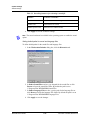
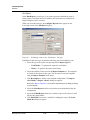
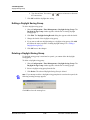
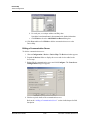
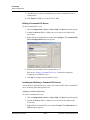
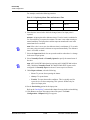
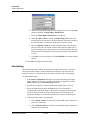
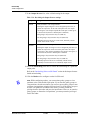
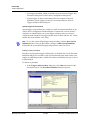
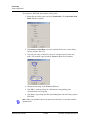
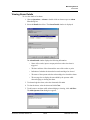
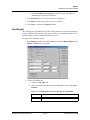
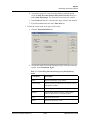
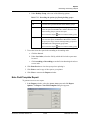
d. Enter the Debounce Time in seconds. Debounce time is the maximum
time allowed for the door to close after the shunt time is exceeded. If the
WIN-PAK User’s Guide
11-96
Document 7-001009, Revision 01