1
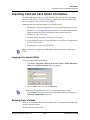
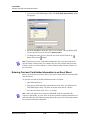
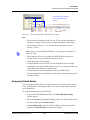
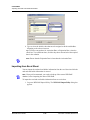
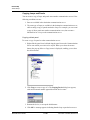
Device Map
Panel Configuration
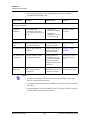
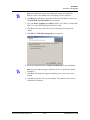
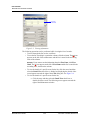
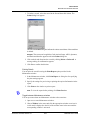
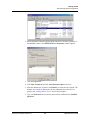
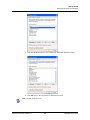
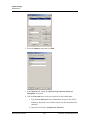
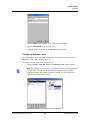
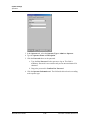
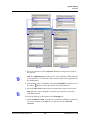
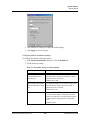
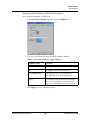
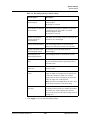
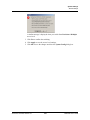
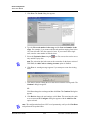
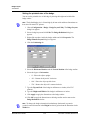
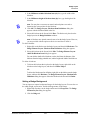
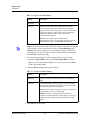
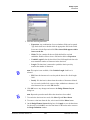
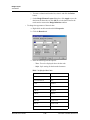
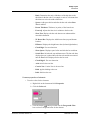
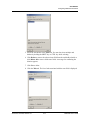
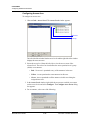
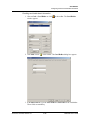
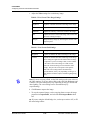
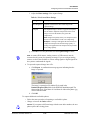
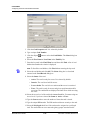
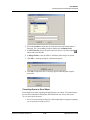
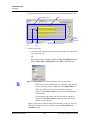
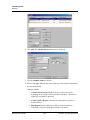
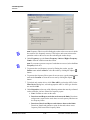
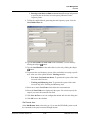
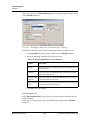
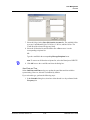
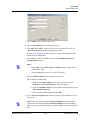
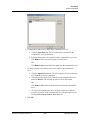
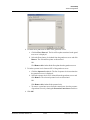
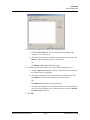
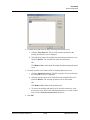
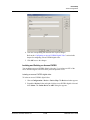
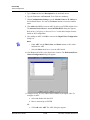
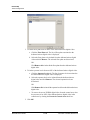
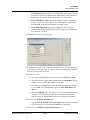
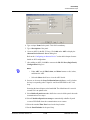
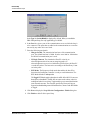
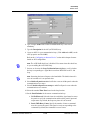
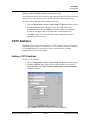
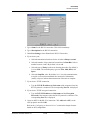
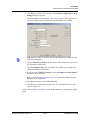
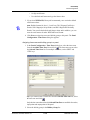
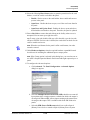
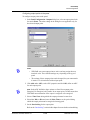
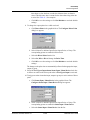
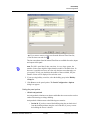
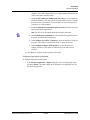
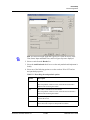
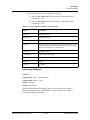
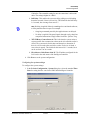
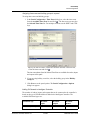
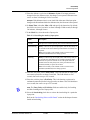
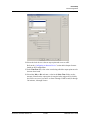
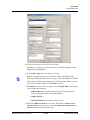
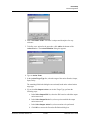
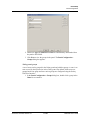
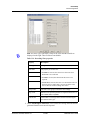
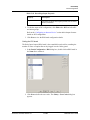
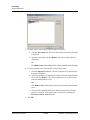
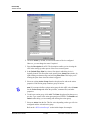
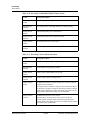
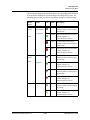
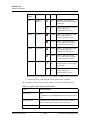
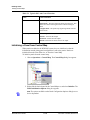
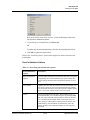
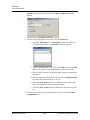
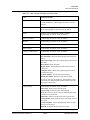
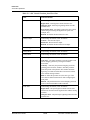
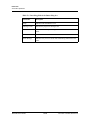
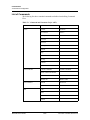
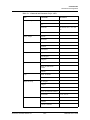
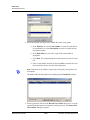
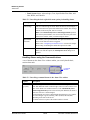
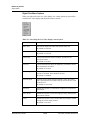
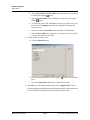
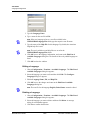
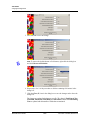
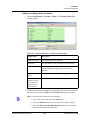
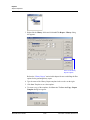
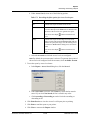
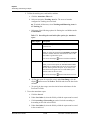
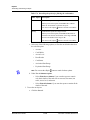
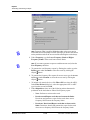
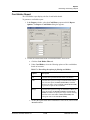
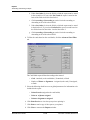
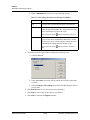
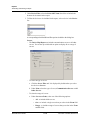
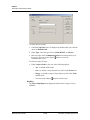
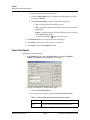
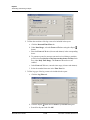
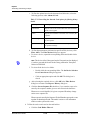
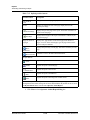
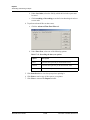
27.In the Output Inverter list, select a default setting for the output:
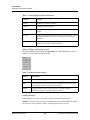
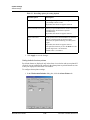
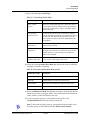
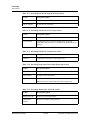
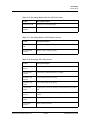
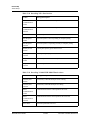
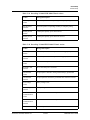
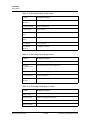
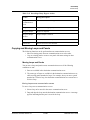
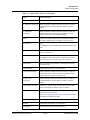
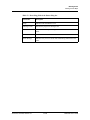
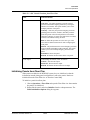
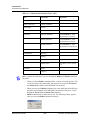
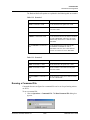
Table 11-6 Describing the Output Inverter settings
Output
Setting
Normal
• Relay defaults to a de-energized state.
• Pulsing the output energizes it for its designated pulse time (or
pulses the output on). At the end of the pulse time, the output
de-energizes. (The output responds the same upon a valid egress,
a valid card read, and/or a manual pulse command.)
• Energizing a relay turns the relay on (LED on).
• De-energizing a relay turns the relay off (LED off).
• Normally Open circuit acts as a NO circuit; Normally Closed
circuit acts as an NC circuit.
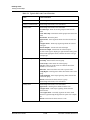
Inverted
• Relay defaults to an energized state.
• Pulsing the output de-energizes it for its designated pulse time (or
pulses the output off). At the end of the pulse time, the output
re-energizes. (The output responds the same upon a valid egress, a
valid card read, and/or a manual pulse command.
• Energizing a relay turns the relay off (LED off).
• De-energizing a relay turns the relay on (LED on).
• Normally Open circuit acts as a Normally Closed circuit;
Normally Closed circuit acts as a Normally Open circuit.
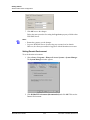
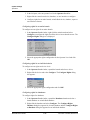
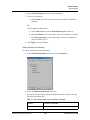
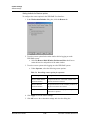
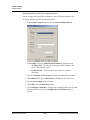
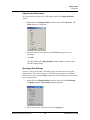
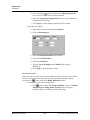
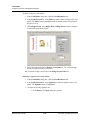
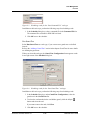
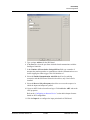
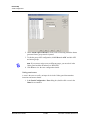
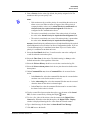
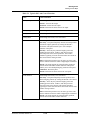
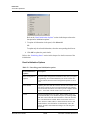
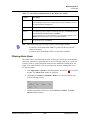
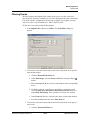
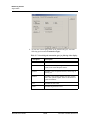
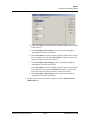
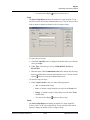
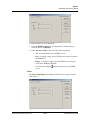
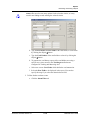
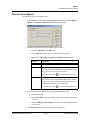
28.Select the Interlocking check box to activate the interlocking for a particular
output point.
Refer to the “Interlocking Points on SIO Board” section in this chapter for more
details on interlocking.
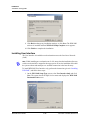
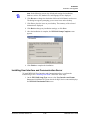
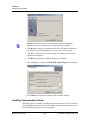
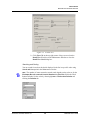
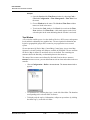
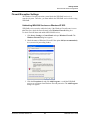
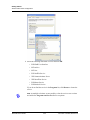
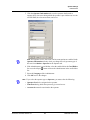
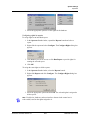
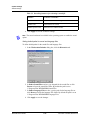
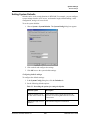
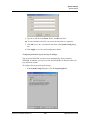
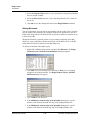
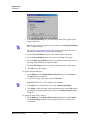
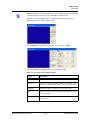
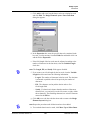
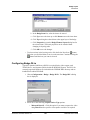
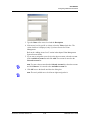
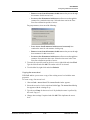
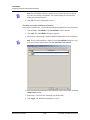
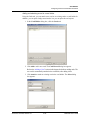
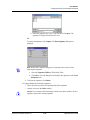
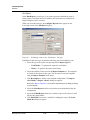
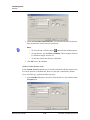
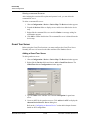
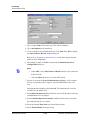
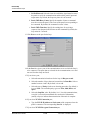
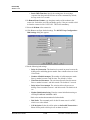
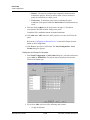
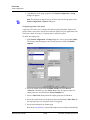
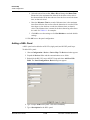
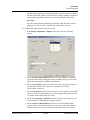
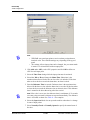
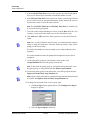
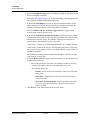
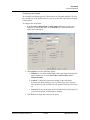
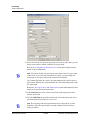
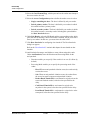
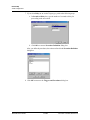
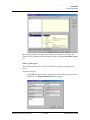
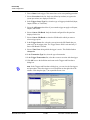
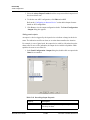
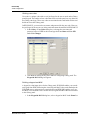
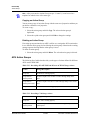
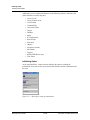
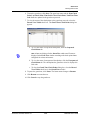
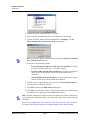
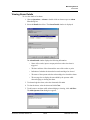
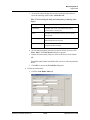
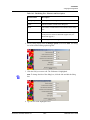
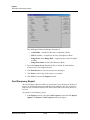
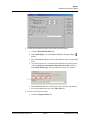
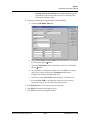
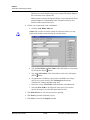
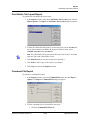
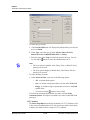
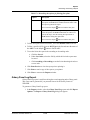
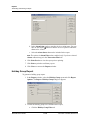
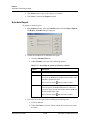
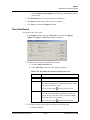
29.Click the Reader tab to configure readers for SIO board.
Note: While
configuring readers, you can associate galaxy groups or vista
partitions to the reader and the input point. If you associate galaxy groups or
vista partitions, after the association you can set or unset galaxy groups or arm
or disarm vista partitions using the privileged card. To set the galaxy groups or
arm the vista partitions associated to the reader, you must present the
privileged card to the reader and press the input button. However, to unset the
galaxy groups or disarm the vista partitions, you must present the privileged
card to the reader.
WIN-PAK User’s Guide
11-128
Document 7-001009, Revision 01