1
Device Map
Server Configuration
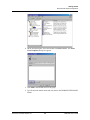
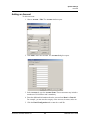
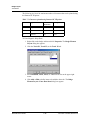
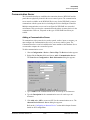
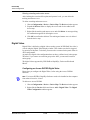
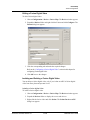
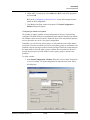
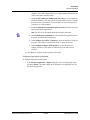
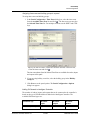
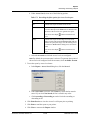
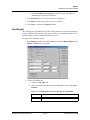
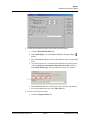
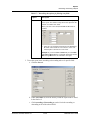
Refer to the “Configuring an Abstract Device” section in this chapter for more
details on ADV configuration.
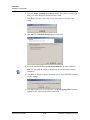
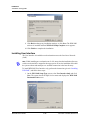
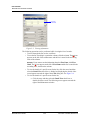
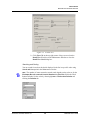
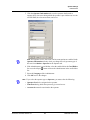
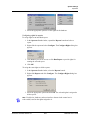
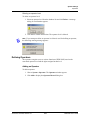
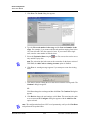
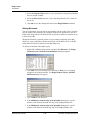
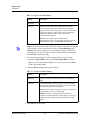
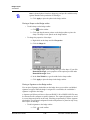
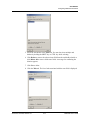
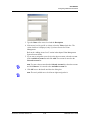
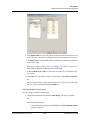
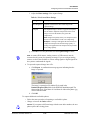
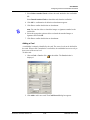
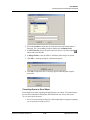
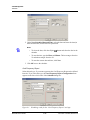
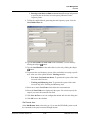
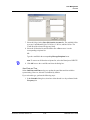
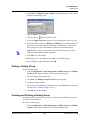
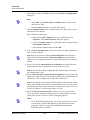
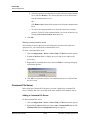
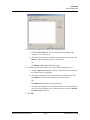
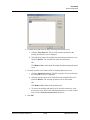
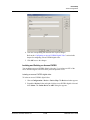
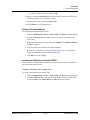
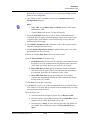
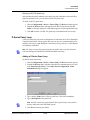
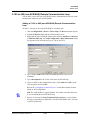
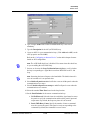
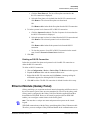
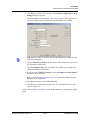
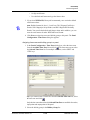
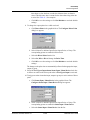
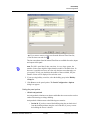
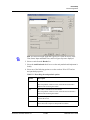
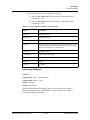
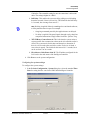
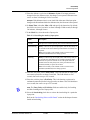
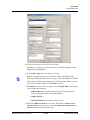
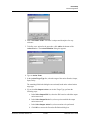
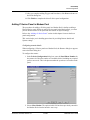
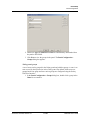
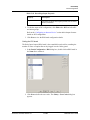
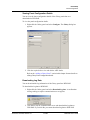
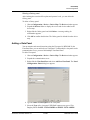
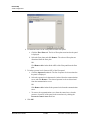
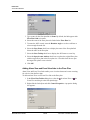
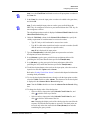
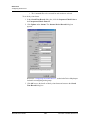
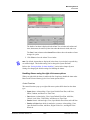
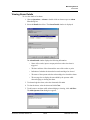
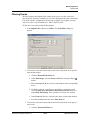
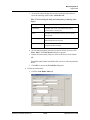
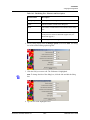
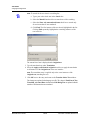
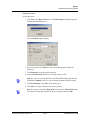
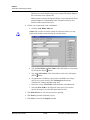
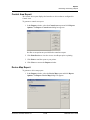
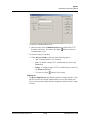
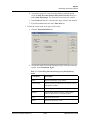
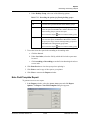
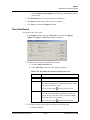
5. After adding an ADV, click OK to return to the Tracking and Mustering
Server Configuration dialog box.
Notes:
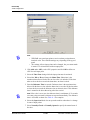
• Under ADV, use the Edit, Isolate, and Delete buttons to edit, isolate
and delete the ADV.
• Click the Show check box to view the ADV details.
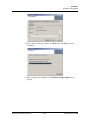
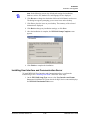
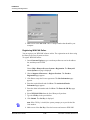
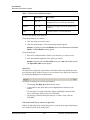
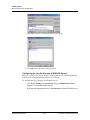
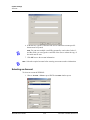
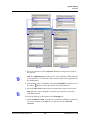
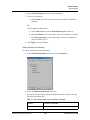
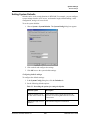
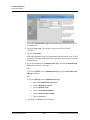
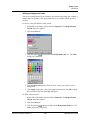
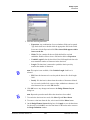
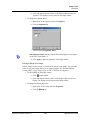
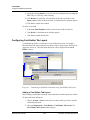
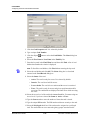
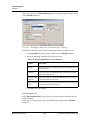
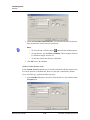
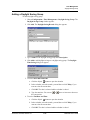
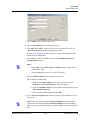
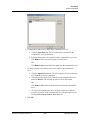
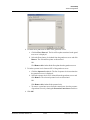
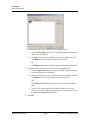
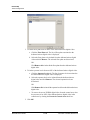
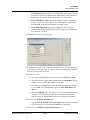
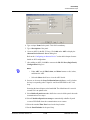
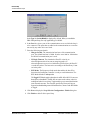
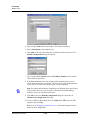
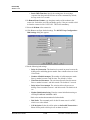
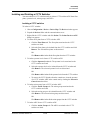
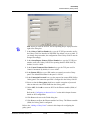
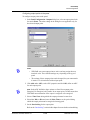
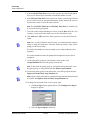
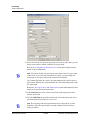
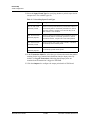
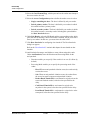
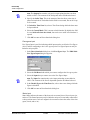
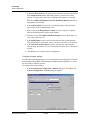
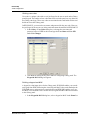
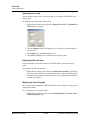
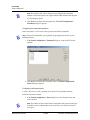
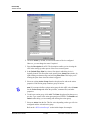
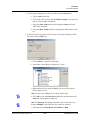
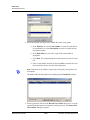
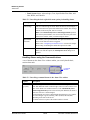
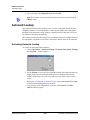
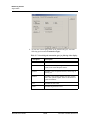
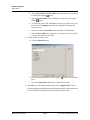
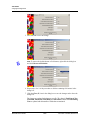
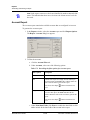
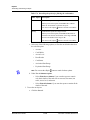
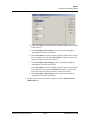
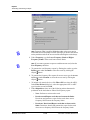
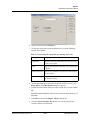
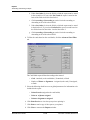
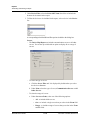
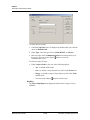
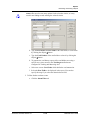
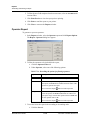
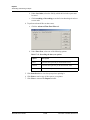
6. Enter the Machine Name where the tracking and muster server is located.
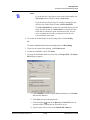
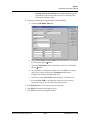
Tip: To
find the machine name:
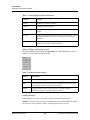
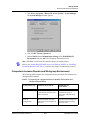
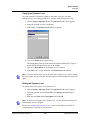
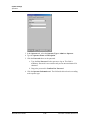
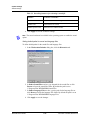
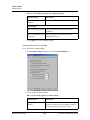
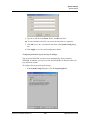
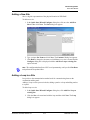
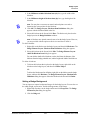
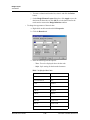
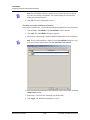
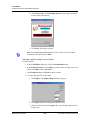
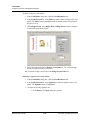
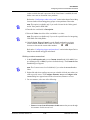
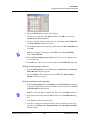
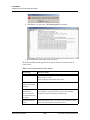
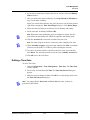
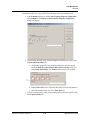
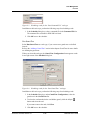
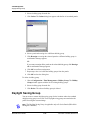
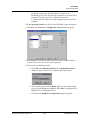
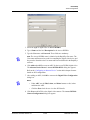
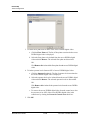
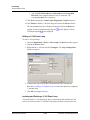
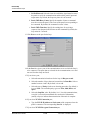
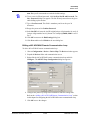
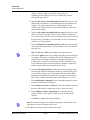
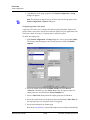
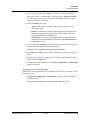
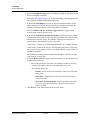
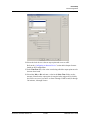
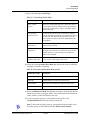
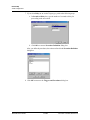
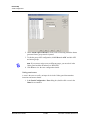
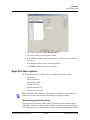
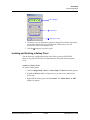
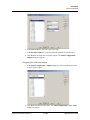
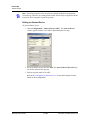
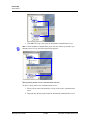
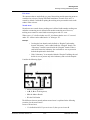
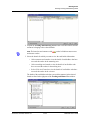
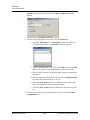
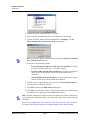
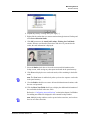
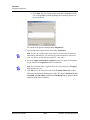
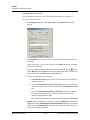
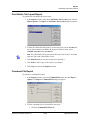
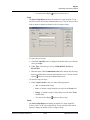
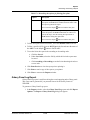
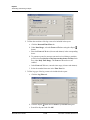
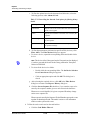
a. Right-click the My Computer icon on your desktop and click
Properties. The System Properties dialog box appears.
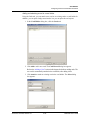
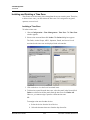
b. Click the Computer Name tab.
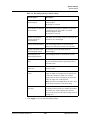
c. Look for Full computer name field. This is the machine name of
your computer.
d. Note down the machine name and click OK.
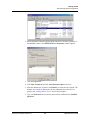
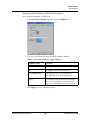
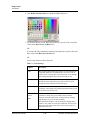
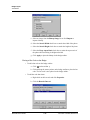
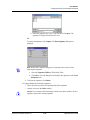
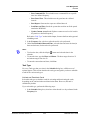
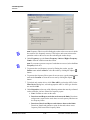
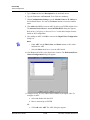
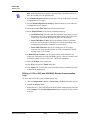
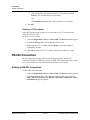
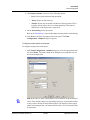
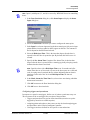
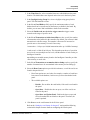
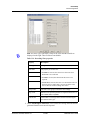
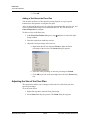
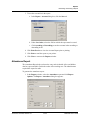
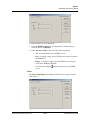
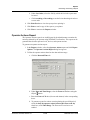
7. Type a Protocol end point number that is not used by any other device on the
network.
Note: Each server must have a unique Protocol end point that can range from
1024 to 9999. The default number of Protocol end point need not be changed.
However, you can change the number, if you have multiple servers in your device
map.
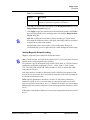
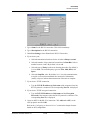
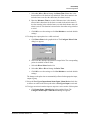
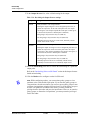
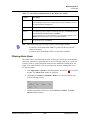
8. In Hours of History to Prime on startup, increase or decrease the number of
hours the tracking history is processed and displayed when the Muster View is
opened. The hours can range from 0 to 99. By default, it is set to 8 hours.
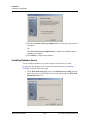
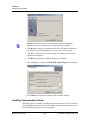
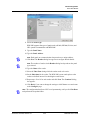
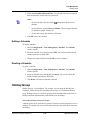
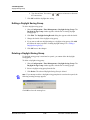
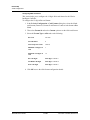
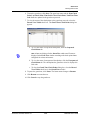
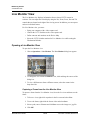
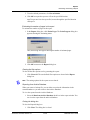
9. Click Next to proceed to the final dialog box for the Tracking and Muster
Server configuration.
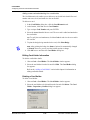
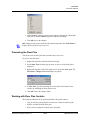
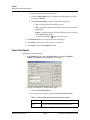
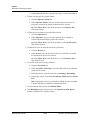
10.Click Finish to add the server to the Device Map.
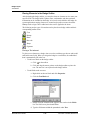
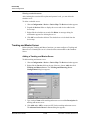
Editing a Tracking and Muster Server
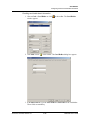
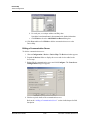
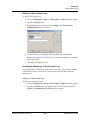
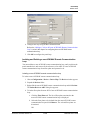
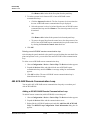
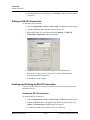
To edit a tracking and muster server:
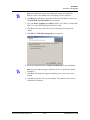
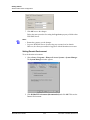
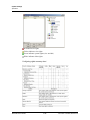
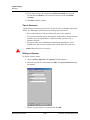
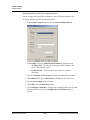
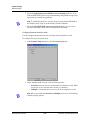
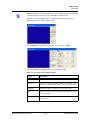
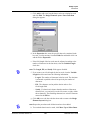
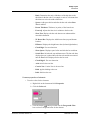
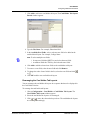
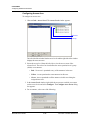
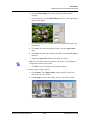
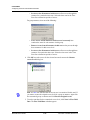
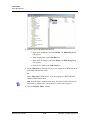
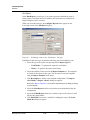
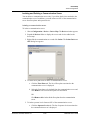
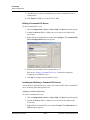
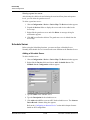
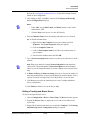
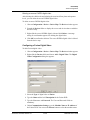
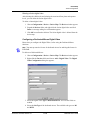
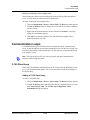
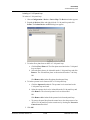
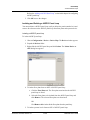
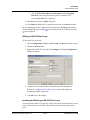
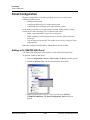
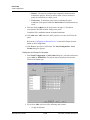
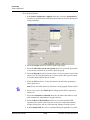
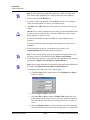
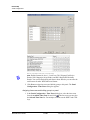
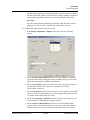
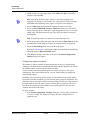
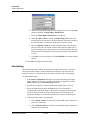
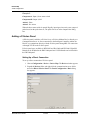
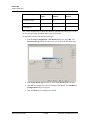
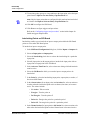
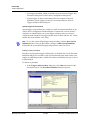
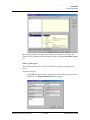
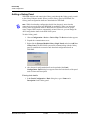
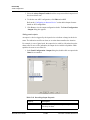
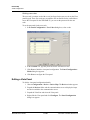
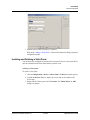
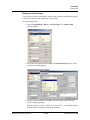
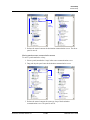
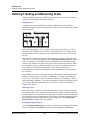
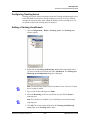
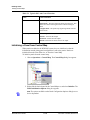
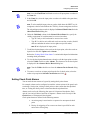
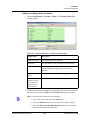
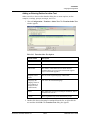
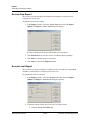
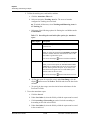
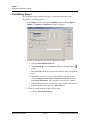
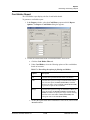
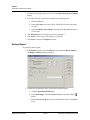
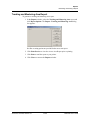
1. Choose Configuration > Device > Device Map. The Device window appears.
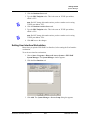
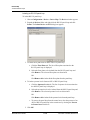
2. Expand the Devices folder to display the servers and devices added to the
device map.
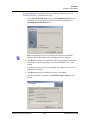
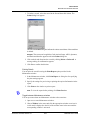
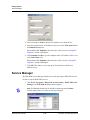
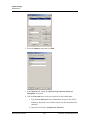
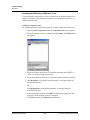
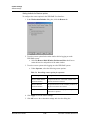
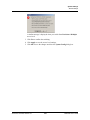
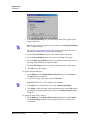
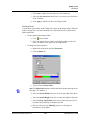
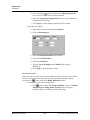
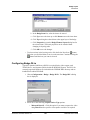
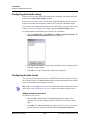
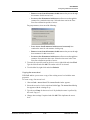
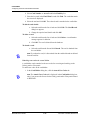
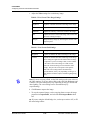
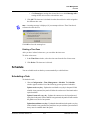
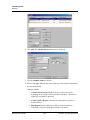
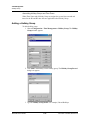
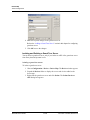
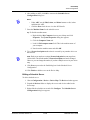
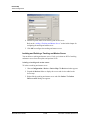
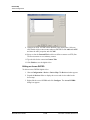
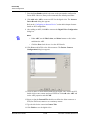
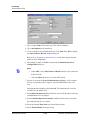
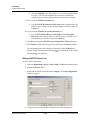
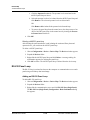
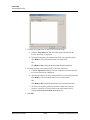
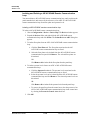
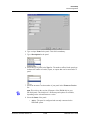
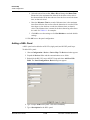
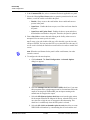
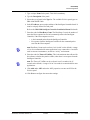
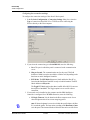
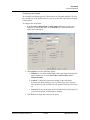
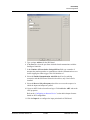
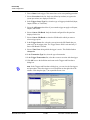
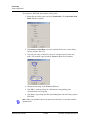
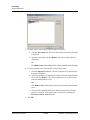
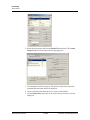
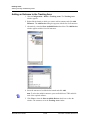
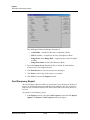
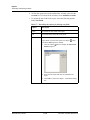
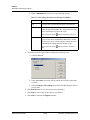
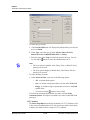
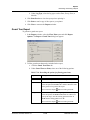
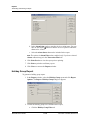
3. Right-click the tracking and muster server and click Configure. The Tracking
and Mustering Server Configuration dialog box appears.
Document 7-001009, Revision 01
11-23
WIN-PAK User’s Guide