1
Defining Areas
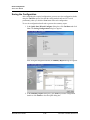
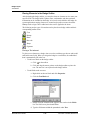
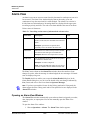
Defining Control Areas
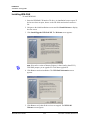
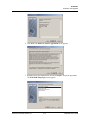
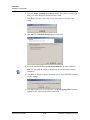
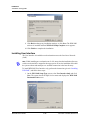
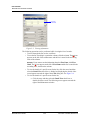
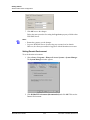
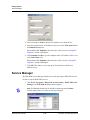
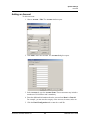
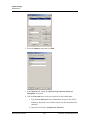
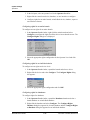
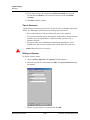
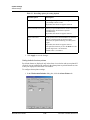
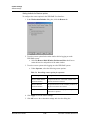
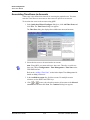
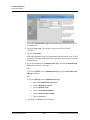
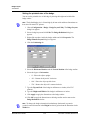
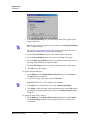
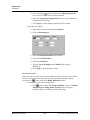
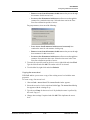
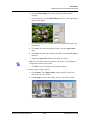
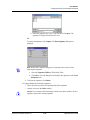
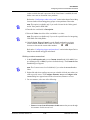
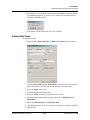
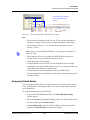
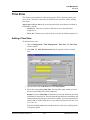
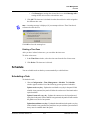
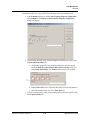
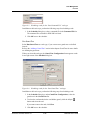
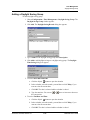
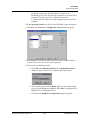
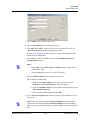
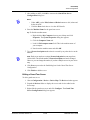
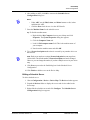
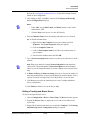
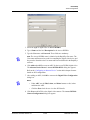
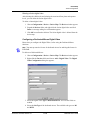
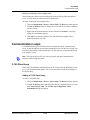
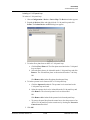
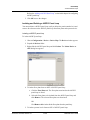
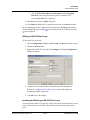
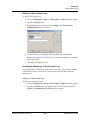
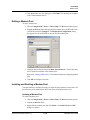
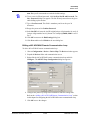
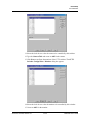
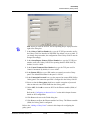
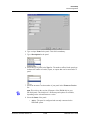
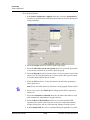
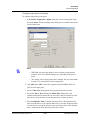
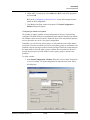
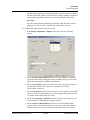
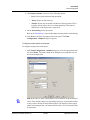
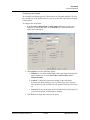
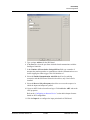
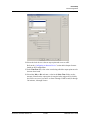
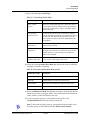
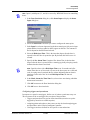
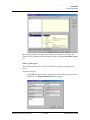
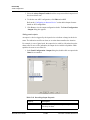
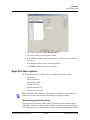
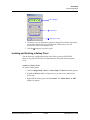
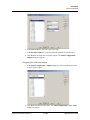
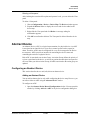
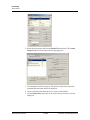
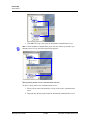
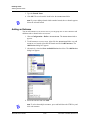
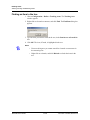
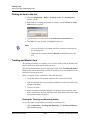
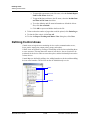
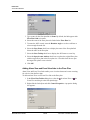
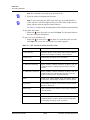
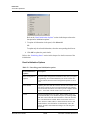
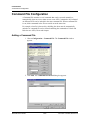
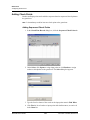
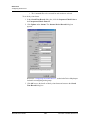
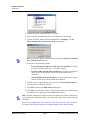
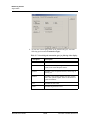
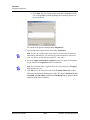
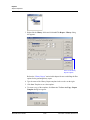
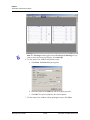
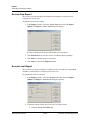
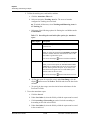
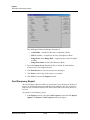
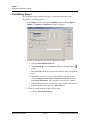
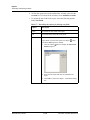
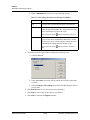
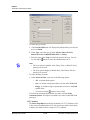
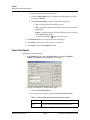
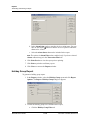
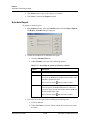
3. Type the Branch Name.
4. Click OK. The branch is listed under the site or the branch in the Control
Area window.
Renaming a Site or a Branch
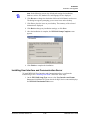
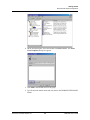
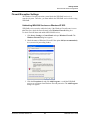
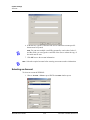
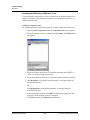
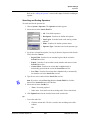
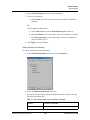
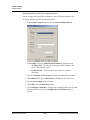
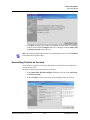
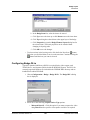
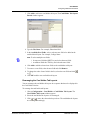
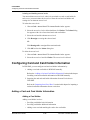
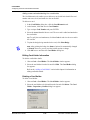
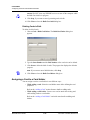
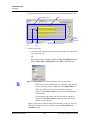
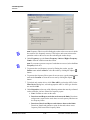
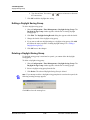
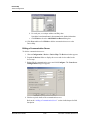
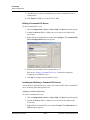
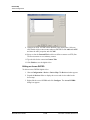
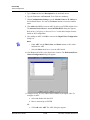
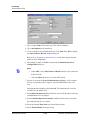
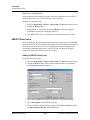
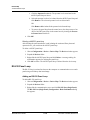
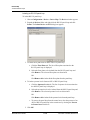
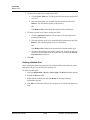
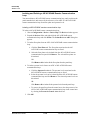
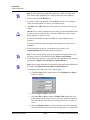
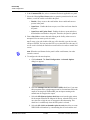
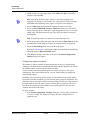
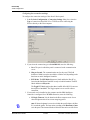
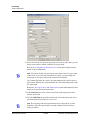
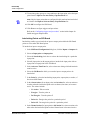
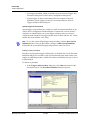
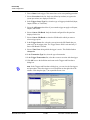
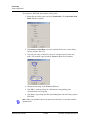
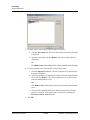
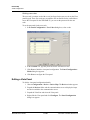
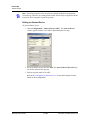
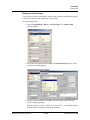
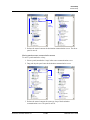
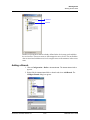
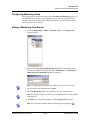
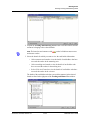
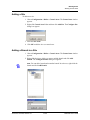
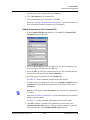
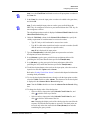
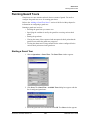
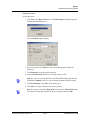
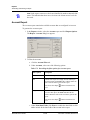
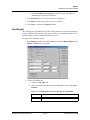
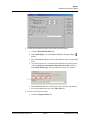
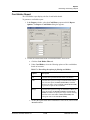
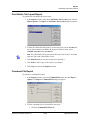
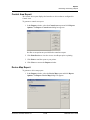
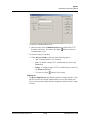
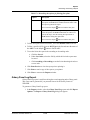
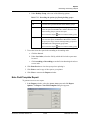
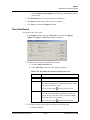
1. Choose Configuration > Define > Control Areas. The Control Area window
appears.
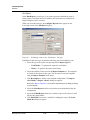
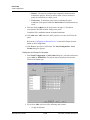
2. Right-click the branch or the site you want to rename.
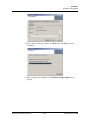
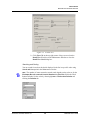
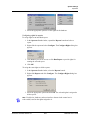
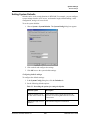
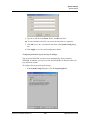
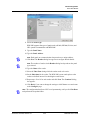
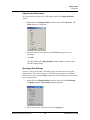
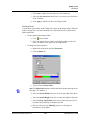
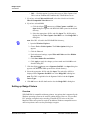
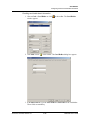
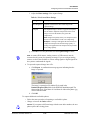
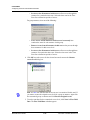
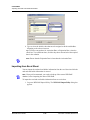
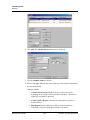
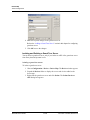
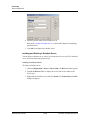
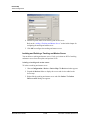
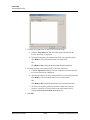
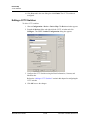
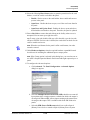
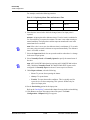
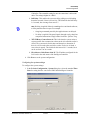
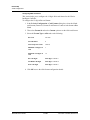
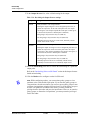
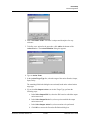
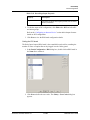
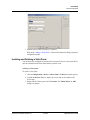
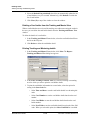
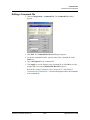
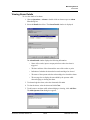
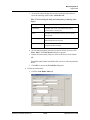
3. Click Rename. The dialog box for renaming the branch or site appears.
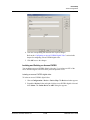
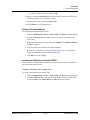
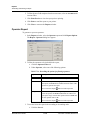
4. Type the site or the branch name.
5. Click OK to save the change.
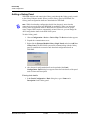
Adding a Device
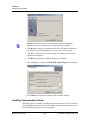
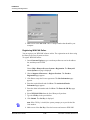
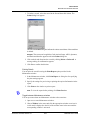
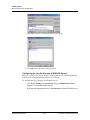
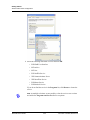
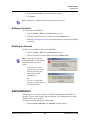
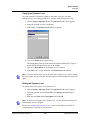
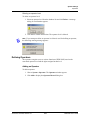
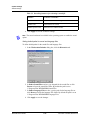
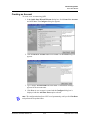
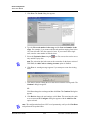
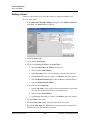
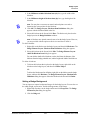
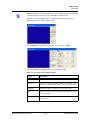
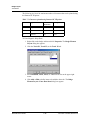
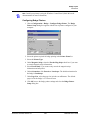
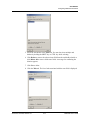
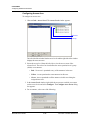
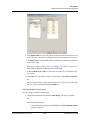
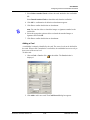
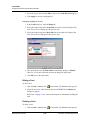
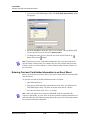
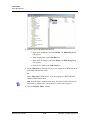
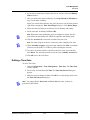
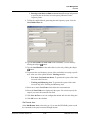
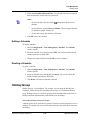
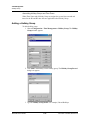
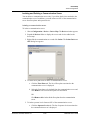
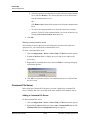
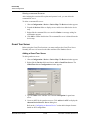
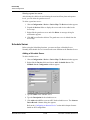
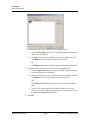
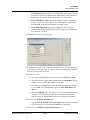
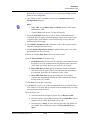
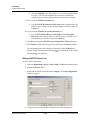
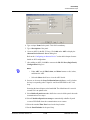
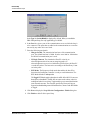
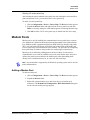
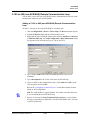
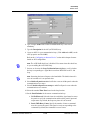
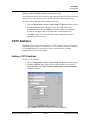
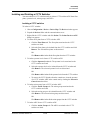
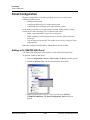
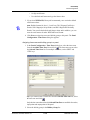
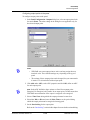
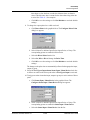
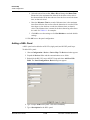
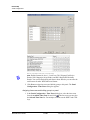
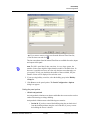
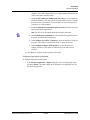
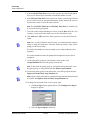
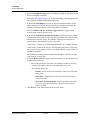
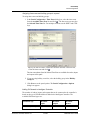
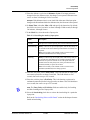
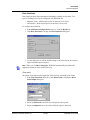
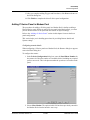
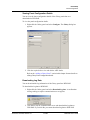
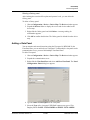
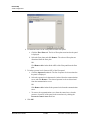
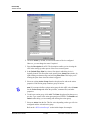
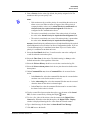
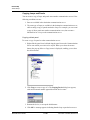
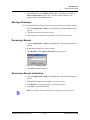
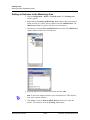
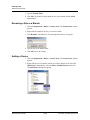
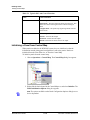
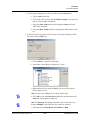
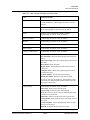
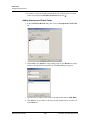
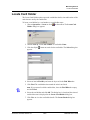
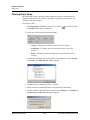
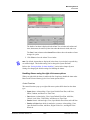
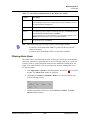
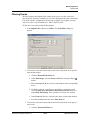
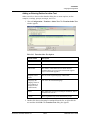
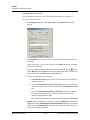
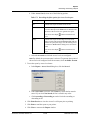
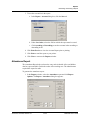
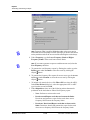
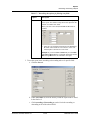
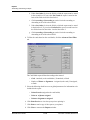
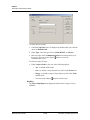
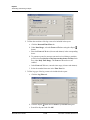
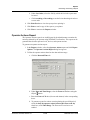
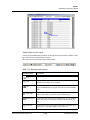
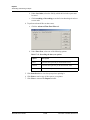
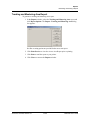
1. Choose Configuration > Define > Control Areas. The Control Area window
appears.
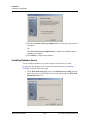
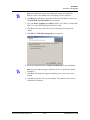
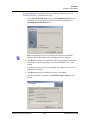
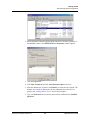
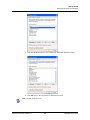
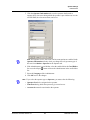
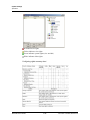
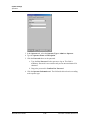
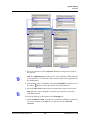
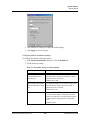
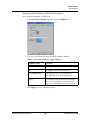
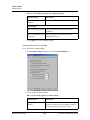
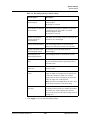
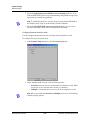
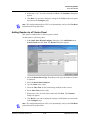
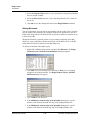
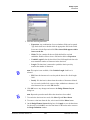
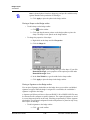
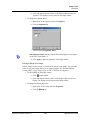
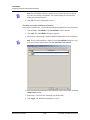
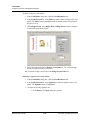
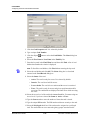
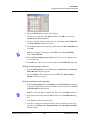
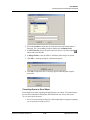
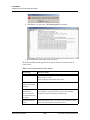
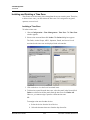
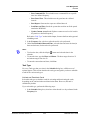
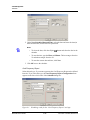
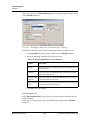
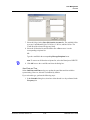
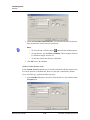
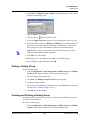
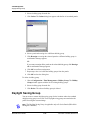
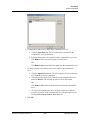
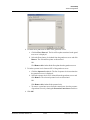
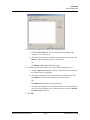
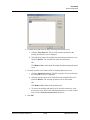
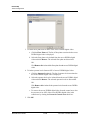
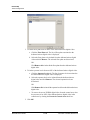
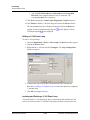
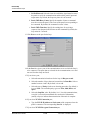
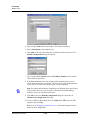
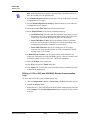
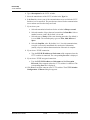
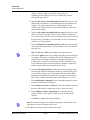
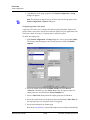
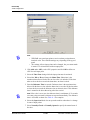
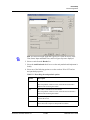
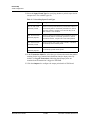
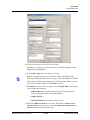
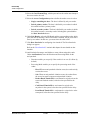
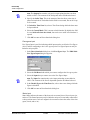
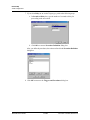
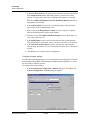
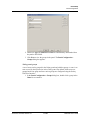
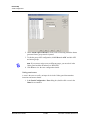
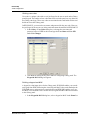
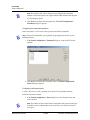
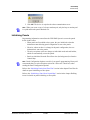
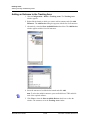
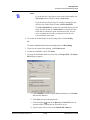
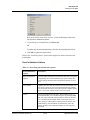
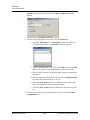
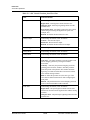
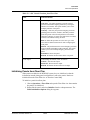
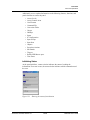
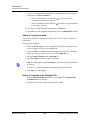
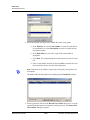
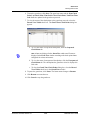
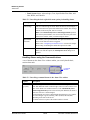
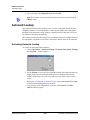
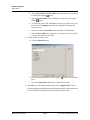
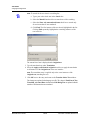
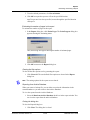
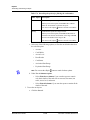
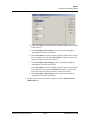
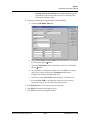
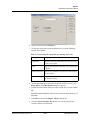
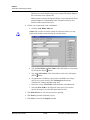
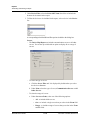
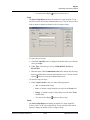
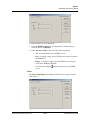
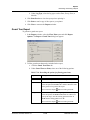
2. Right-click the site or branch to which you want to add the device and click
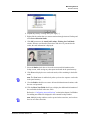
Add Devices. Alternatively, select the Show Available Devices check box.
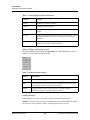
The Add Devices dialog box appears.
WIN-PAK User’s Guide
11-22
Document 7-001009, Revision 01