1
Monitoring Actions
Live Monitor View
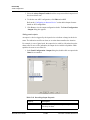
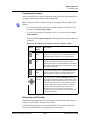
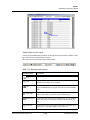
Controlling the Camera
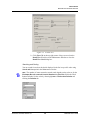
You can control the focus, aperture adjustment, zoom, pan and tilt, and homing presets
of switchers and cameras remotely through WIN-PAK.
Note: Ensure that the above-mentioned features are supported by the switchers and
cameras.
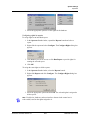
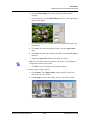
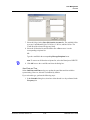
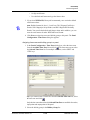
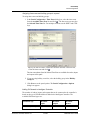
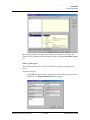
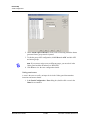
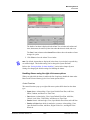
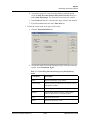
1. To view the title of the camera that is monitored, right-click in the live view
area and select Send Camera Titles.
2. To view the time and date, right-click in the live view area and select Send
Time and Date.
Refer to the CCTV equipment manual to ensure that title, time and date features are
supported.
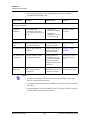
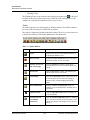
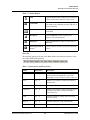
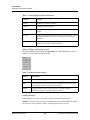
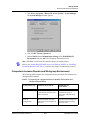
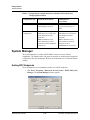
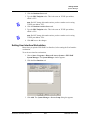
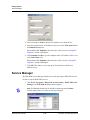
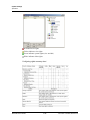
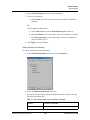
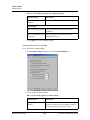
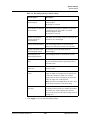
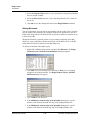
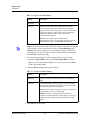
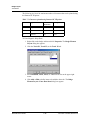
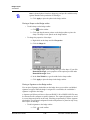
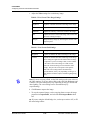
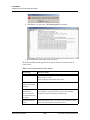
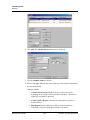
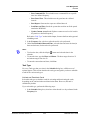
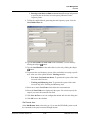
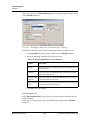
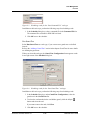
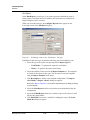
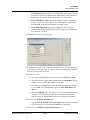
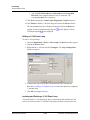
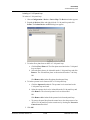
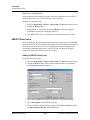
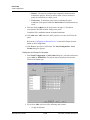
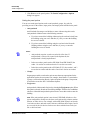
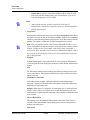
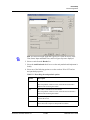
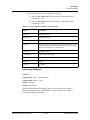
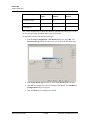
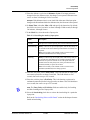
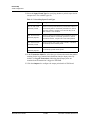
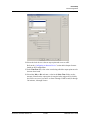
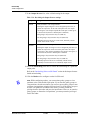
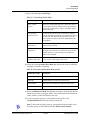
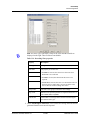
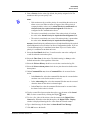
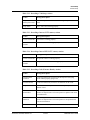
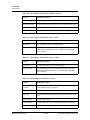
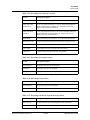
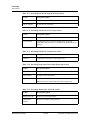
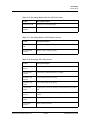
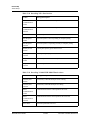
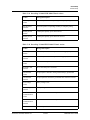
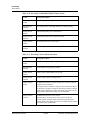
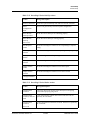
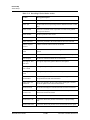
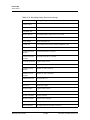
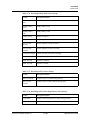
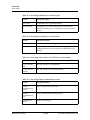
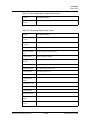
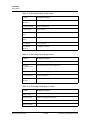
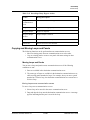
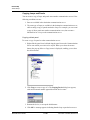
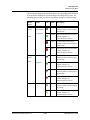
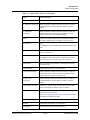
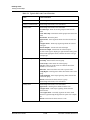
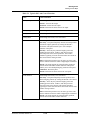
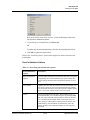
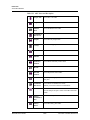
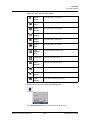
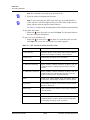
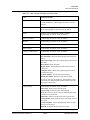
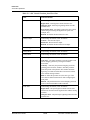
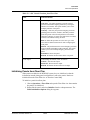
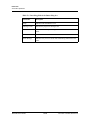
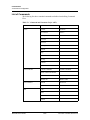
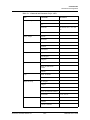
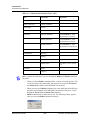
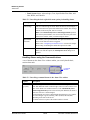
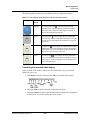
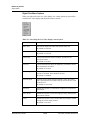
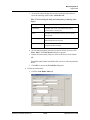
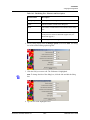
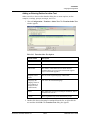
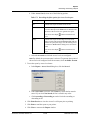
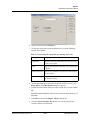
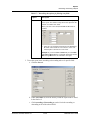
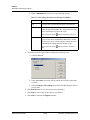
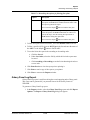
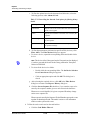
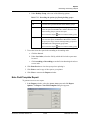
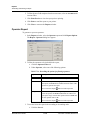
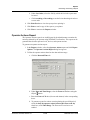
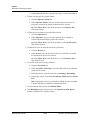
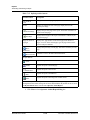
Table 15-4 Describing control buttons on the Live Monitor window
Button
Control
Button
Description
Adjusting
Focus
Click and hold the upper half of Focus In/Focus Out to
slowly focus on closer objects. Click and hold the lower
half of the button to slowly focus on distant objects.
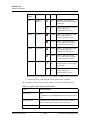
Adjusting
Iris
Click and hold the top half of Iris In/Iris Out to slowly
increase the aperture (opening) of the camera iris,
allowing more light in. Click and hold the bottom half of
the button to slowly decrease the aperture of the camera
iris, letting in less light.
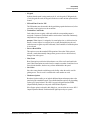
Adjusting
Zoom
Click and hold the upper half of Zoom In/Zoom Out to
slowly zoom the camera in. Click and hold the lower
half of the button to slowly zoom the camera out.
Adjusting
Pan/Tilt
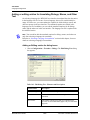
The control arrows on the Live Monitor window pan
the camera left and right, and tilt it up and down. Click
and hold the camera control arrows to move the camera.
The left arrow pans to the left. The right arrow pans to
the right. The up arrow tilts the camera up, while the
down arrow tilts the camera down. If the cursor is
moved over the live viewing area, arrows appear.
Clicking these cursor arrows has the same effect as the
control arrow buttons.
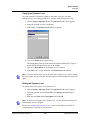
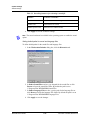
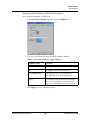
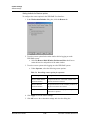
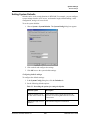
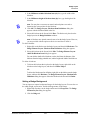
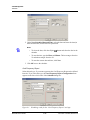
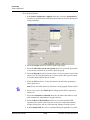
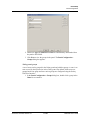
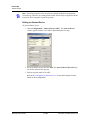
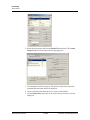
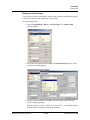
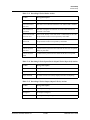
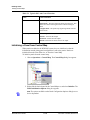
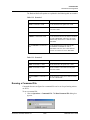
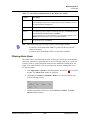
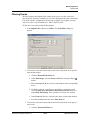
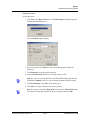
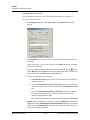
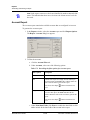
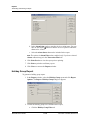
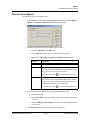
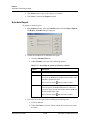
Setting Pan and Tilt Limits
Panning and tilting limits are set for each camera to ensure that the camera does not
pan or tilt to a point that is stressful on the camera.
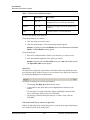
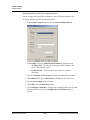
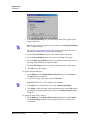
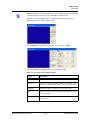
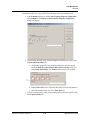
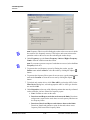
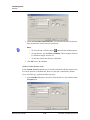
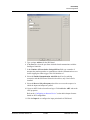
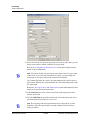
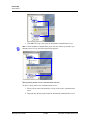
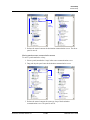
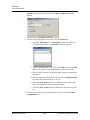
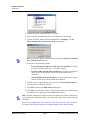
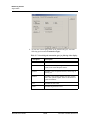
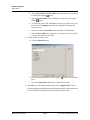
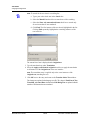
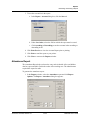
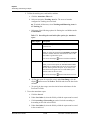
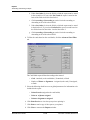
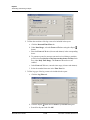
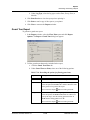
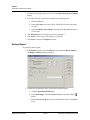
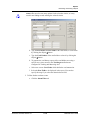
Perform the following steps to set the upward tilt limit for a camera. Repeat these
steps for downward tilt, left pan, and right pan on each camera.
Document 7-001009, Revision 01
15-17
WIN-PAK User’s Guide