1
FILE MANAGEMENT
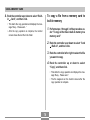
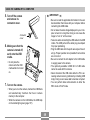
4. Rock the controller
Protecting Files
up or down to select
“On”, and then click.
Once you protect a file it cannot be deleted. You can protect
files individually or you can protect all files in memory with a
single operation.
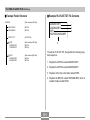
• A file that is protected is
indicated by the
mark.
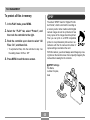
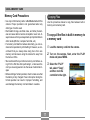
To protect a single file
• To unprotect a file, select “Off” in step 4, and
then click.
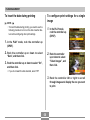
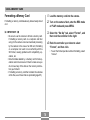
1. In the PLAY mode, press MENU.
5. Press MENU to exit the menu screen.
2. Select the “PLAY”
tab, select “Protect”,
and then rock the
controller to the right.
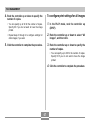
3. Rock the controller left or right to scroll
through files and display the one you want to
protect.
64