1
SharpSchool User Manual
Chapter 1 Site Publish
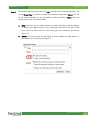
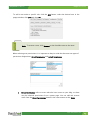
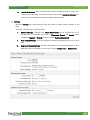
To add a user under a specific role, click the Add button, select the desired user in the
popup window, click Add and then OK.
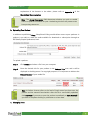
Note: To remove a user, click Remove on the checkbox next to the name.
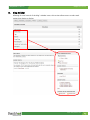
When selecting user permissions, it is important to keep in mind that there are two types of
permission designations: Direct Permissions and Actual Permissions.
i.
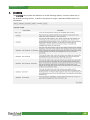
Direct Permissions refers to users who also have access to your blog, as these
may be inherited permissions from a parent page. You can add and remove
users from the Direct Permissions button in the same manner as the Roles.
www.sharpschool.com
13