1
Chapter 1 Site Publish
SharpSchool User Manual
ii.
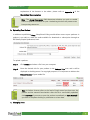
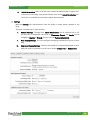
Actual Permissions refers to all the users, within the administrator’s group, who
have access to the blog. You cannot edit the users in the Actual Permissions list
since this is controlled by site and/or global administrators.
c. Settings
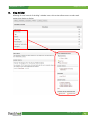
With the Settings tab, administrators have the ability to make simple changes to the
blog.
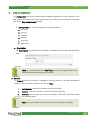
This area is divided into 3 main sections:
i.
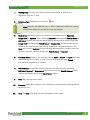
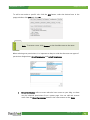
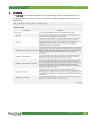
General Settings: Through here, Email Notifications can be switched on or off,
the way time is displayed can be set in Timestamp Format, the Locale can be
changed to English or French, and you can edit Podcast Availability.
ii.
Post Display Settings: You can configure the display parameters of posts on your
blog.
iii.
Comment Display Settings: Controls the number of comments displayed at once,
while the order of comments can be set to display Oldest First or Newest First.
www.sharpschool.com
14