1
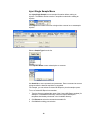
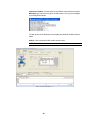
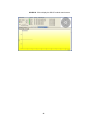
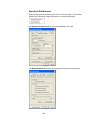
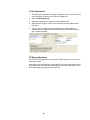
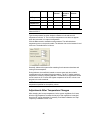
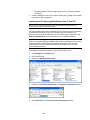
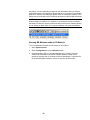
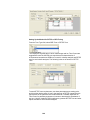
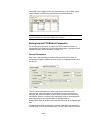
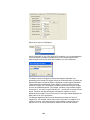
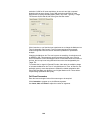
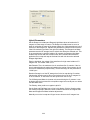
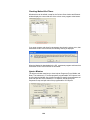
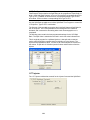
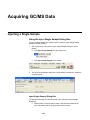
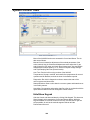
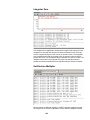
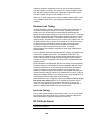
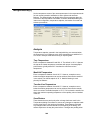
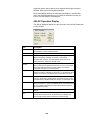
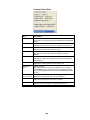
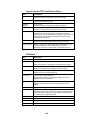
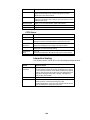
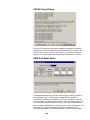
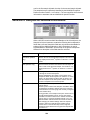
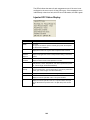
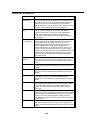
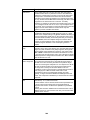
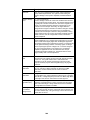
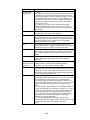
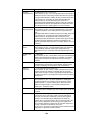
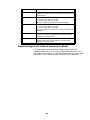
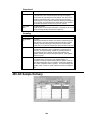
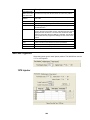
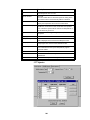
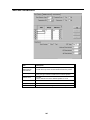
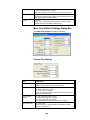
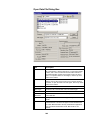
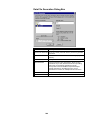
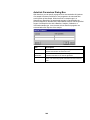
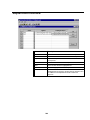
Acquiring GC/MS Data Injecting a Single Sample Using the Inject Single Sample Dialog Box To inject a single sample from System Control using the Inject Single Sample dialog box do the following 1. The two ways you can open the Inject Single Sample dialog box are as follows: Click Inject Single Sample from the Inject menu. Click Inject Single Sample on the toolbar. 2. The Inject Single Sample dialog box is automatically configured to match the sampling device. Inject Single Sample Dialog Box The following describes the fields of the top row of the Inject Single Sample Dialog Box: Sample Name: Enter the sample name. See Data file Generation for more information about how to generate sample names. 141