1
APPENDIX A. APPENDIX: SINGLE DISH DATA PROCESSING
292
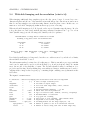
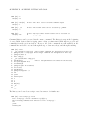
kernel (which selects the smoothing), and blmode (which selects baseline fitting). There are also
parameters controlling the selection such as scanlist, iflist, field, scanaverage, timeaverage,
and polaverage. Note that sdcal can be run with calmode=’none’ to allow re-selection or writing
out of data that is already calibrated.
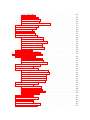
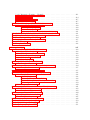
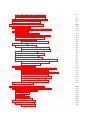
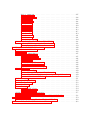
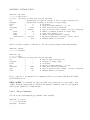
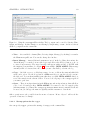
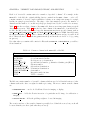
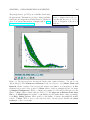
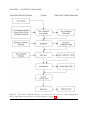
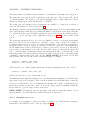
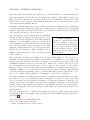
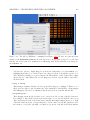
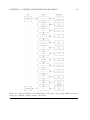
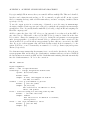
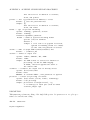
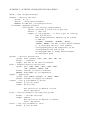
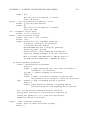
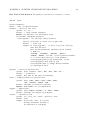
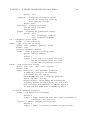
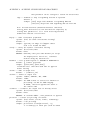
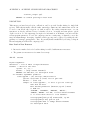
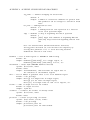
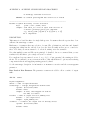
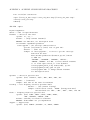
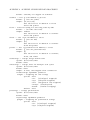
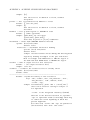
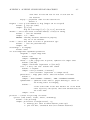
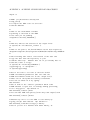
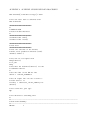
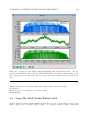
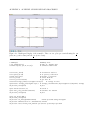
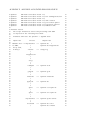
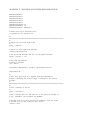
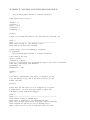
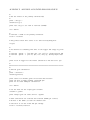
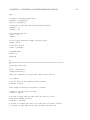
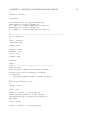
There is a ”wiring diagram” of the dataflow and control inputs for sdcal shown in Figure A.1.
This might help you chart your course through the calibration.
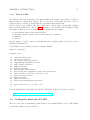
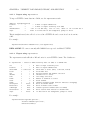
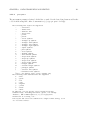
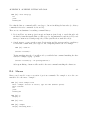
The SDtasks support the import and export file formats supported by ASAP itself. For import, this
includes: ASAP (scantables), MS (CASA measurement set), RPFITS and SDFITS. For export, this
includes: ASAP (scantables), MS (CASA measurement set), ASCII (text file), SDFITS (a flavor of
SD FITS). The sdsave task is available exclusively for exporting with data selection options.
The sdcoadd task is available to merge data in separate data files into one.
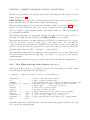
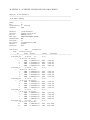
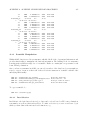
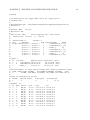
You can get a brief summary of the data in a file using the sdlist task.
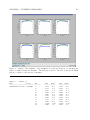
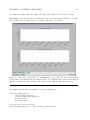
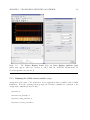
Plotting of spectra is handled in the sdplot task. It also offers some selection, averaging and
smoothing options in case you are working from a dataset that has not been split or averaged.
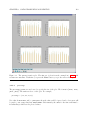
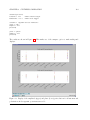
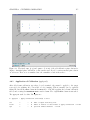
Note that there is some rudimentary plotting capability in many of SD tasks, controlled through
the plotlevel parameter, to aid in the assessment of the performance of these tasks.
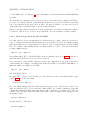
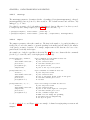
Scaling of the spectra and Tsys is available in the sdscale. For arithmetic operations of spectra
in separate scantables, a new task, sdmath is added.
Calculation of statistics on spectral regions is available in the sdstat task. Results are passed in
a Python dictionary return variable.
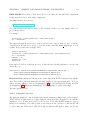
Basic Gaussian line-fitting is handled by the sdfit task. It can deal with the simpler cases, and
offers some automation as well as interactive selection of fitting region, but more complicated fitting
is best accomplished through the toolkit (sd.fitter).
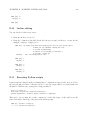
Basic non-interactive channel flagging is available in the sdflag task. By default or by specifying
outfile parameter, a new file is created containing dataset with the flag information. To update
flags in the input data, outfile=’none’ must be set.
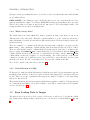
Limited total power data analysis functionality is available through the task, sdtpimaging. This
task directly access the Measurement Set without converting it to scantable format.