1
APPENDIX D. APPENDIX: PYTHON AND CASA
380
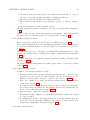
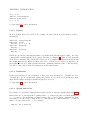
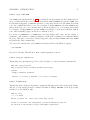
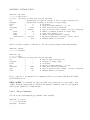
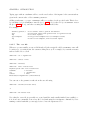
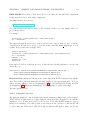
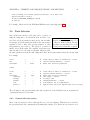
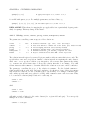
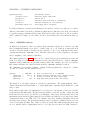
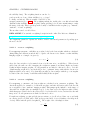
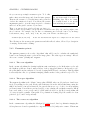
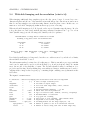
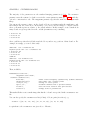
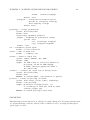
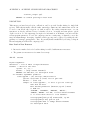
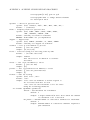
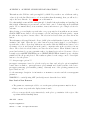
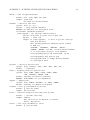
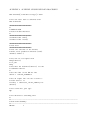
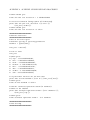
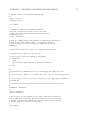
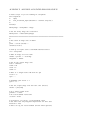
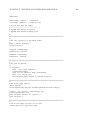
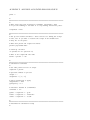
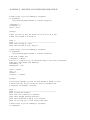
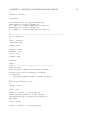
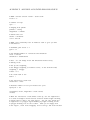
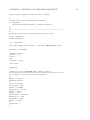
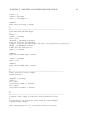
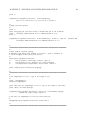
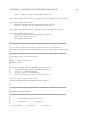
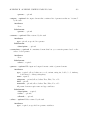
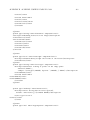
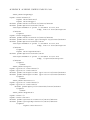
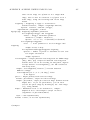
CASA [16]: z
Out[16]: 10
CASA [17]: Out[14]
Out[17]: 1
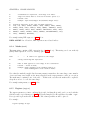
# Note: The ’Out’ vector contains command output
CASA [18]: _15
Out[18]: 3
# Note: The return value can be accessed by _number
CASA [19]: ___
Out[19]: 10
# Note: The last three return values can be accessed as:
#
_, __, ___
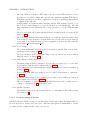
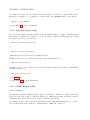
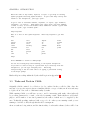
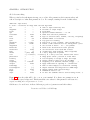
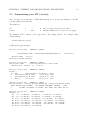
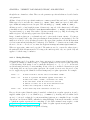
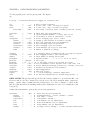
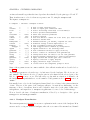
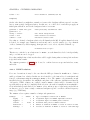
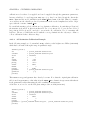
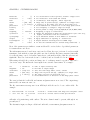
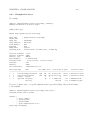
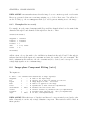
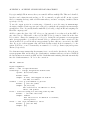
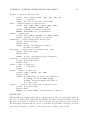
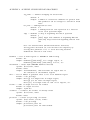
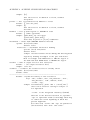
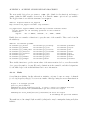
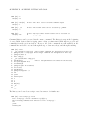
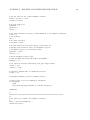
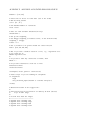
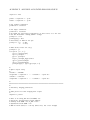
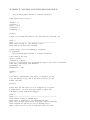
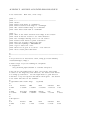
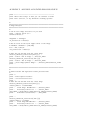
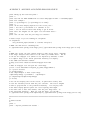
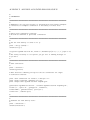
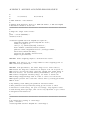
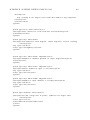
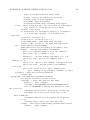
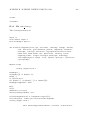
Command history can be accessed via the ’hist’ command. The history is reset at the beginning
of every CASA session, that is, typing ’hist’ when you first start CASA will not provide any
commands from the previous session. However, all of the commands are still available at the
command line and can be accessed through the up or down arrow keys, and through searching.
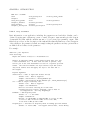
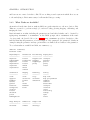
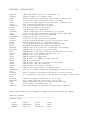
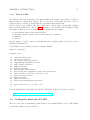
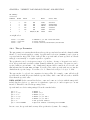
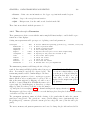
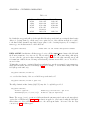
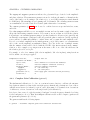
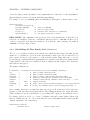
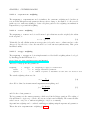
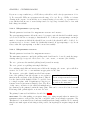
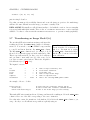
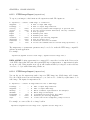
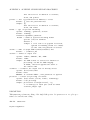
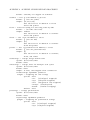
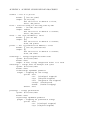
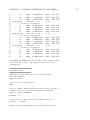
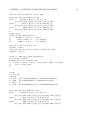
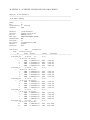
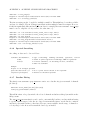
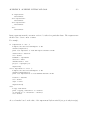
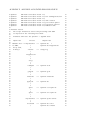
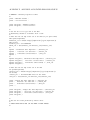
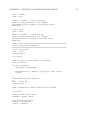
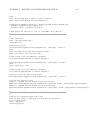
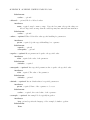
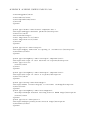
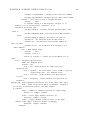
CASA [22]: hist
1 : __IP.system("vi temp.py") # Note:shell commands are designated in this way
2 : ipmagic("run -i temp.py") # Note:magic commands are designated in this way
3 : ipmagic("hist ")
4 : more temp.py
5 : __IP.system("more temp.py")
6 : quickhelp()
# Note: autoparenthesis are added in the history
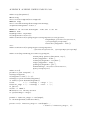
7 : im.open(’ngc5921.ms’)
8 : im.summary()
9 : ipmagic("pdoc im.setdata")
10: im.close()
11: quickhelp()
12: ipmagic("logstate ")
13: x=1
14: y=3*x
15: z=x**2+y**2
16: x
17: y
18: z
19: Out[16]
20: _17
21: ___
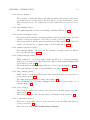
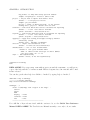
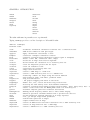
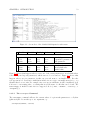
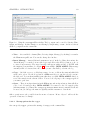
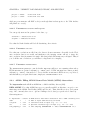
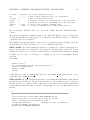
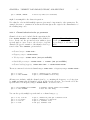
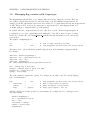
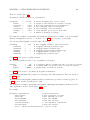
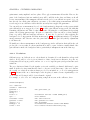
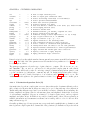
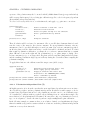
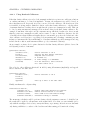
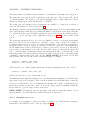
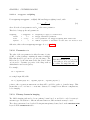
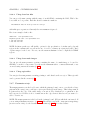
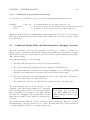
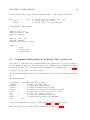
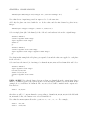
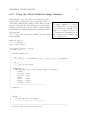
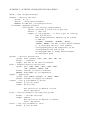
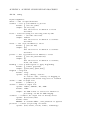
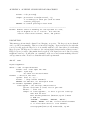
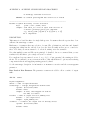
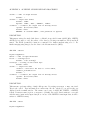
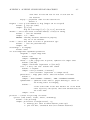
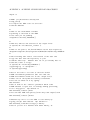
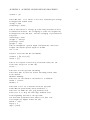
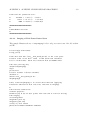
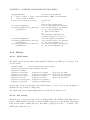
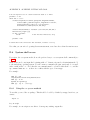
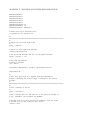
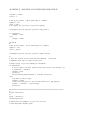
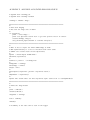
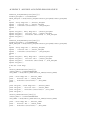
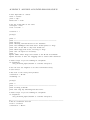
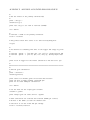
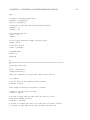
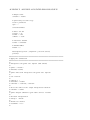
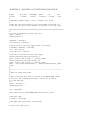
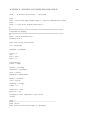
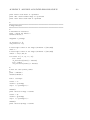
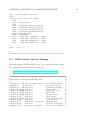
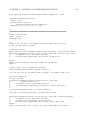
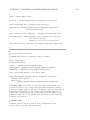
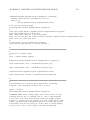
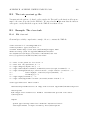
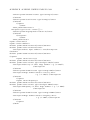
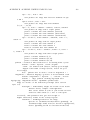
The history can be saved as a script or used as a macro for further use:
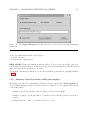
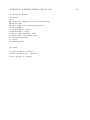
CASA [24]: save script.py 13:16
File ‘script.py‘ exists. Overwrite (y/[N])? y
The following commands were written to file ‘script.py‘:
x=1
y=3*x
z=x**2+y**2